Initial Setup
•
Turn off the Nintendo Game Boy Advance™.
•
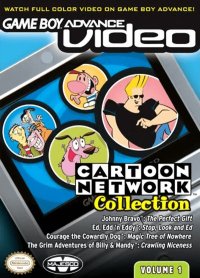
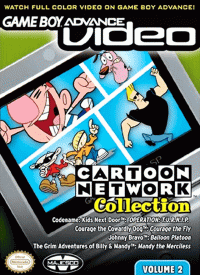
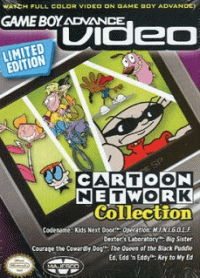
Insert the Cartoon Network® Collection Premium Edition Video pak into the system.
•
Turn on the Game Boy Advance™.
Navigation
•
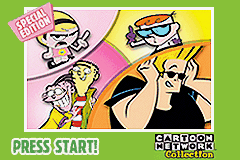
The Title Screen appears momentarily; press the A Button to bypass it or wait for the transition.
•
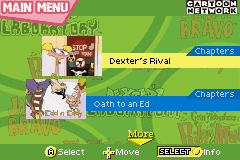
The Episode Selection Screen displays available content.
•
Use the Control Pad Up and Down buttons to cycle through episodes.
•
Press the A Button to select an episode and begin viewing.
Viewing Controls
•
The Button lock feature prevents accidental button presses that may interrupt video viewing.
•
Avoid pressing the Fast Forward or Rewind Buttons while the video is paused.