Quick Start Overview
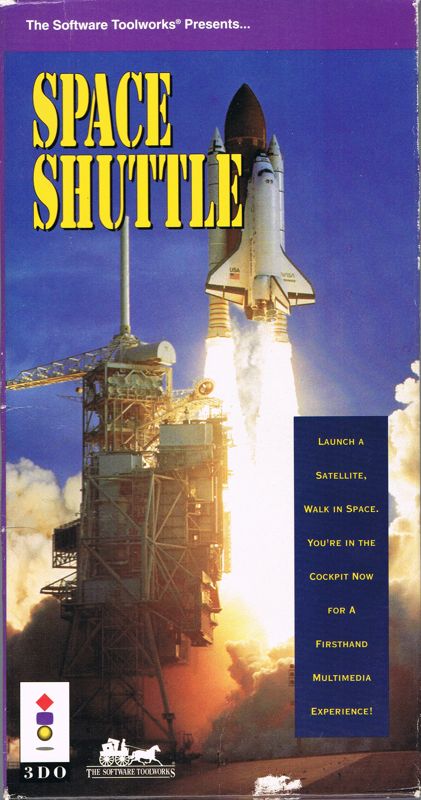
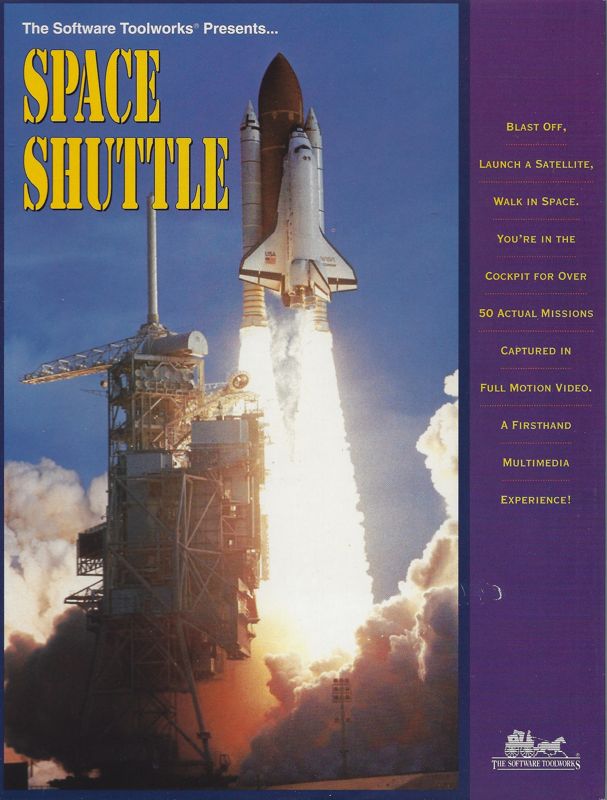
Space Shuttle is an exciting peek at the job of an astronaut. Visit the Johnson Space Center, blast off, launch a satellite, and walk in space. You're in the cockpit for over 50 actual missions!
Launching the Program
To launch Space Shuttle, follow these steps:
1. Press Power to turn on your 3DO Interactive Multiplayer. 2. Press Open/Close to open the Access drawer.
3. Put the Space Shuttle disc in the drawer, label side up.
4. Press Open/Close to close the Access drawer.
5. Wait for the program to load, then use your Controller to operate the controls.
Mission Controls
Use the 3DO Controller to explore the program. •
Thumb Pad: Move the onscreen pointer to select an option.
•
A Button: Choose a selected option. Cancel audio or video and skip ahead. Shoot laser in the Space Game.
•
B Button: Open the Personal Digital Assistant (PDA).
•
Shift Buttons: In the Space Game, press either Shift button and use the Thumb Pad to move up and down in your orbit.
Program Options
You control the success of your mission through the Personal Digital Assistant or PDA. Use the Thumb Pad to select a PDA command, then press A.
Main PDA Commands
•
Orientation: Get an overview of the Space Shuttle Program.
•
Training: Visit the simulator facilities to learn space procedures.
•
Mission Launch: Go to the Control Room.
•
Space Game: Clean up space debris before your shield strength runs out.
•
Terms: Study definitions.
•
Help: Get Help on using the PDA.
•
Done: Close the PDA and return to the previous screen.
Other Onscreen Commands
You can also use the Thumb Pad and A to choose any other onscreen command or pop-up, including:
•
Orientation: Program History, Characteristics, Mission Control, The Vehicles, Shuttle Tour.
•
Training: Training Overview, Flight Profile, Gear, Living in Space, Working in Space.
•
Mission Launch: Mission Number, Meet the Crew, Launch Mission, Mission Highlights.
Space Game
Clean up space debris.
•
Press the Thumb Pad to aim, then press A to fire your laser.
•
Press the Thumb Pad and Shift to move up and down in your orbit.
•
Press B to open the PDA.
Technical Support
In the USA, please contact:
60 Leveroni Court, Novato, CA 94949
Telephone: (415) 883-5157
FAX: (415) 883-0367
BBS: (415) 883-7145
America Online Keyword: TOOLWORKS
Compuserve: GO TOOLWORKS
In Europe, please contact:
Priority House, Charles Avenue, Maltings Park, Burgess Hill, West Sussex, RH15 9PQ, England, United Kingdom
Telephone: 0444 239600
FAX: 0444 248996
Hours: Monday-Friday, 09:30-13:00 and 14:00-16:30
In Australia and New Zealand, please contact:
5/6 Gladstone Road, Castle Hill, New South Wales, Australia 2154
Telephone: (02) 8992277
FAX: (02) 8992348
.png)
.png)


.png)









.png)