Starting the Game
•
Turn OFF the power switch on your Nintendo Game Boy Advance. Never insert or remove a Game Pak when the power is ON.
•
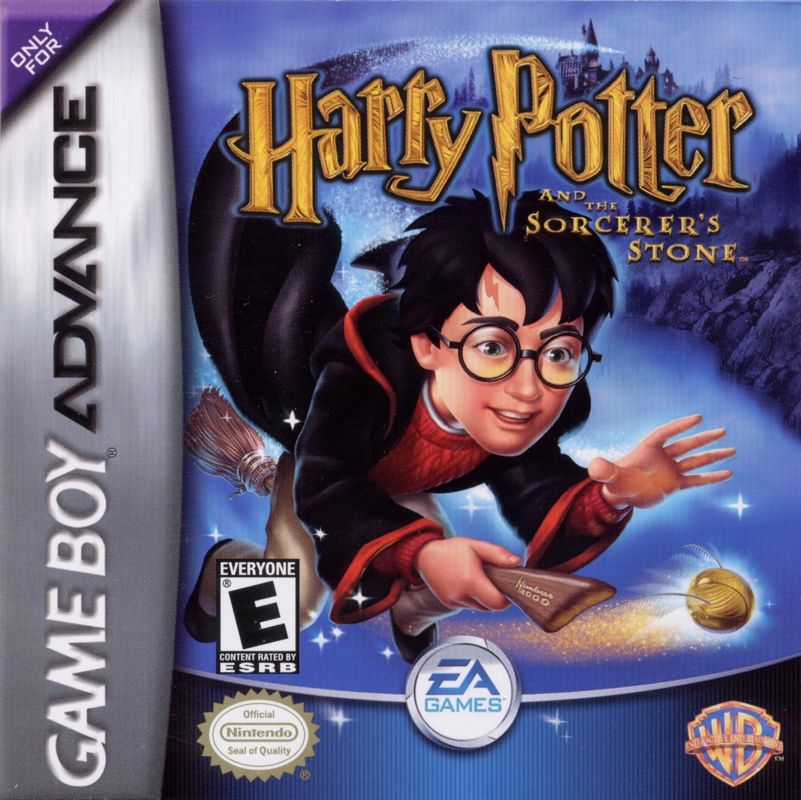
Insert the Harry Potter and the Sorcerer's Stone Game Pak into the slot on the Game Boy Advance. Press firmly to lock the Game Pak in place. •
Turn ON the power switch. The Nintendo logo appears.
•
After the Legal screens, the Language Select screen appears.
•
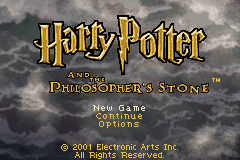
Use the Control Pad to highlight your language, then press the A Button to select. The Title screen appears.
•
Press any button to advance to the Main Menu screen where you can begin the game.
Note: This Game Pak only works with the Game Boy Advance Video Game System.
Flying Mechanics
Chasing and Catching
At first, use the Control Pad and the A Button to chase down the object you're pursuing. Once you get within arm's reach, move in for the capture.
•
Follow the arrow to your destination.
•
Fly through the trail from the pursued person or object to increase your speed.
•
When the bar is full, you proceed to the catching screen.
•
The object moves from left to right. Press the A Button or B Button to catch it.
•
Catch the object before the bar shrinks to nothing.
Main Menu
Your adventure begins at the Main menu. Start a new game, load a game in progress, select or change a language, or access the bonus games.
•
(CONTINUE): Load a previously saved game.
•
(NEW GAME): Begin your adventure.
•
(OPTIONS): Adjust or turn off sound effects and music.
To start a new adventure, highlight NEW GAME, then press the A Button. The Game screen appears, and the game begins. If you've saved a previous game, highlight CONTINUE and press the A Button. The Load Game screen appears.
In-Game Menu
Press START to pause the game and to view the In-Game menu. You can save your game progress, view and adjust Options, or quit the game and return to the Main menu.
•
Press the Control Pad to scroll through lists or move the highlight cursor.
•
Press the A Button to select a highlighted option.
Saving an Adventure
To save your adventure, you must find one of the magical books located within the world.
1. Walk up to the book and press the A Button.
2. Highlight an empty save slot and press the A Button. The game is saved.
If there are no empty slots, highlight a previously saved game and press the A Button. A confirmation message appears. Select 'YES' to overwrite the old game.
Continuing a Saved Adventure
The Load Game screen allows you to resume your adventure at any time.
1. Select CONTINUE from the Main menu screen.
2. Press the Control Pad UP/DOWN to highlight the saved game, then press the A Button. Your game loads and you can continue the game where you last left it.


 (En,Fr,De,Es,It,Nl,Pt,Sv,No,Da).png)

.png)
 (Rev 1).png)
 (Rev 2).png)
_1.png)
 (Rev 1).png)




