Startup Information
•
Make sure your Game Boy® Advance system POWER switch is in the OFF position. Never insert or remove a Game Pak when the power is on.
•
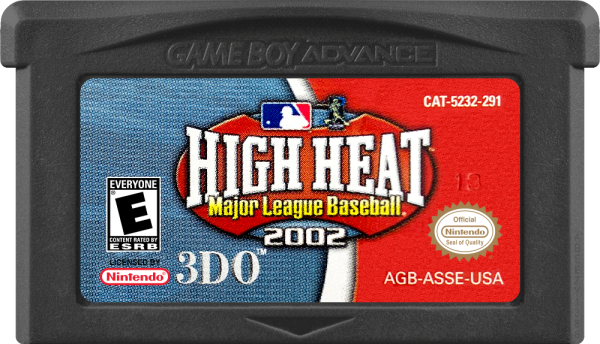
Insert the High Heat™ Major League Baseball® 2002 Game Pak into the slot on the back of the Game Boy Advance system, label facing out. Press the Game Pak firmly to lock it in place.
•
Turn the POWER switch on.
Game Options
•
INNINGS: Select the number of innings in a game (1, 3, 5, 7 or 9).
•
AUTOMATIC FIELDING: Select ON if you want your fielders to automatically field the ball, or leave it OFF if you want to control your fielders.
•
EXHIBITION TEAM: Select the home team and the visiting team. Your team is always the team on the left.
Batting Practice
•
CHANGE BATTER: Pick a player from any MLB™ team.
•
PITCHING SETUP: Select the type, location, speed, accuracy and handedness of the pitches.
•
BACK: Return to the Main Menu.
•
PLAY BALL: Begin Batting Practice.
Pitching Styles
Pitching Targets
Team Selection
Select any Major League Baseball® team. Choose from the Eastern, Central and Western divisions for both the American League™ and National League™.
Season Length
Select from 16, 81 or 162 games seasons.
Season Standings
View the current season standings of the League, the current schedule for your team or erase the current season. The Season Standings screen also appears at the end of each game.