Setting Up
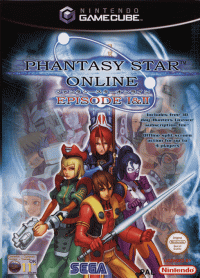
PSO EP1&2PLUS is a one to four player game. Connect Nintendo GameCube™ Controllers to Controller Sockets 1, 2, 3, and 4 in order, depending on the number of players. Improper controller connection order will prevent proper gameplay. Using Progressive Scan TV
This game supports a higher resolution image on TVs with progressive scan mode (EDTV, HDTV). To use this feature, you need a compatible TV and a Nintendo GameCube™ Component Video Cable. To activate progressive scan mode, press and hold the (B) Button while the Nintendo GameCube™ logo is displayed until a message appears. Select YES to activate the mode. Save Files
PSO EP1&2PLUS is compatible with Nintendo GameCube™ Memory Cards (sold separately). There are 6 types of save files. Some are created automatically when the EP1&2PLUS Game Disc is first started. Never turn off the Nintendo GameCube™ power or remove the Memory Card while game data is being saved. Erasing the System File or Character File may prevent you from using all remaining save files. Automatically Created Save Files
(Can only be used with the Memory Card inserted into Memory Card Slot A.)
•
Character File: 11 blocks
•
Guild Card File: 10 blocks
If you have EP3, you can synchronize Guild Card contents between EP1&2 (PLUS) and EP3. If save files for both games exist on the same Memory Card, synchronization starts when you start EP3 and when you quit the game, updating each file. Only Guild Card files in Memory Card Slot A can be synchronized.
Save File for Network Settings
•
SEGA Network Info.: 4 blocks
If you already have a SEGA Network Info. file created with any PSO Series for Nintendo GameCube™, you can use the same file. It is recommended to create this file on the Memory Card in Memory Card Slot A, as all other game-related save files are saved there. Other Files
•
Snapshot File: 15 blocks (Can only be used with the Memory Card inserted into Memory Card Slot B.)
•
Download Quest Files: Size vary according to the size of the Quest.
Game Menu
What is PSO?
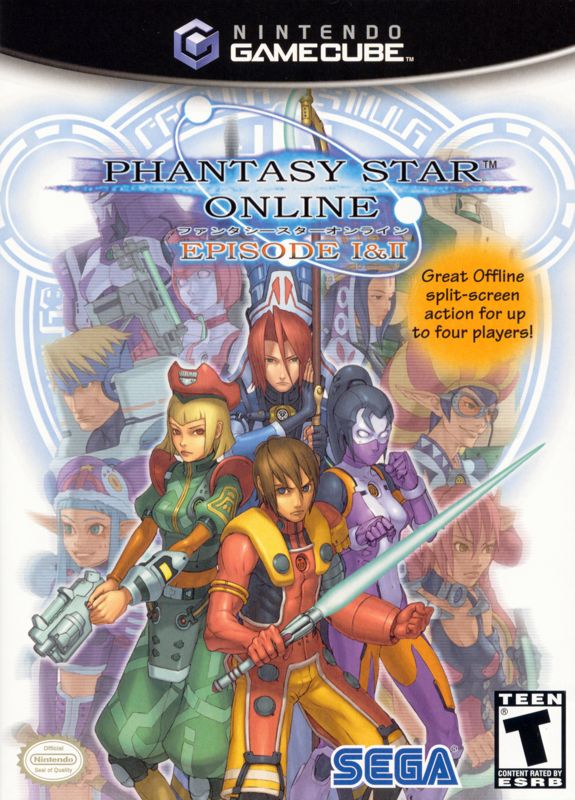
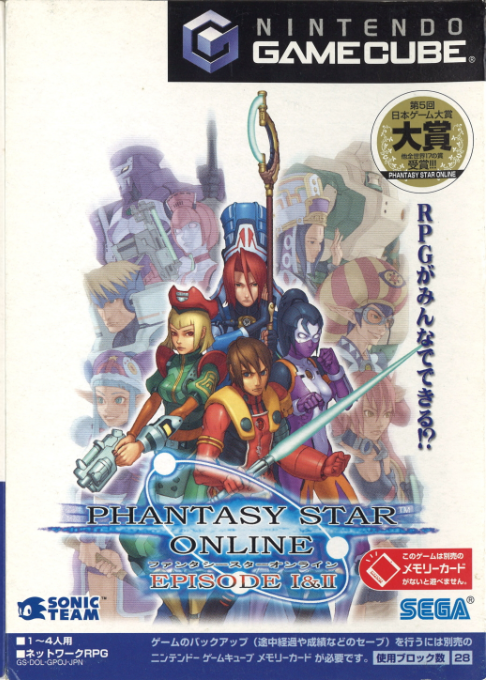
EP1&2PLUS is a network role-playing game set aboard the starship "Pioneer 2" and on Planet Ragol. Online, you can meet players worldwide and overcome language barriers using the five-language "word select" feature. Organize teams for online play or Hunter's Guild quests, and chat to exchange information.
EP1&2PLUS also features an offline mode. New additions include 3 additional offline quests for Episode 2, Episode 2 Challenge (5 stages) for offline Multi Mode, and additional mini-games.
Starting Up PSO for the First Time
The first time you start PSO EP1&2PLUS, the End User License Agreement will be displayed. Select Agree to proceed. Next, you will be asked to adjust the Nintendo GameCube™ calendar setting. If the calendar is correct, select NO to continue. Select YES to adjust it on the Calendar Screen. You will not be able to purchase the Hunter's License if the calendar/clock is not adjusted correctly.
Saving
A Memory Card is required to save PSO game data. Without one, you cannot play this game. Refer to page 4 for save file types.
To save game data, online or offline, select Quit Game from the Main Menu. Never turn off the Nintendo GameCube™ power or remove the Memory Card while saving. Doing so will corrupt game data, making it unplayable. Starting a Game
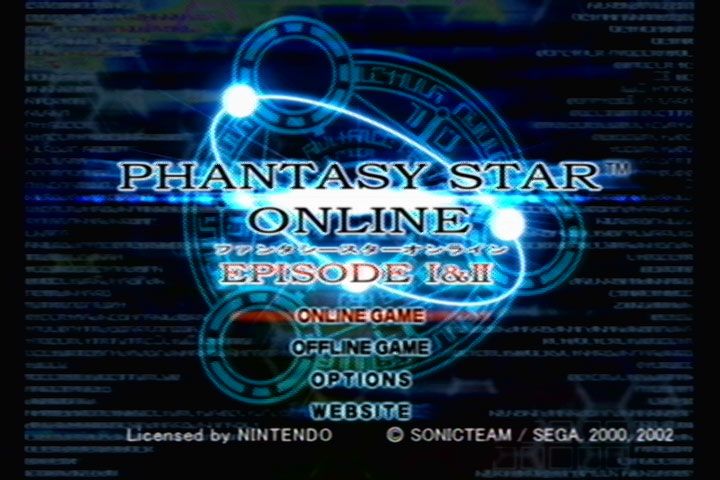
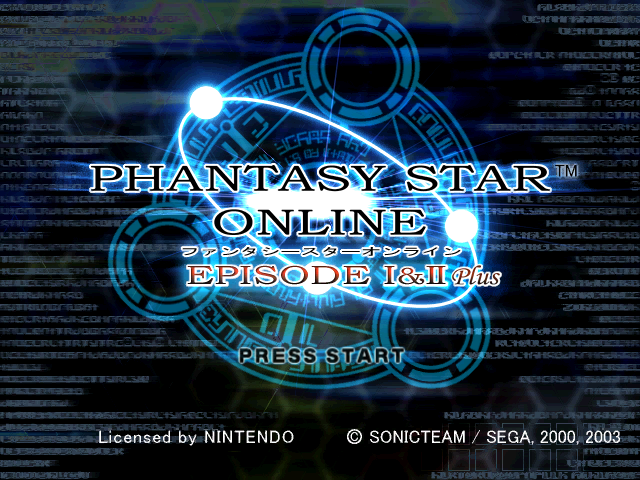
From the Title Screen, press START/PAUSE to display the Game Menu. Use the + Control Pad ▲▼ to select a mode, then press the Button to start.
Online Game
The first time you select this mode, you will need to configure your Network ISP settings. Follow the setup procedure and save the settings to your Memory Card. After configuring, it is suggested to purchase the required Hunter's License before returning to the PSO Main Menu.
If your network ISP settings are configured and you have a Hunter's License, select the Return to the game link to go back to the Title Screen. Select ONLINE GAME to create/select a character and connect online.
Flow to Starting the Online Game
•
SELECT ONLINE GAME DURING THE TITLE SCREEN
•
NETWORK SETUP SCREEN (P.10)
•
PURCHASE HUNTER'S LICENSE (P.15)
•
CHARACTER SELECT SCREEN (P.18)
•
PURCHASE HUNTER'S LICENSE REMINDER SCREEN (P.19)
•
ENTER SERIAL NUMBER/ACCESS KEY/PASSWORD (P.19)
•
HAVE PLAYED BEFORE (SAVE DATA EXISTS ON MEMORY CARD)
•
CHARACTER SELECT SCREEN (P.18)
Offline Game
Play the game without connecting online. Two modes are available: SINGLE MODE (play by yourself) and MULTI MODE (play with up to 4 players). See page 33 for details.
Options
Change game settings. Use the + Control Pad to select a menu item, and press the Button to enter. Use the + Control Pad to select the desired setting, and press the Button to change. Press the Button to return to the previous screen.
•
Language: Modify the language setting of PSO.
•
Sound: Set the sound output to Stereo, Monaural, or Dolby Surround PRO LOGIC II.
**How to Enjoy Game with Dolby Surround
.png)

_1.png)
_1.png)
.png)