GETTING STARTED
Set up your PlayStation® game console according to its Instruction Manual. •
Make sure the power is off before inserting or removing a compact disc.
•
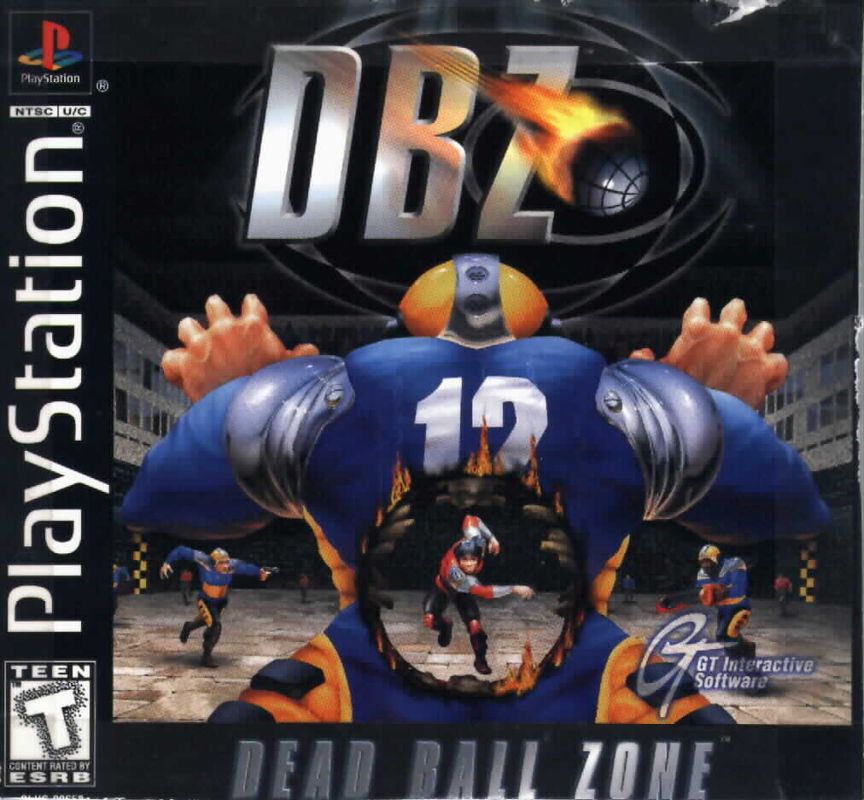
Insert the Dead Ball Zone disc and close the disc cover.
•
Insert game controllers and turn on the PlayStation® game console. •
Follow on-screen instructions to start a game.
PlayStation® Front View
PlayStation® Top View
Two Soft Reset Methods
1. Pressing select during gameplay, select "Concede Match • Exit", and selecting "Exit".
2. Pressing and holding select and start simultaneously, and selecting "Exit".
LANGUAGE SELECT
Use the directional button to move left and right to choose from English, French, German, Italian or Spanish.
MAIN MENU
From the main menu screen you can choose to start a single player League game, start a one or two player Tussle game, or go to the options screen.
OPTIONS SCREEN
Use the options screen to modify the game to your preferences. All options are saved to the Memory Card when you save your game. The last saved options are automatically loaded when you power on.
SCREEN
Some televisions may not display the image in the center of the screen. Use this option to move the image around until it is positioned to your liking.
CONFIG
The Config option allows you to customize your controller configuration. From this screen you can switch the Pass and Shoot buttons; switch the Turbo and Lock buttons, or switch the two After Touch buttons.
Press one of the buttons you wish to switch, and the camera will zoom in on that button. Press the other button, and the two controls will switch. If you wish to change any other controls, wait for a few seconds before repeating the process with the new buttons. Otherwise, press to quit the Config screen. You can enter this screen and press at any time to restore the game default values.
AUDIO
Lets you play any of the game soundtracks and adjust the music and sound effects volume.
GAME
This screen contains the same options that you will find in the in-game options menu (accessed by pressing SELECT while playing the game). Changing an option in this menu changes the same option in the in-game menu.
CUSTOM
This option will work only if you have a Memory Card inserted in one of the memory card slots. As you progress in the one player League game, your team will gradually improve their skills and abilities, and will wear different strips when they are promoted to a new league.
By the time you reach the GeoSphere league, your team should be very strong and skilled, and capable of destroying many lesser teams. How good they are depends on your skills as a manager, and how well you've looked after their health and training needs.
DBZ's custom team mode allows you to gauge your team's strength by playing in a Tussle game, either against a console-controlled opponent, or against another human player. You can even play your custom team against a friend's custom team.
Saved games on your Memory Card contain information about your game progress, and also about your custom team. You can have up to fifteen custom teams on a single Memory Card.
The custom menu allows you to specify which of the saved games contains the custom team you wish to play with. By default, your custom team will be the team you last used in League mode and saved to the memory card. To select a different custom team, access the custom menu, select a different saved game by highlighting it, then press X to select it. You will now be playing with the custom team in that saved game.
The next time you go to the Tussle Team Select screen, your custom team will be selectable as a team to play with. In addition, if your opponent has a custom team on a Memory Card, he can place his Memory Card in a free Memory Card slot, and select his team from the Tussle Team Select, allowing his custom team to play against your custom team.
To enable your custom team, press once (this loads in your game progress, including strip and arena details), and then a second time to load your custom team. It will now appear in the correct Team Select Tube.
Custom teams DO carry damage over from the League game, so if they were injured when you last saved the game, they will be injured in the Tussle game. Any damage done in the Tussle game is automatically healed after each Tussle match, however. No permanent harm can be done to your saved team in the Tussle game.
The slot with the custom team is the same one that loads the game options when you start the PlayStation. THE TUSSLE GAME
The Tussle game allows one or two players to have a single match with selectable teams in a chosen arena. The available teams and arenas are detailed below.
TUSSLE TEAM SELECT
The Tussle Team Select menu is controller sensitive. Input from either controller enables selection of team to play against the computer. Any input from Controller 1 enables Team Select in the left-hand holographic tube, while any input from Controller 2 enables Team Select in the
 (En,Fr,De,Es,It).png)

 (En,Fr,De,Es,It).png)
.png)
