GETTING STARTED
Set up your PlayStation®2 computer entertainment system according to the instructions in its Instruction Manual. Make sure the MAIN POWER switch (located on the back of the console) is turned on.
Press the RESET button. When the power indicator lights up, press the OPEN button and the disc tray will open. Place the Agassi™ Tennis Generation disc on the disc tray with the label side facing up. Press the OPEN button again and the disc tray will close.
Attach game controllers and other peripherals, as appropriate. Follow on-screen instructions and refer to this manual for information on using the software.
Overview
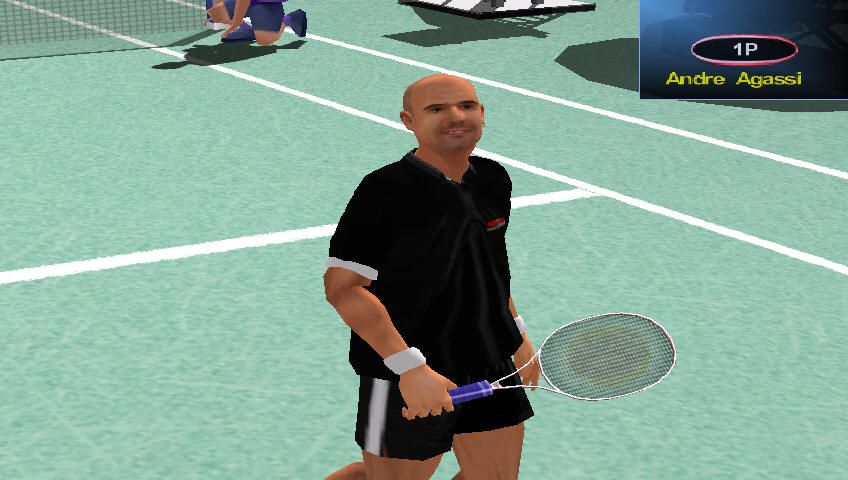
This game will provide you with hours of tennis playing pleasure in many different countries. You can choose to be Agassi or any one of the other Player Characters displayed before you in the Player Select Menu.
Quick Match
Use Quick Match for a fast and furious match where you can choose to play singles or doubles and select your opponent, or your partner and opponents.
Arcade Mode
Arcade Mode provides you with the opportunity to play in 5 rounds, each one set, in a different country.
Tournament Mode
In the Tournament Mode, as Agassi, you can take part in 6 Tournaments around the world with the aim of winning the Grand Final.
Multiplayer Mode
Enjoy playing with others in the Multiplayer Mode where you can play with up to three friends. You will be amazed at the realism of the experience, right down to being exhausted at the end of the match.
Menu Screens
Main Menu
•
D-Buttons and To select Singles or Doubles in Arcade Mode
•
Play a quick match on any surface. 1 to 4 players.
Quick Match - Select From Main Menu
This mode is for one to four players. It can be used in any configuration from 1 Game Player vs 1 AI Character to 2 Game Players vs 2 Game Players.
The Game Player selects the court and the location of the match. The Game Player decides whether the game is to be singles or doubles by selecting the appropriate number of AI Characters and adding any other Game Players as necessary.
The game consists of one match with a default setting of three games to win. See Options Menu to change default settings.
Select Court
•
D-Buttons ↑ and ↓ To select Court type
Match Configuration
•
D-Buttons ◄ and ► Select Singles or Doubles
•
D-Buttons ↑ and ↓ To change your court Position
•
► Start Button Add additional Players
•
X Button Register ready to play
•
▲ Button Back or Main Menu
NB: When additional Controllers are connected, the screen will display the appropriate number of players.
Player Select - Singles Quick Match Mode
•
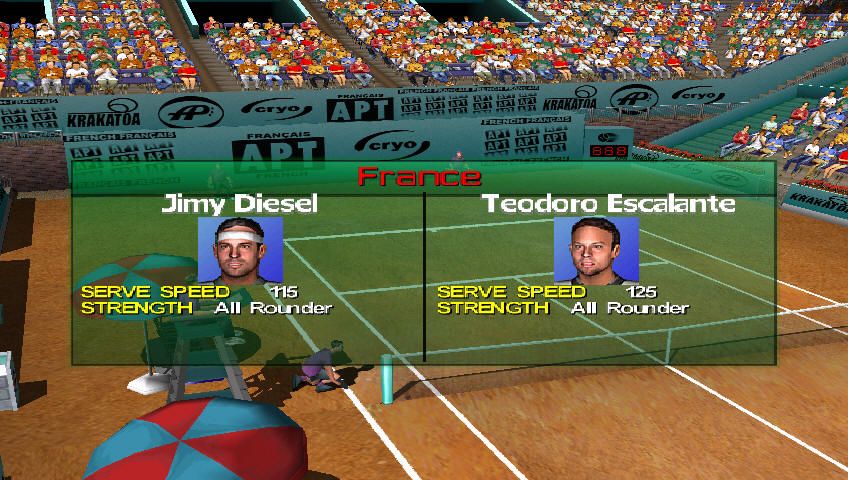
D-Buttons ↑ To review the 32 players, highlight each face and see the player in action with his statistics
•
X Button Select your choice of players and opponents
Loading Screen activates and Game commences.
Player Select - Doubles Quick Match Mode
•
D-Buttons ↑ To review the 32 players, highlight each face and see the player in action with his statistics
•
X Button Select your choice of players and opponents
Loading Screen activates and Game commences.
Arcade Mode - Select From Main Menu
This mode is for one or two game players. Possible configurations 1 Game Player vs 1 Al Character, 1 Game Player and 1 Al Character vs 2 Al Characters or 2 Al Characters.
The computer, randomly, selects the Al Characters and the countries where the matches will be played. There are five rounds with a default setting of Easy for the first round with each subsequent round becoming increasingly difficult. See Options Menu to change default settings.
Player Select - Singles Arcade Mode
•
D-Buttons ← ↑ ↓ → To review the 32 players, highlight each face and see the player in action with his statistics
•
X Button To Select Player
Player Select - Doubles Arcade Mode
•
D-Buttons ← ↑ ↓ → To review the 32 players, highlight each face and see the player in action with his statistics
•
X Button To Select your choice of players
Loading Screen activates, then game commences.
Agassi Tournament – Select From Main Menu
This mode is for a single player only with a configuration of the Game Player as Agassi against AI opponents throughout the Tournaments. The challenge of this mode is to take Agassi through 10 Tournaments winning enough points to become Number 1 in the world.
If the Game Player decides to quit the Tournament Mode, there will be an option to save the game as they exit. Pressing Start during game play will select the Pause screen, which offers the options of making configuration changes or forfeiting the current match by selecting Quit Game.
To completely quit Tournament Mode press ▲ Button to return to Main Menu, Save Game option will be offered.
Agassi Tournament - Current Game Display
•
Load Game Panel appears if a game has been saved to the memory card (8MB) (for PlayStation®2) inserted into MEMORY CARD slot 1.
•
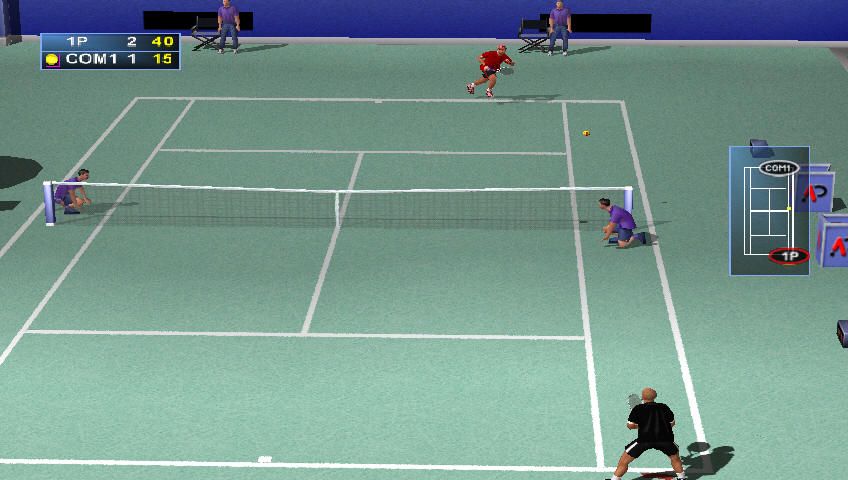
Screen shows the draw for the current tournament and the stadium at which the tournament will be played.
Agassi Tournament - Tournament Draw
-
.png)

.png)