How to Start
Make sure that the power to your Game Boy® Advance is turned off. Never insert or remove a Game Pak when the power switch is turned on.
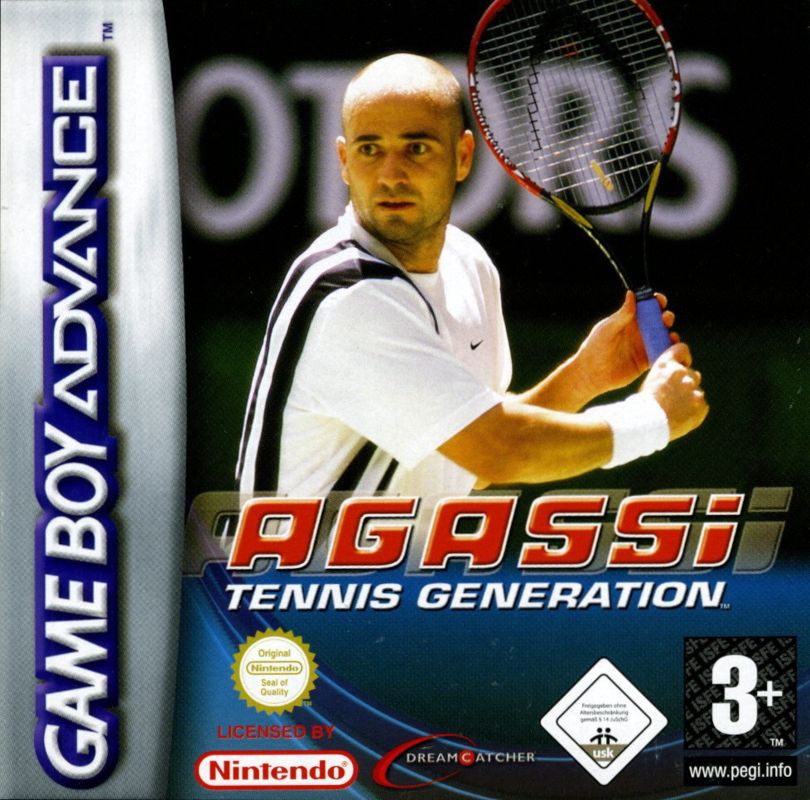
Now insert the Agassi™ Tennis Generation Game Pak into the slot on the back of your Game Boy® Advance.
You may now switch the power on. The Nintendo® logo should appear. If you do not see it after a couple of seconds then restart the process.
Overview
This game will provide you with hours of pleasure playing tennis in many different countries. You can choose to be Agassi or any one of the other Players displayed before you in the Player Select Menu.
Use Quick Match for a fast and furious single set where you can choose to play singles or doubles and select your opponent, or your partner and opponents.
Arcade Mode provides you with the opportunity to play in five rounds, each one set, in a different country.
In the Championship Mode you can take part in 6 Tournaments around the world with the aim of winning the Grand Final.
Enjoy playing with a friend in the two player mode which is a totally different experience.
Navigation of the Menu System
Now using the Control Panel, navigate through the menus in the following generic way:
•
CONTROL PAD ( ↑ ↓ ← → ) = Altering the selection
•
START = Starting and Pausing/Quitting Game
•
A BUTTON = Selects and commences game
Main Menu
AGASSI
TENNIS GENERATION
QUICK MATCH
ARCADE
CHAMPIONSHIP
MULTIPLAYER
OPTIONS
Use the CONTROL PAD ↑ and ↓ to scroll through the options and then select your choice with the A BUTTON. From this menu you may select the QUICK MATCH, ARCADE MODE, CHAMPIONSHIP MODE and MULTIPLAYER MODE or OPTIONS.
Quick Match Mode
The Player Select screen shows each Player, giving his name and country. Using the CONTROL PAD ← and → scroll through the ten Players and use the A BUTTON to select the Player you wish to play as, then decide whether you wish to play singles or doubles. If you decide on singles, select a Player to be your opponent. Should you opt for doubles, select your partner first and then your opponents.
A Country Select Screen offers the choice of six countries. To scroll use the CONTROL PAD ↑ and ↓ pressing the A BUTTON to select.
At the end of each game the screen displays a scoreboard giving the present state of play.
Press the A BUTTON to start the next game.
Play continues until a Game Player wins the set and the Game Over screen and final score briefly appear before you are returned to the Main Menu.
Arcade Mode
The Player Select screen shows each Player giving his name and country. Using the CONTROL PAD ← and →, scroll through the ten Players and use the A BUTTON to select the Player you wish to play as.
The next screen shows you the first round details of the country where you are to play and your current opponent.
Press the A BUTTON to commence the game.
At the end of each game the screen displays a scoreboard giving the present state of play. Press the A BUTTON to recommence play.
Play continues until a Game Player wins the set. If you win, then you go forward to the next round. Should you lose, the Game Over screen appears. Press the A BUTTON to return to the Main Menu.
Championship Mode
The Player Select screen shows each Player giving his name and country. Using the CONTROL PAD ← and → scroll through the ten Players and use the A BUTTON to select the Player you wish to play as.
A Country Select Screen offers the choice of six countries. To scroll through the options use the CONTROL PAD ↑ and ↓ pressing the A BUTTON to select. This brings up the draw for the Tournament Quarter Final so that you can see the names of your opponents. Press the A BUTTON to commence the game.
If you lose the match you are returned to the Main Menu. Winning the match takes you to the Semi Finals and Grand Final.
Multiplayer Multipak Mode (Two Game Paks Required)
This mode gives you the option of playing with another Game Player. The Multiplayer Screen indicates that two Game Players are connected. To commence the game both Game Players press START.
The Player Select screen shows each of the Players, his name and country. Using the CONTROL PAD ← and → directional buttons to bring up each of the ten Players, press the A BUTTON to select the Player you wish to play as.
A Country Select Screen offers the choice of six countries. To scroll use the CONTROL PAD ↑ and ↓ directional buttons pressing the A BUTTON to select.
The Game Players are then able to put their skills against each other in a straightforward tennis match comprising of one set.
AGRESSI
TENNIS GENERATION
MULTIPLAYER
CONNECTED 0
PLEASE WAIT



.png)
 (En,Fr,De,Es,It).png)
 (En,Fr,De,Es,It).png)


 (En,Fr,De,Es,It).png)

.png)
_1.png)
.png)

.png)
.png)
.png)




.png)

.png)