DIRECTIONAL BUTTONS - MOVEMENT
In order to use the left and right analog sticks, the DUALSHOCK®2 analog controller must be in analog mode (Mode indicator: Red LED).
NOTE: APE ESCAPE™ 2 does not support a digital controller.
MENU NAVIGATION
•
directional buttons: Move Up/Down/Left/Right
•
button or button: Confirm/Select
•
button or button: Cancel/Previous
THE STORY SO FAR
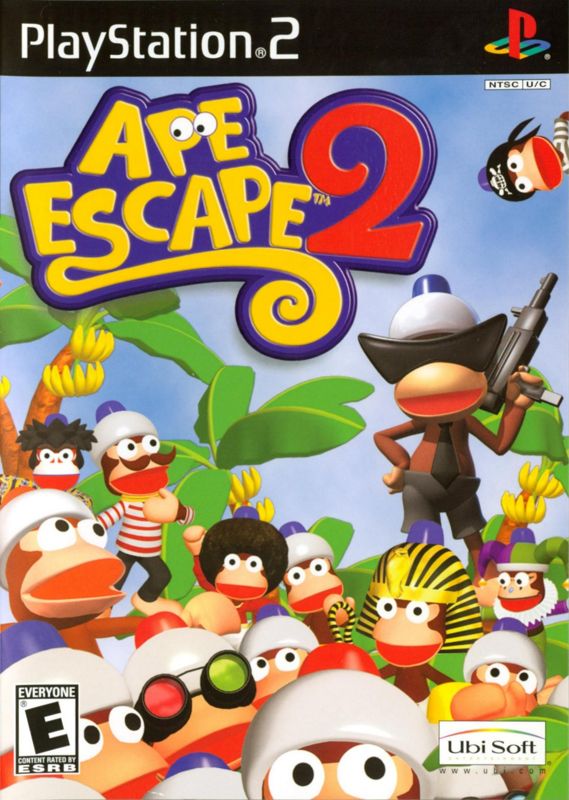
Some time ago, the Professor developed an ingenious invention known as the "Monkey Helmet," also known as the "Peak Point Helmet," a device that boosts intelligence when worn by any primate. Unfortunately, the added aptitude provided by the Monkey Helmet went straight to the head of Specter, the most popular monkey in Monkey Park, and he led an army of time-traveling monkeys on a crusade to change the course of history. A frantic chase through the ages followed, but luckily, all of the monkeys were rounded up before any real damage was done. JIMMY'S MISTAKE
The Professor is currently on vacation, and while he is away he has asked Jimmy, a lively young helper, to pack some fresh, clean Monkey Pants over to Monkey Park. But alas! Jimmy accidentally sends a shipment of the troublesome Monkey Helmets along with the pants! So, once again, Specter puts on a Monkey Helmet - and we know what that means another daring attempt to take over the planet! He spreads his monkey troops around the globe and orders them to wait for further instructions. Help Jimmy, along with his faithful partner Pipotchi, to make up for his mistake by catching the pesky monkeys before it's too late! GETTING STARTED
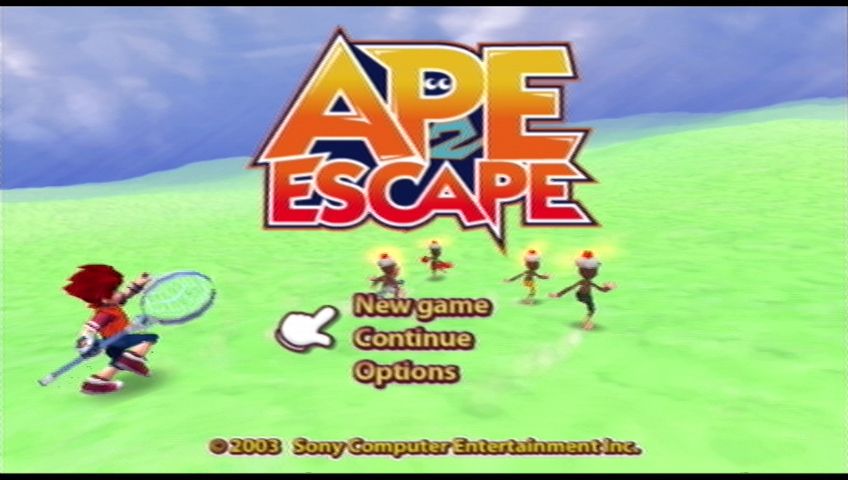
On boot-up, a short introductory sequence will be displayed. Press the START button to skip the introductory sequence and access the Title Screen; press the START button again to access the Main Menu.
SAVING AND LOADING
Insert a memory card (8MB) (for PlayStation®2) into MEMORY CARD slot 1 of your console before you turn the power on.
Save files can be loaded from the Main Menu. Select Continue from the Main Menu to select a previously saved file to load.
Save files can also be loaded and progress can be saved using the Data Desk in the Travel Station.
For further information on the Main Menu and Data Desk, see the appropriate sections outlined elsewhere in this manual.
MAIN MENU
Press the up or down directional buttons to select one of the following options and press the button to confirm:
•
New game: Launch directly into a new game.
•
Continue: Resume a previously saved game.
•
Options: Access the Options Menu.
CONTINUE
Press the up or down directional buttons to highlight Load and press the button in order to load a previously saved game file.
Up to four save files can be saved on a memory card (8MB) (for PlayStation®2). Press the left or right directional buttons to select a file to load, followed by the button or the button to confirm.
OPTIONS MENU
•
Subtitles: Toggle in-game subtitles ON or OFF.
•
Vibration: Toggle the vibration function of the DUALSHOCK®2 analog controller ON or OFF.
•
Sound: Select Stereo or Mono.
•
Background Music: Adjust the volume of background music.
•
Sound Effects: Adjust the volume of sound effects.
•
Screen Ratio: Select 4:3 for standard TVs, or 16:9 aspect for widescreen formats.
•
Screen Position: Press the button or the button to confirm and then press the directional buttons to reposition the game screen on your television. Press the button or the button again to confirm or press the SELECT button to reset settings.
•
Reset Settings: Return all Options Menu preferences to their default settings.
•
Back: Return to the Main Menu.
NOTE: Options can also be adjusted during the game. For further information see the In-Game Options Menu section, outlined later in this manual.
PAUSE MENU
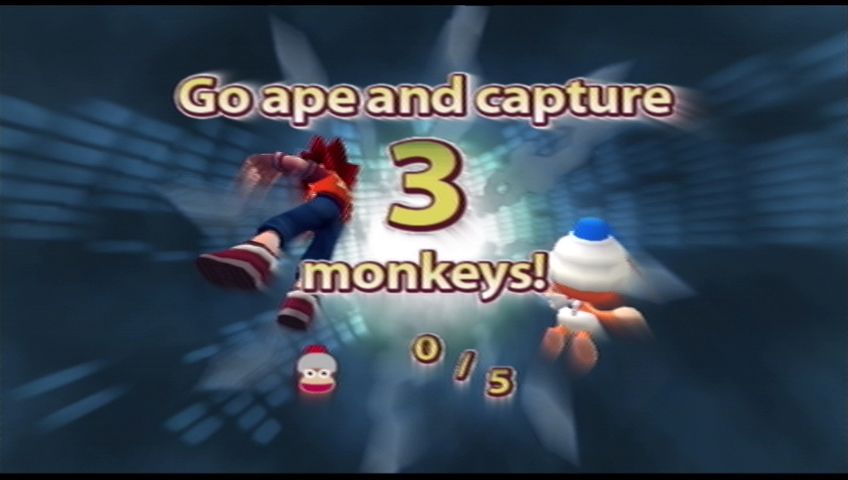
Press the START button during play to access the Pause Menu, where important information is displayed, including the number of monkeys left to catch on the current stage and the amount of Cookies, Jackets, and Gold Coins Jimmy has. Press the left or right directional buttons to rotate the Pause Menu and press the button or the button to select a menu option. Select Return to Game or press the START button to continue play.
CHOOSE GADGET
Open the Gadget Select Menu and select which Gotcha Gadgets (from those currently available) you want Jimmy to have at hand. Press the left or right directional buttons to highlight the desired gadget and assign it to either the button, the button, the button, or the button by pressing the relevant button.
Press the START button to return to the Pause Menu, or press the SELECT button to return to the game.
NOTE: Different Gotcha Gadgets become available as you progress through the game.
IN-GAME OPTIONS MENU
Select Options to access the In-Game Options Menu in order to change game settings.
NOTE: In-Game Options Menu settings can be changed following the same procedure as when using the Options Menu before starting play. For further information on changing specific preferences, please refer to the Options Menu section, outlined earlier in this manual.
Press the button or the button to return to the Pause Menu.
ESCAPE
Select Escape to leave the current stage and return to the Travel Station. After selecting Escape, the following on-screen message will be displayed:
Escape from this stage?
YES
NO
Select YES to escape the stage.
**THE
.png)

.png)



.png)

.png)



.png)




_1.png)

_1.png)