Console Ports and Buttons
Console Setup
Set up your PlayStation®2 computer entertainment system according to the directions in its instruction manual. Make sure the main power switch (located in the back of the console) is turned on.
Press the RESET button. When the power indicator light comes on, press the open button and the disc tray will open.
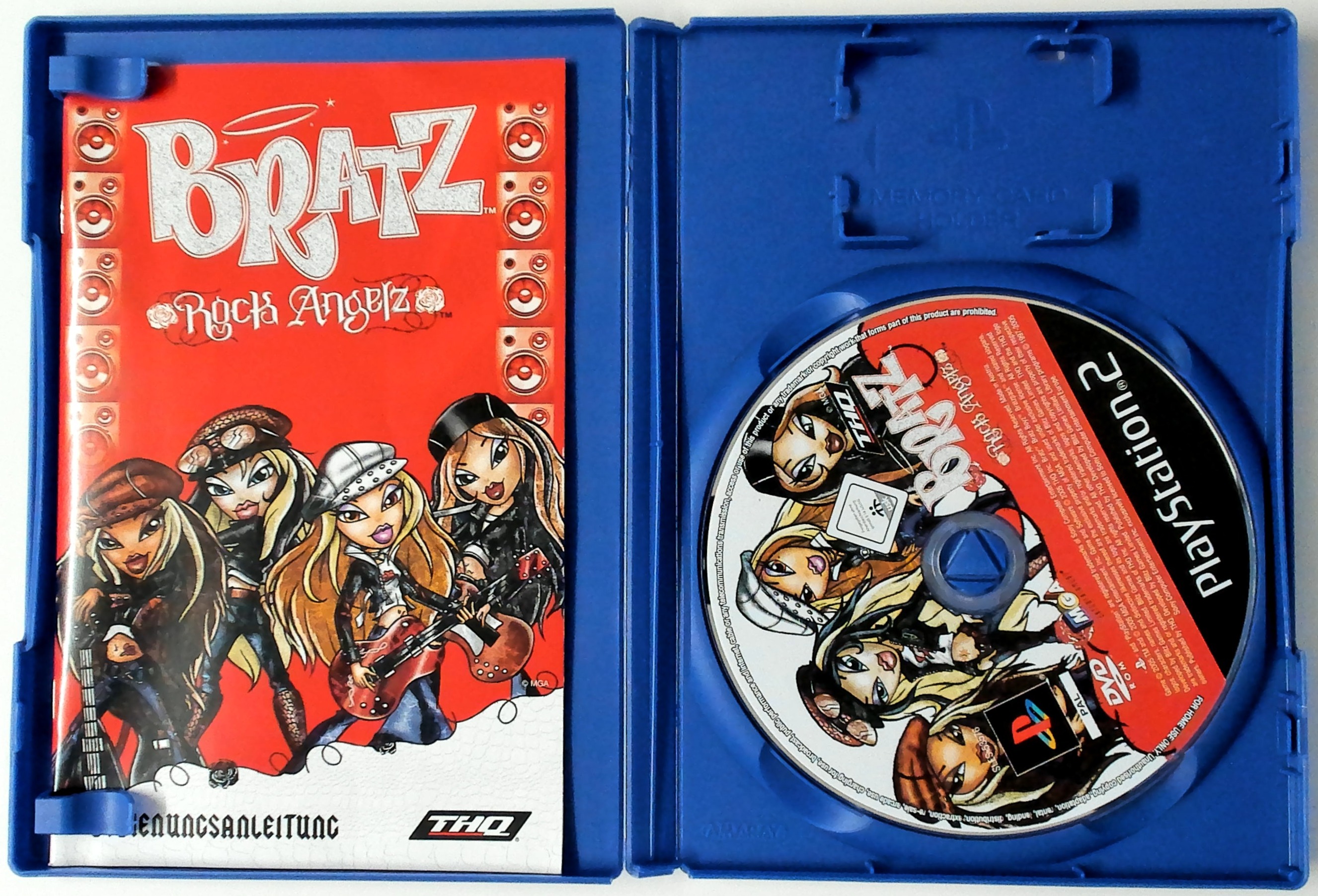
Place the BRATZ™ - ROCK ANGELZ™ disc on the disc tray with the label side facing up. Press the open button again and the disc tray will close. Attach game controllers and other peripherals, as appropriate.
Follow on-screen instructions and refer to this manual for information on using the software.
Note on Console Types
Illustration may not match all PlayStation 2 console types. For owners of SCPH-70000 series PlayStation 2 systems, refer to the setup instructions supplied with your system. Main Menu
After the power is turned on, the title screen appears. Press the START button to go to the Main Menu.
The Main Menu has three choices: New Game, Load Game, and Options.
Options Menu
The Options Menu lets you adjust the Music, SFX, and Speech Volume, as well as Vibration and Subtitles.
Game Icons
•
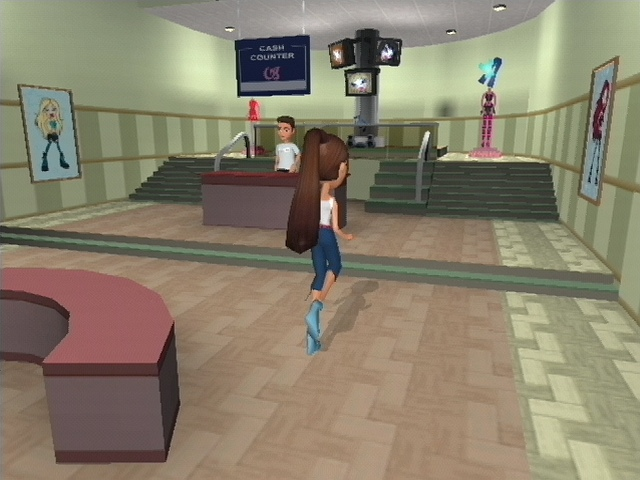
When this icon appears over one of the Bratz computers, that means there's an awesome new assignment waiting! If you don't see one, swap to another Girl. Each Girl has an assignment dreamed up just for her.
•
Want to see how many articles you need for the next issue? Click on this icon and check out the latest layout! When you've got all the main features done, the magazine will be sent to print.
•
Keep the office rockin' by heading over to the stereo and dropping the latest beats!
•
Fashion waits for no one. Click on this and change outfits from the Bratz shared wardrobe.
•
Click on this and punch in codes to get Blingz, new clothes, and full access to special characters.
•
Click on this and save your progress to a Memory Card. These are found in the Bratz magazine office, as well as hotels around the world.
Cell Phone Features
•
Messages: This checks any messages you might have.
•
Contacts: The Contacts section lets you text message your friends.
•
Planner: The Planner tells you what task or assignment you're on.
•
Photos: The Photos option takes you to the photo gallery where you can look at stored pictures.
•
Settings: This changes the cover or ringtones on your cell.
•
Info: Info shows you what tokens the Girls have collected.
Using the Cell Phone
You can use the button to select highlighted options and lock or unlock up to three photos in your gallery. To get out of the phone, press the button.
The best thing about the cell phone is the phat digital camera. It lets you take pictures for fashion layouts and travelogues. You can even keep extra pictures of hot guys and cool outfits to show them off to your friends! Just remember to 'lock' them if you want to save the pix for later.
Assignments and Blingz
Throughout the game, each of the Bratz gets assignments for their magazine. Every time one of the Girls finishes an assignment, they get some Blingz to spend on clothes, music and accessories to ensure the Bratz stay on fashion's cutting edge!
Earning Extra Blingz
But just 'cuz you gotta work don't mean you can't have a little fun. Whether you're racing around the mall on skates, having a dance-off at The Limelight or posing for a shoot at Picture This!, you can earn some extra Blingz as well as have a killer time.
Helpful Hints
•
Look for information booths if you need help to get where you need to go: just look for a Circle with an 'i' in it.
•
Also, if you see Meygan, Fianna, Koby, Cameron or any of the Bratz' friends, make sure you stop and chat. Maybe you can write them up in a bonus article!
•
When you see an Exclamation Point over somebody's head, it means they have a task for you. You can also text your friends to find out who needs the help.
.png)


.png)




_1.png)










.png)
