Powering On
•
Turn off the power switch on your Nintendo® Game Boy® Advance. Never insert or remove a Game Pak when the power is on.
•
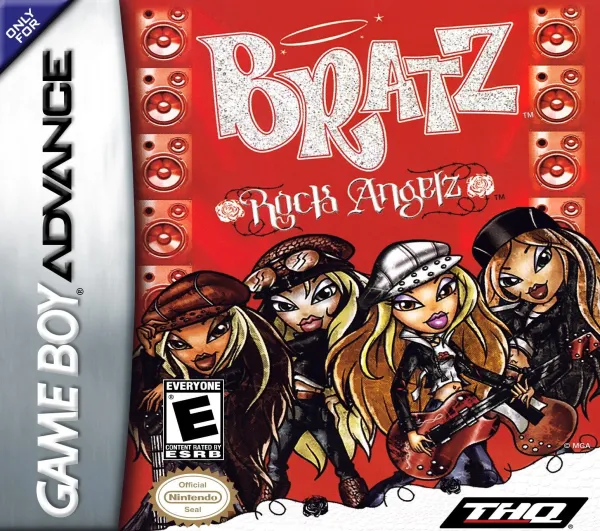
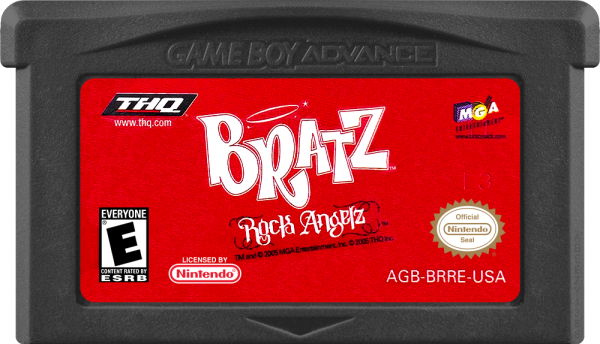
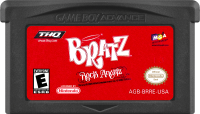
Insert the BRATZ™ - Rock AngelZ™ Game Pak into the slot on the Game Boy® Advance. Press firmly to lock the Game Pak in place.
•
Turn on the POWER switch. The credit screens will appear. If you don't see them, begin again at the previous step.
•
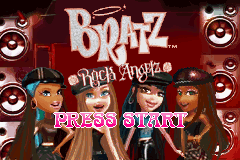
When the title screen appears, press START to proceed to the Main Menu.
Main Menu Options
On the Game Select screen, use the Control Pad to scroll through the menu, the A Button to make your choice, or the B Button to back out.
•
Gallery Mode: Check out all the hot fashions and cool items you've collected in the game.
•
Story Mode: Start the game or access the games you've saved so far.
•
Mini Game: Access any mini games you've unlocked during Story Mode.
Pause Menu
The Pause Menu allows you to manage tasks, fashion, items, and progress.
•
Check List: Shows what needs to get done. A checkmark appears when you've finished a task.
•
Fashion Change: Check out the hot styles you've collected and choose what to wear.
•
Item List: Lists the loot you've bought and helps arrange the furniture in the office when the Bratz set up their magazine.
•
Save: Select this option to save your game progress.
•
Bling Bling Counter: Found here, this counter tells you how much you have for shopping.
Story Overview
It's my total biggest dream and it's coming true! - Jade
As you help Jade and the Bratz fulfill their dreams, you'll be sent on various assignments. Whether designing jewelry, serving ice cream, or Rockin' the Universe, there's always something going on with the Rock Angelz.
Mini Games: Busy Kitchen
It's rush hour at Squeeze and the customers want ice cream. Can you keep up with their orders?
•
Control Pad: Moves the cursor.
•
A Button: Pours Ice Cream.
Mini Games: Jewelry D-Ziner
Link the head of a pretty necklace with the jewels to design your own special piece.
•
Control Pad: Turns the necklace clockwise.
Mini Games: Hi-Tension Rhythm
Keep up with the rhythm by pressing the correct button when the falling lips are lined up on the rhythm bar.
•
Control Pad Left: Lips in the far left column.
•
Control Pad Right: Lips in the near left column.
•
A Button: Lips in the near right column.
•
B Button: Lips in the far right column.
Mini Games: Runaway Dog
There are too many dogs. Listen to the first bark and remember it to find the right dog.
•
Control Pad: Moves the cursor.
Mini Games: Shooting Starz
Shooting stars are racing across in the twilight. Capture a cool shot of them with your camera.
•
Control Pad: Move the cursor.
•
A Button: Take a picture.
Mini Games: Sound Collection
Find the musical instruments before someone else snaps them up.
•
Control Pad: Move the cursor.
•
A Button: Select an instrument.
Mini Games: Fashion Mix & Match
Funked-out fashions are spinning round and round. Stop the reels so the picture matches the Bratz model.
•
A Button: Stop the reel.
Mini Games: Rock Angelz Live
Strut your stuff during the Bratz's rockin' debut. Watch the symbols, line them up with the correct Bratz character, and press the correct buttons to match the rhythm.
•
R Button: Swaps between the Bratz clockwise; Selects R Icon.
•
L Button: Swaps between the Bratz counter-clockwise; Selects L Icon.
•
A Button: Selects A Icon.
•
B Button: Selects B Icon.
Tips and Hints
Collect tons of Bling Bling along the way to use for the Bratz Girls' favorite pastime: SHOPPIN'G!
•
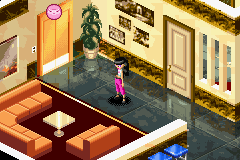
If you get lost or confused, look for a symbol above a character or item to show where to go next.
•
When you are done with the task, the symbol disappears.