GETTING STARTED
Set up your PlayStation®2 computer entertainment system according to the instructions in its Instruction Manual. Make sure the MAIN POWER switch (located on the back of the console) is turned on.
Press the RESET button. When the power indicator lights up, press the open button and the disc tray will open. Place the Intellivision™ Lives! disc on the disc tray with the label side facing up. Press the open button again and the disc tray will close.
Attach game controllers and other peripherals, as appropriate. Follow on-screen instructions and refer to this manual for information on using the software.
GETTING AROUND HAL'S PIZZA
To move around Hal's Pizza, use the directional buttons to move left or right. When you want to move closer to an object, press up on the directional button; press down when you want to back away.
The arrow symbols at the bottom of the screen will let you know which directions are available. Press the X button to select any highlighted object or menu option. Use the triangle button to go back.
PLAYING A GAME
Once you select a classic Intellivision™ game to play, pay close attention to the on-screen control configuration. Many games have setup options or gameplay that use numbers. For those games, the numbers 1-9 have been mapped to the right analog stick.
To use this feature, move and hold the right analog stick in the direction of the number you wish to use and press the R1 button. When this feature has been enabled for a particular game, the onscreen control configuration will state, "1-9 Enabled."
SAVING A GAME
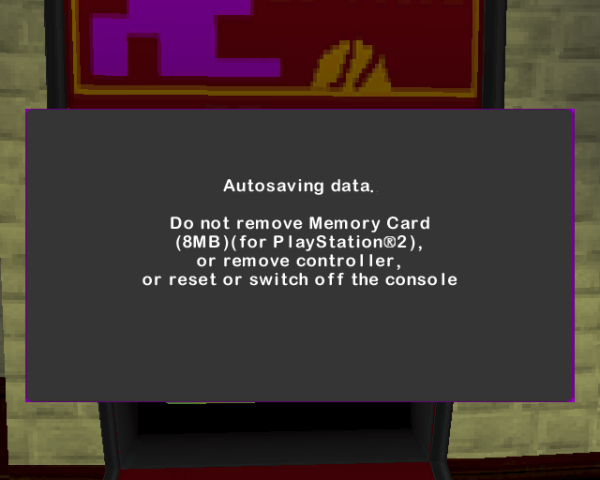
Intellivision™ Lives! can keep track of your play goals and unlocked goodies by automatically saving your progress each time you exit a game. Make certain you have a memory card (8MB)(for PlayStation®2) with at least 60KB of free space inserted into MEMORY CARD slot 1.
WELCOME (BACK) TO THE 1980'S...
The Intellivision™ console system was introduced nationwide in 1980 by Mattel Electronics. Priced at $299, the "Intelligent Television" console featured non-detachable controllers, simulated wood-grain styling and a unique disc-and-key-pad controller that remains legend in the videogame industry.
Pitched on television and in print by urbane spokesman George Plimpton, the graphics of Intellivision™ were generally considered superior and more "realistic" than those of its rival console system, the Atari 2600. "Intellivision™: The Closest Thing to the Real Thing," went the slogan.
HANGING OUT AT HAL'S PIZZA
Welcome to Hal's, where the 80s never stopped. Arranged around the room are over 60 classic Intellivision™ game machines:
•
SPACE - Explore the outer regions with these fast-paced space shooters.
•
ARCADE - Get your twitch on with this collection of action games.
•
GAMING & STRATEGY - Match wits with the computer.
•
SPORTS - Bring your game face when you play this huge collection of sports games.
•
COMBAT SORCERY - War games, both real and fantastic.
•
CHILDREN'S - Simple games for the little ones. Educational games, too.
•
UNRELEASED - You can unlock unreleased games by clearing the play goal from other machines. Your unlocked games will appear here.
MACHINE MENU AND PLAY GOALS
When you navigate to any machine (using the directional buttons) the first menu you see will list all the games available in that machine. You will see from the list that some games are for one player, some are for two players, and some support both.
A yellow single-player icon appears next to those games designed for one player. A yellow two-player icon appears next to those games designed for two (or sometimes more) players.
Certain games will have a red dot next to their name. If you highlight this game in the menu, you will see its play goal. Play goals are milestones that you must clear in order to unlock the bonus material for that cabinet (e.g., score a certain number of points or win a certain number of games). The bonus material includes unreleased Intellivision™ games, bonus TV commercials or radical game modes.
NOTE
Due to their complex nature, playing certain games requires that you have two DUALSHOCK®2 analog controllers connected to your PlayStation®2 console. The names of these games will appear grayed-out in the machine menus until you connect a second controller.
GAME MENU
Once you choose a game from one of the machines, you will see the following options:
•
INSTRUCTIONS – View brief instructions to help get you started. To view the full original instructions for each game, visit http://www.intellivisionlives.com/halspizza
•
PRODUCTION NOTES – Learn inside dope and fun facts (including known bugs!) from the original Intellivision™ developers.
•
WATCH BONUS COMMERCIAL – Watch an original television commercial.
•
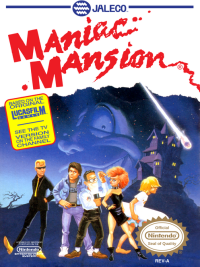
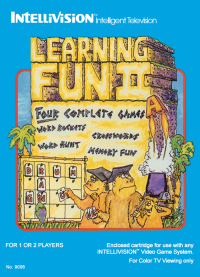
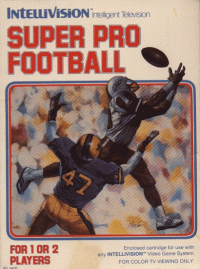
VIEW BOX – Examine the original Intellivision™ game cartridge package.
•
**RADICAL GAMEPLAY MODES