GETTING STARTED
PlayStation®2 Setup
Set up your PlayStation®2 computer entertainment system according to the instructions in its Instruction Manual. Make sure the MAIN POWER switch (located on the back of the console) is turned ON.
Press the RESET button. When the power indicator lights up, press the OPEN button and the disc tray will open. Place the "Midway Arcade Treasures 3" disc on the disc tray with the label side facing up. Press the OPEN button again and the disc tray will close. Attach game controllers and other peripherals, as appropriate. Follow on-screen instructions and refer to this manual for information on using the software.
*Note: Illustration may not match all PlayStation®2 console types. For owners of SCPH-70000 series PlayStation®2 systems, refer to the setup instructions supplied with your system.*
MAIN MENU
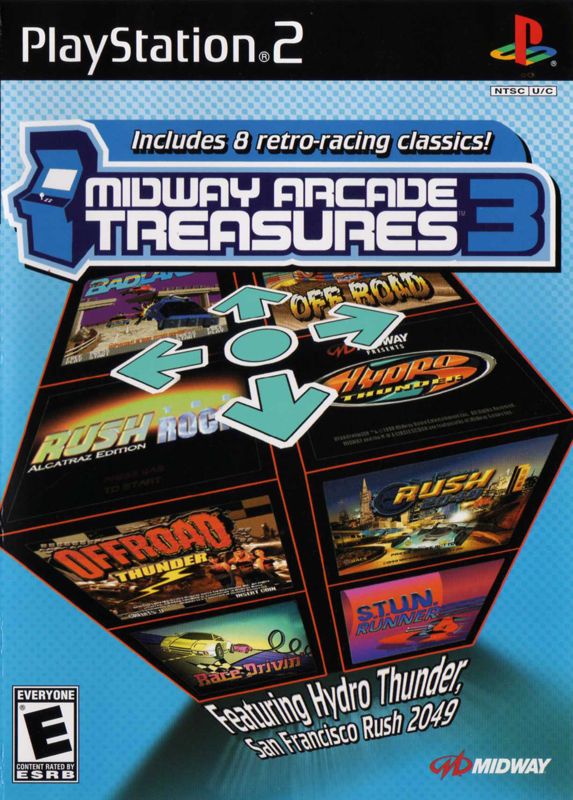
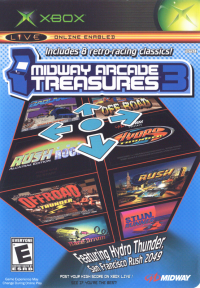
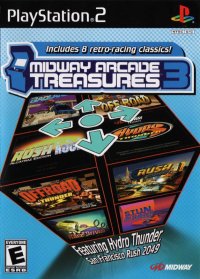
The Main Menu displays each of the 9 games included in MIDWAY ARCADE TREASURES 3. Press the directional buttons ↑ or ↓ to highlight a game. A preview will be displayed on the cabinet. Press the Ⓧ button to select the game.
OPTIONS
Once a game is selected, that game's Options will become available by pressing the △ button. You can use this menu to adjust each game's CONTROLLER SETUP, as well as use SAVE/LOAD and adjust AUTOSAVE options. Some games include Game Settings and Bonus Content as well.
GAME SETTINGS
Some of the games include adjustable game settings, but they will be different, based on the game you select. To make changes to game settings, press the directional button ↑ or ↓ to highlight an option, then press the directional buttons ← or → to make changes.
CONTROLLER SETUP
Game controls are available after selecting a game, within each game's Options Menu. Press the △ button to view a selected game's option menu, then select CONTROLLER SETUP.
BONUS CONTENT
The Bonus Content menu provides information regarding INFO of the game you've selected. Some of the games will include a GALLERY option that contains original game promotional and advertising material.
RUSH 2049
GOLD AND SILVER COINS
Secret cars, new car parts, tracks and gameplay modes are awarded as you collect Silver and Gold coins.
JUMPS
Each track is loaded with jumps. Some jumps are natural hills and others are man-made. Remember that the faster you approach a jump, the further distance you'll fly.
Jumping correctly can help you get in front of other cars or even reach shortcuts. Jumping the wrong way can get you into trouble. Try to hit each jump straight on, as you're more likely to land squarely.
If you do get into trouble while you're airborne, don't panic. Each car in the game is equipped with a set of wings.
FLYING
Flying is a fun but crucial part of this game. Depending on what controller setup you have, press the button that corresponds with your wings while you are airborne. Wings will emerge from the side of your car and allow you to glide for a while.
While you are in the air, hold down the wing button. As you hold the Wing button, move the directional buttons ← and → to make the car roll. If you press the directional buttons ↑, the car will dip its nose forward. Pressing directional buttons ↓ will lift the car's nose.
*NOTE: Wings are not available in Ghost or Battle modes. Stunt wings are available only in Stunt mode.*
BATTLE MODE
This is a 2-4 Player deathmatch where each player must score a set number of points (or kills) in order to win. As you drive around the arena, collect powerful weapon upgrades to exterminate the competition.
After you have selected how many players there will be, highlight Battle at the Select Mode screen and press the Ⓧ Button.
Before you begin to play, you will be able to select the track (arena) that you want to use. In addition to the usual track options you can adjust, you have the option of setting the number of points needed to win. Highlight Battle Points and choose from 5 points to 50 points needed to determine a victor.
After you have adjusted the track options, all players can select their cars and change the car settings. After all players are ready, press the Ⓧ Button to begin the battle.
OFFROAD THUNDER
CHOOSE TRACK
There are 7 initial tracks to choose from. Each track has a difficulty rating on the selection, so you might want to start out Easy and work your way to HARD. As you play and win races, you can unlock a hidden track.
NOTES
•
On the Track Select screen, pressing the directional buttons will adjust steering sensitivity.
•
Pressing the directional buttons will allow you to race on a mirrored version of a track.
•
Pressing the directional buttons will allow you to enter secret codes.
CHOOSE CAR
There are 8 initial cars to choose from. Each car has a difficulty rating on the selection.
TRANSMISSION
You can choose between a Manual or Automatic transmission.
NITRO
Nitro canisters are scattered throughout the race tracks. Drive over them to collect them, then press the Ⓧ button when you're ready to torch the track.
BLUE Nitro canisters give 3 seconds of Nitro Boost
.png)

.png)




_1.png)
.png)
.png)

_Front_Cover.jpg)

.png)
.png)
.png)