GETTING STARTED
PlayStation®2 Computer Entertainment System
1. Set up your PlayStation®2 computer entertainment system according to the instructions in its Instruction Manual.
2. Make sure the MAIN POWER switch (located at the back of the console) is turned ON.
3. Press the RESET button. When the power indicator turns green, press the OPEN button and the disc tray will open.
4. Place the NBA Live 2001 disc on the disc tray with the label side facing up. Press the OPEN button again and the disc tray will close. 5. Attach game controllers and other peripherals, as appropriate.
6. Follow on-screen instructions and refer to this manual for information on using the software.
INTRODUCTION
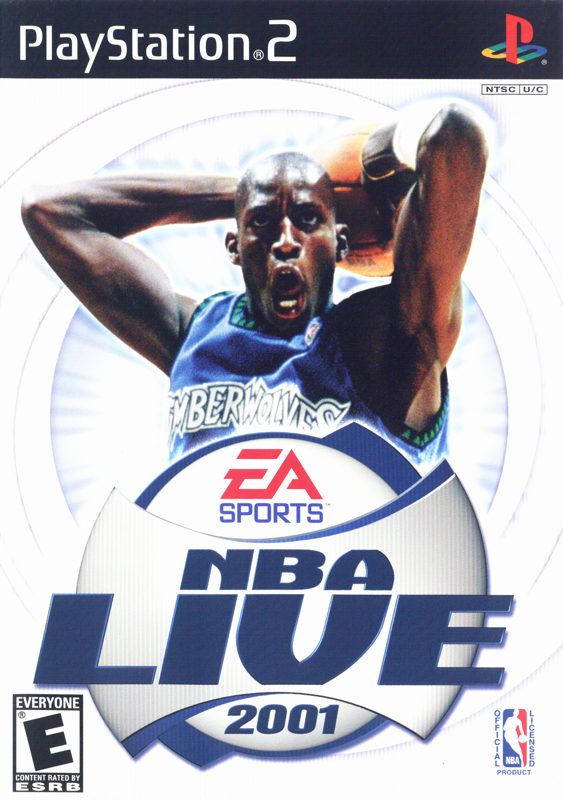
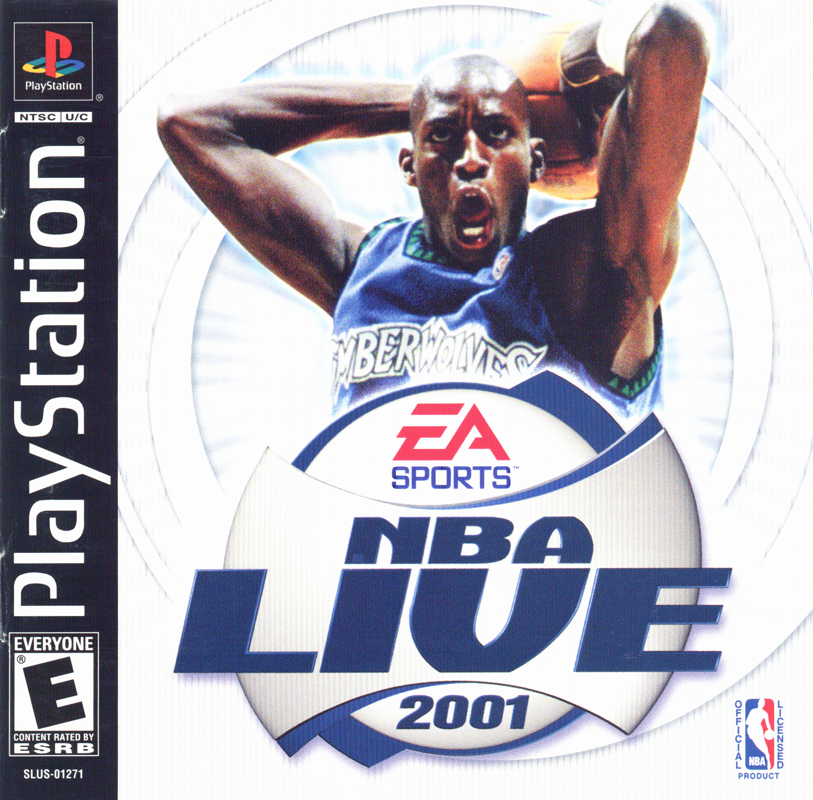
EA SPORTS™ is proud to present NBA Live 2001. The dominant hoops franchise goes live on the PlayStation 2 console for the first time, delivering high-flyin', fast-paced NBA action plus a whole lot more. Control the post or fly high above the rim with new moves-up and under, drop step, jump hook and more. With all-new player reactions and bench sequences, redesigned commentary, and crowd animations, NBA Live 2001 comes alive, bringing more emotion and atmosphere to the court than ever before. It's the complete NBA experience. It's NBA Live. GAME FEATURES
THE MOST REALISTIC LOOKING BASKETBALL GAME ON PLAYSTATION 2 CONSOLE
•
High poly count player models with 3D Full Body Scanning technology for incredibly detailed player heads and lifelike skin textures
•
Ultra realistic stadium environment featuring a highly detailed crowd and player bench
•
Player personalities and emotions come alive-see the players argue calls, encourage teammates, and celebrate a nasty in-your-face dunk
ALL NEW TRANSITIONS
•
Animated bench sequences, post-basket reactions, player interactions, and multiple post-game celebrations
ALL NEW INSIDE GAME
•
Take complete control in the low post and experience what it is like to play amongst the giants in the paint
•
Back a defender down and select from a number of different post moves such as an up and under, jump hook, turn around, and fade away jump shots
•
Battle for position with full contact then finish off your defender with a nasty "in-your-face" dunk
IN-GAME SPEECH
•
New approach to speech captures the essence of the interaction between the play-by-play and color commentator
•
All new color commentary provids intelligent and relevant information with in-depth analysis by Bob Elliott and play-by-play by Don Poier
LEGENDARY PLAYERS
•
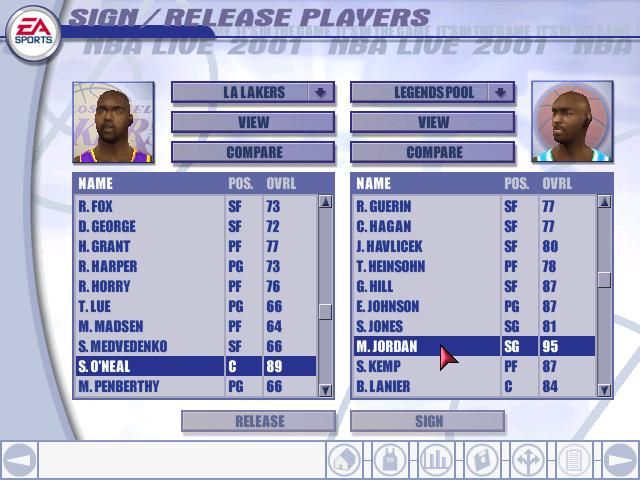
Play with the greatest players of all time: Jordan, Magic, Bird, Cousy, Chamberlain are all in the game plus a whole lot more.
MAIN MENU SETTINGS
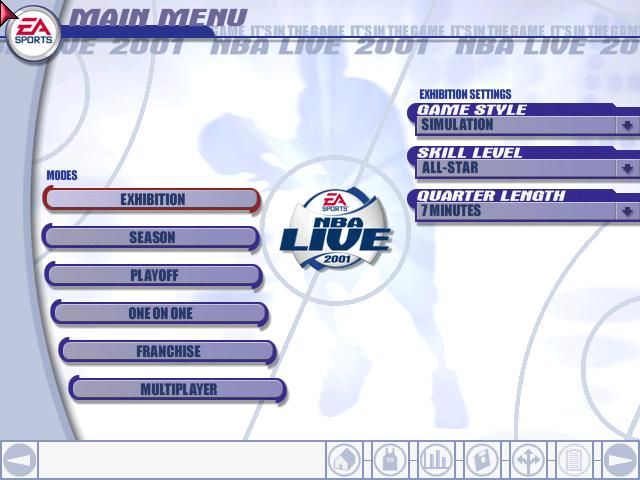
Default options are listed in bold in this manual. The Main menu settings appear on the right side of the Main menu screen.
The Main Menu Settings appear for all game modes except Play Now and Inside EA SPORTS. To access the Main menu settings, press R1 or L1 to switch columns. GAME STYLE
Play a SIMULATION game with authentic NBA-style game play where player ratings affect the outcome of the game, or play an in-your-face Arcade game where player performance depends on the user. Arcade game features include monster dunks and high-paced action.
SKILL LEVEL
Select your skill play level. ROOKIE is best for those playing NBA Live 2001 for the first time; STARTER is for those who graduated past the novice level. Select All-Star if you think that you "got game" or select SUPERSTAR for the biggest challenge on the court. GAME QUARTER LENGTH
Select your quarter length between 2 and 12 minutes. The default is 3 minutes.
SIM QUARTER LENGTH
Select your Sim Quarter length between 2 and 12 minutes for simulated games. The default is 12 minutes (Season and Playoff mode only) and the scores reflect the length you choose.
PLAYOFF LENGTH
Select your playoff format: choose from 5-7-7-7 (the NBA format; 5 games in the first round and 7 games in each successive round), 1-1-1-1, 1-3-3-3, or 3-5-5-5 (Season and Playoff modes only).
POINTS TO WIN
Select the number of points you need to win in a One-on-One game. You can play up to 11, 15, or 21 points.
COURT
Play your One-on-One game during the DAY or NIGHT.
POSSESSION RULE
When playing a One-on-One game set the possession rule after each score to LOSER'S OUTS, WINNER'S OUTS, or AFTER 3.
STARTING AN EXHIBITION GAME
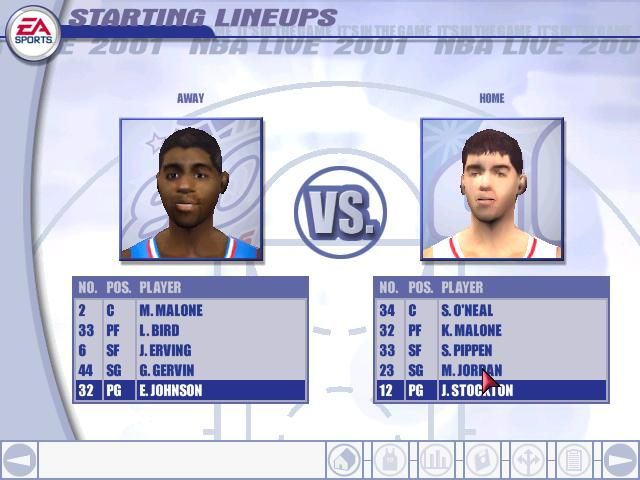
Play an Exhibition game between any two teams. Play four quarters of high-flyin' NBA-style basketball against your rival and other league favorites. All 29 NBA teams, Western and Eastern All-Star teams, and classic All-Decade teams from the past are represented.
PLAY NOW
If you want to skip all the pre-game activities of an Exhibition game
.png)

.png)



.png)


_1.jpg)





.png)

_1.png)
.png)
.png)
_1.png)



_1.jpg)
