PlayStation 2 Setup
Set up your PlayStation®2 computer entertainment system according to the instructions in its Instruction Manual. Make sure the MAIN POWER switch (located on the back of the console) is turned on.
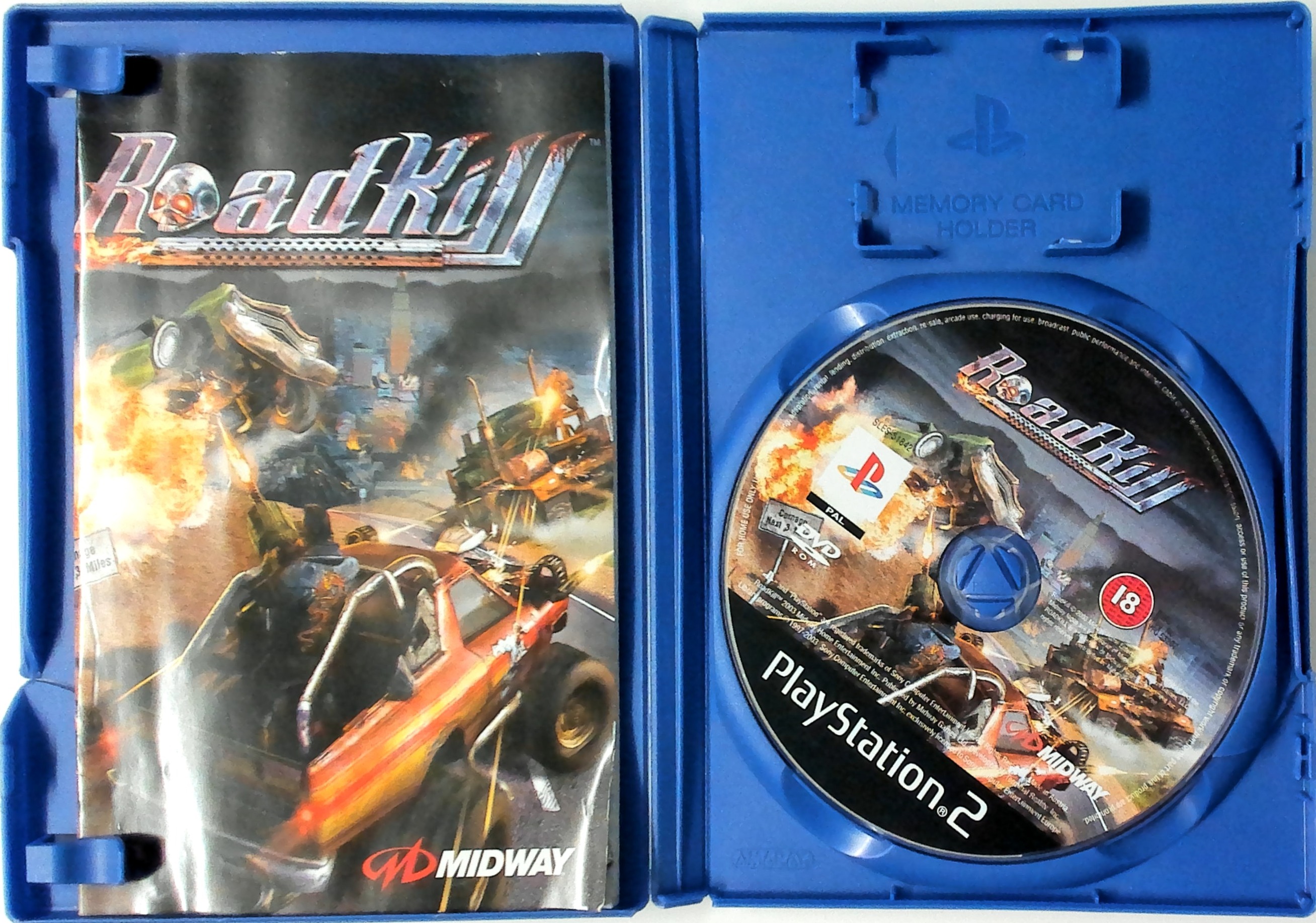
Press the standby/RESET button. When the power indicator lights up, press the open button and the disc tray will open. Place the RoadKill™ disc on the disc tray with the label side facing up. Press the open button again and the disc tray will close.
Attach game controllers and other peripherals, as appropriate. Follow on-screen instructions and refer to this manual for information on using the software.
Console Ports
Multitap Compatible
RoadKill supports up to 4 players. Use a multitap (for PlayStation®2) to gain access to 4 controllers.
Please connect controllers sequentially from Controller port 1-A, Controller port 1-B, etc., when using a multitap.
Multitap Ports
•
multitap (for PlayStation®2)
•
multitap connector (for PlayStation®2)
Main Menu
RoadKill's Main Menu displays the Single Player and Multiplayer options you'll select from, based on the number of players.
Single Player
A series of missions, side missions and many battles await you in RoadKill's Single Player option.
Multiplayer
Select this option to display the Controllers Screen. You can challenge up to 4 players in the Deathmatch arenas and experience multiplayer only weapons like Invisibility, Fire Power, Quad Damage, etc. There are 11 Deathmatch arenas.
At the Multiplayer Controller Screen, up to four connected controllers will be detected. Depending on how many players are playing, make sure "Press START button to Join" is displayed for all connected controllers.
Once all controllers are connected and players have pressed the START button, you'll go to the Multiplayer Car Select Screen.
Multiplayer Car Select Screen
At the Multiplayer Car Select Screen, press the directional button or to cycle the available cars. As you cycle the cars, each car's TOP SPEED, HEALTH and ACCELERATION characteristics are displayed. Press the button to select a car.
After selecting the car, three options are displayed: CONTROLS, INVERTED, VIBRATION and HANDICAP.
After selecting a car, view each of the 11 Deathmatch arenas by pressing the directional button or. When you've found the arena you want, press the button to choose it and start your multiplayer game.
Multiplayer Deathmatch
Deathmatch games allow between 2-4 players. After you press the START button to join the game, you have the option to choose between a number of vehicles and to set your control scheme before the match begins.
Kill Limit
This option determines how many kills you must gain before the deathmatch round ends.
Power-Ups
This option turns off or turns on all power-ups during the deathmatch game.
Deathmatch Power Ups
In deathmatch, you can pick-up power-ups to enhance your vehicles weapons and armor. These power-ups are not available during the single player game.
•
FIRE POWER: With this power-up your weapon damage is doubled.
•
FIRE SPEED: This power-up doubles the weapon fire rate for all your weapons.
•
INVISIBILITY: With this power-up you become virtually invisible to all other players.
•
WINGMAN: This power-up adds a wingman to your turret gun.
•
ARMOR: This power-up deflects 75% of all damage inflicted against your vehicle.
Game Options Menu
The Game Options Menu is available within the In-Game Options Menu. During a game, press the START button to access and modify the options the way you want.
To change options, press the directional button ▲ or ▼ to highlight an option, then press the directional button ◄ or ► to adjust or toggle the options.
•
RADIO VOLUME: Raise or lower the volume of the in-car radio.
•
SOUND EFFECTS: This option increases or decreases the sound of all sound effects.
•
BRIGHTNESS: Each television or monitor is different, so adjust the brightness until you think it looks better.
Controller
Other than the DEFAULT controller configuration, you have three alternate controller configurations to choose from:
•
TWO FINGER: The handbrake button and primary weapon button are on the same side (R1 button and R2 button). You must use two fingers to fire your weapon and to use your handbrake at the same time.
•
BAD ASS: The handbrake button is the L1 button, and the fire weapon button is the L2 button.
•
ALL THUMBS: Use both analog sticks for steering and for gas/brake, so you don't have to take your thumbs off the analog sticks.
Inverted
Once you've selected a controller configuration, you can select YES to invert it, or select NO to leave the configuration as is.
**V
.png)

.png)