System Setup
Set up your PlayStation®2 computer entertainment system according to its Instruction Manual. Ensure the MAIN POWER switch (on the back of the console) is ON.
•
When the power indicator lights up, press the OPEN button to open the disc tray.
•
Place the BloodRayne 2 disc on the disc tray with the label side facing up.
•
Press the OPEN button again to close the disc tray.
•
Attach game controllers and other peripherals as appropriate.
•
Follow on-screen instructions and refer to this manual for software information.
Memory Card (8MB)(for PlayStation®2)
To save game settings and progress, insert a memory card (8MB)(for PlayStation®2) into MEMORY CARD slot 1. You can load saved game data from the same memory card or any memory card (8MB)(for PlayStation®2) containing previously saved games.
Main Menu
Use the directional button to highlight selections, the button to accept, and the button to Cancel/Go Back.
•
NEW GAME: Begin playing BloodRayne 2.
•
LOAD GAME: Go to the Load screen to load previously saved games.
•
OPTIONS: Access the Options menu to configure game controls.
•
EXTRAS: Access additional product movies and other goodies. Includes a CHOOSE LEVEL option if you have finished the game, allowing access to any previously played level.
Load Screen
The Load screen lists all saved game files, indicating the level where the game was saved and the elapsed time. Select a file to immediately load that level.
Heads Up Display (HUD)
All HUD elements fade away after a few seconds when not in use.
•
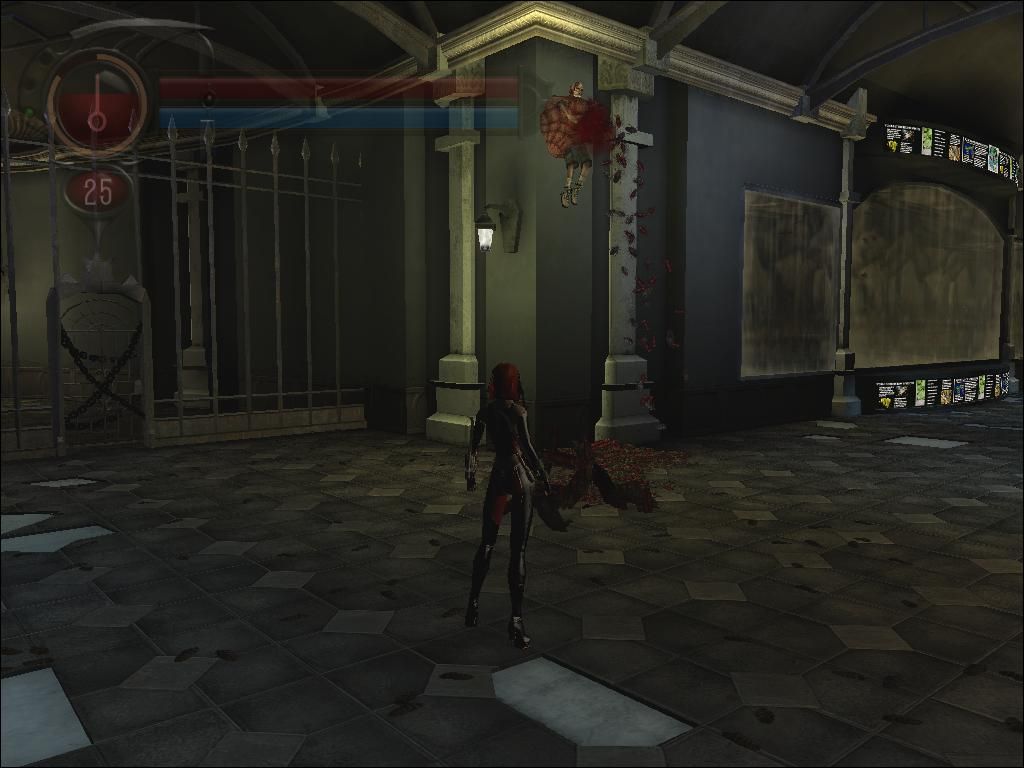
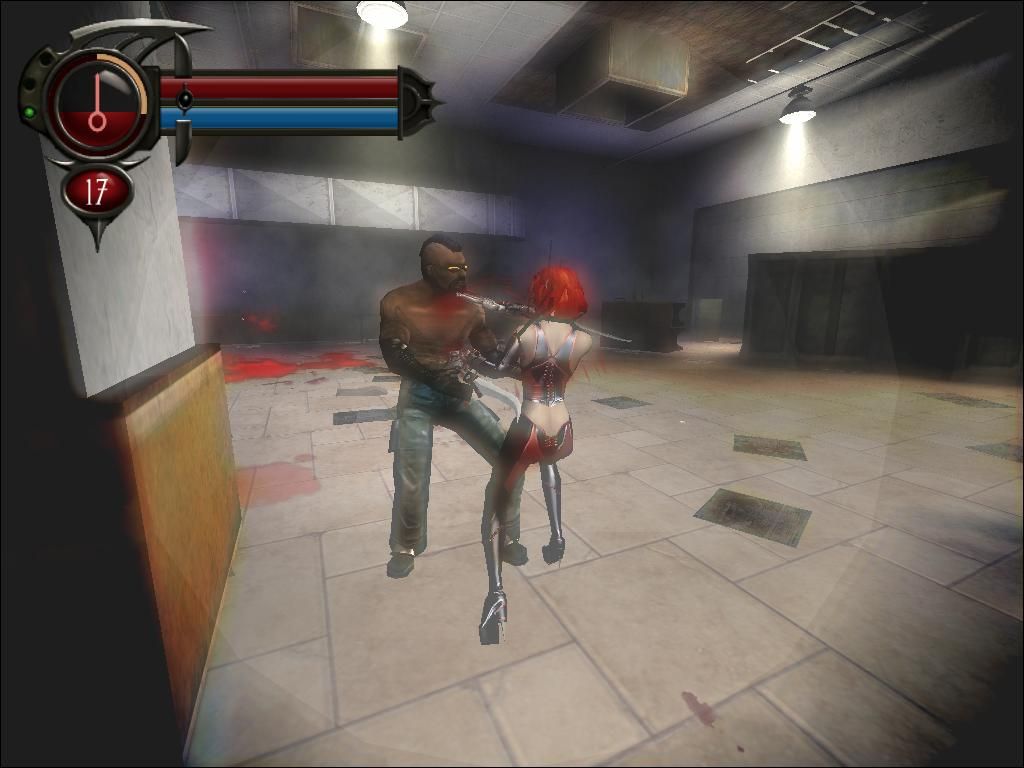
Health Meter: Indicates Rayne's health and fills as she feeds.
•
Rage Meter: Fills as Rayne kills enemies with blades, kicks, and fatality moves. Fatalities increase the meter fastest.
•
Carnage Marker: Indicates Rayne's level of carnage and moves to the right as Rayne kills enemies using the environment (impaling, fires, killing puzzles, etc.). Once full, Rayne's health and rage meters will grow together, increasing her capacity for both.
•
Gun Mode Level: Indicates Rayne's current gun mode level. Upgrade modes by maxing out Rayne's experience with a particular weapon.
•
Gun Mode and Ammo Count: Indicates current gun mode and available shots left for that mode.
•
Ammo Meter: Indicates available ammo for the selected weapon.
•
Gun Experience Meter: Fills as Rayne gains experience with a particular gun mode. Once entirely filled, Rayne will upgrade to a more powerful gun mode. All six weapons have two possible upgrades, for 18 weapons total.
In-Game Menu
Pressing the START button pauses the game and brings up the In-Game Menu. Use the right analog stick to move the camera, the button to hide text, the button to select an option, and the button to go back to the previous screen.
•
RESUME: Returns to the game immediately.
•
OPTIONS: Access the Options menu.
•
MOVES LIST: View a listing of all earned combos and their respective commands. New combos are added to this list.
•
CHEATS: Enter cheat codes here.
•
RESTART LEVEL: Return to the beginning of your current level.
•
EXIT TO MAIN MENU: Ends the current game and brings you to the Start menu.
Save Game/Game Over
BloodRayne 2 automatically saves at key checkpoints. If Rayne dies, you will be brought to the Game Over screen.
•
RETRY FROM LAST CHECK POINT: Automatically restarts you at the last checkpoint reached.
•
EXIT TO MAIN MENU: Returns to the Start menu.
Movement
Rayne has a wide range of abilities due to her superhuman strength, agility, and senses.
Walk, Run
Rayne moves from a walk to a run depending on how far you depress the left analog stick. Press the stick in the desired direction to move Rayne.
Jump
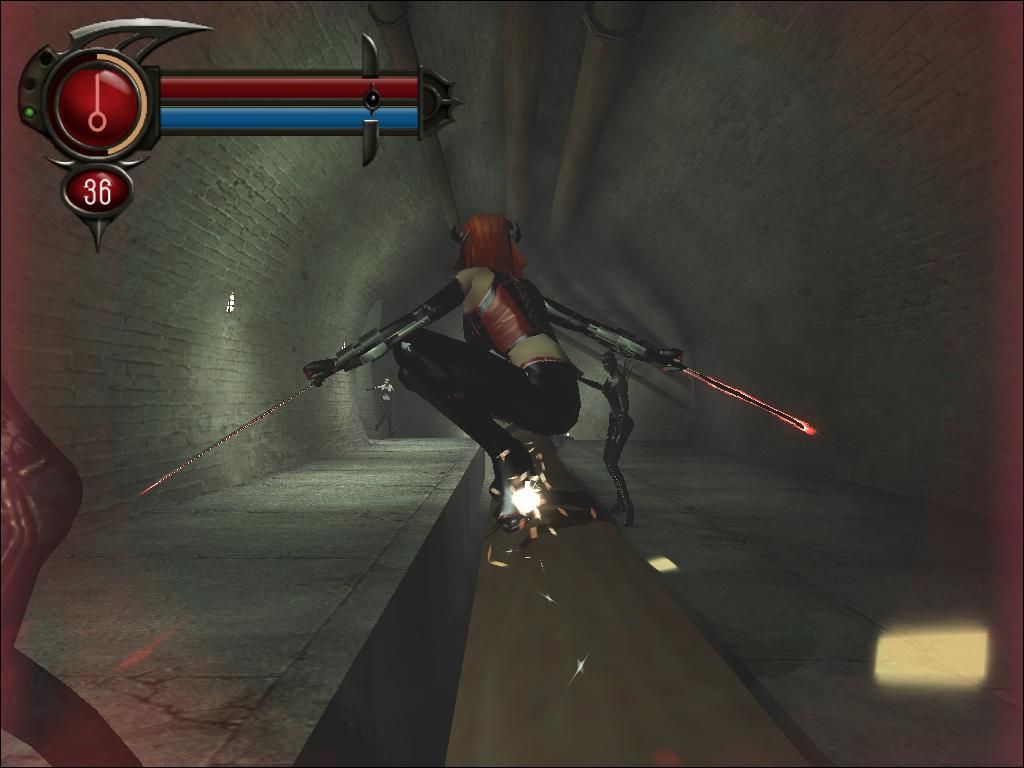
Rayne can jump to her maximum height and length by pressing forward on the left analog stick while jumping.
•
Pressing the button again while in the air causes a somersault for additional distance.
•
The jump button also enables Rayne to reach horizontal and vertical poles.
•
To change direction in mid-air, press the button a second time while moving the left analog stick in a new direction.
•
Rayne jumps in the direction the left analog stick is pressed.
•
Jumping can be used with other buttons for combo attacks.
Kick
Rayne's kicks have serious power.
•
Press the button to disarm opponents or break their blocking weapons. This is useful if you need health, as armed enemies fight back when Rayne attempts to feed.
•
She can kick enemies into environmental hazards or other objects.
•
Use the L1 button (target lock) to concentrate kicks on one enemy or perform low kick attacks.
•
Without target lock, Rayne performs high and mid kicks that are more sweeping and less focused.
•
Consult the MOVES LIST from the Pause screen for kick combos.
Ground Strike
If a victim is on the ground and Rayne is not target locked on anyone else, she can attack them on the ground.
•
Press the button (heel grind) or the button (finishing slash), with or without target lock, to perform this special strike.
Fence/Grate Climb
Rayne can climb certain surfaces and jump between parallel surfaces to move vertically.
-
.png)


.png)


.png)

.png)
_1.png)
.png)


_1.png)