Introduction
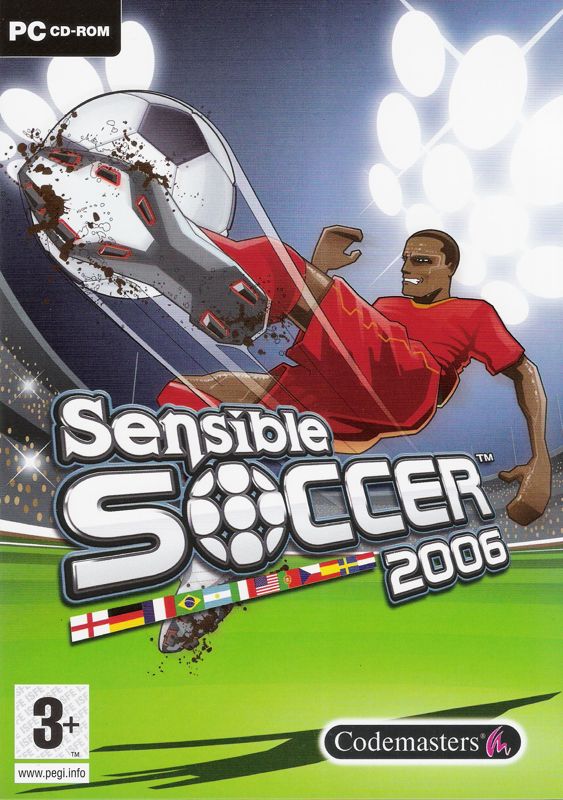
Sensible Soccer 2006 is a popular football game, played by over 15 million people since 1992. This new version includes classic game modes like friendly matches, Cups, Leagues, and Tournaments. It also features new gameplay elements such as an RPG-style Custom Team Career Mode, controllable goalkeeper movement, and co-operative teams for up to 4 players.
Memory Cards (8MB) (for PlayStation®2)
Throughout this manual, "memory card" refers to the Memory Card (8MB) (for PlayStation®2) (product code SCPH-10020 E). The Memory Card (SCPH-1020€) for PlayStation® and PS one is not compatible.
Game progress and unlocks can be saved to the Memory Card (8MB) (for PlayStation®2). Ensure sufficient space (1406KB minimum) before playing.
Analog Controller (DUALSHOCK®2)
•
right directional button
How to Play
Sensible Soccer 2006 allows players to easily access different game modes. •
Friendlies, Preset, and DIY Competitions can be played independently, with up to 7 competitions saved at once.
•
Each of the four Custom Teams has its own separate career game, stored independently. Once created, these teams can be used at any time, and their current competition stored with them.
Getting Started
Set up your PlayStation®2 system as per its Instruction Manual. Attach game controllers and accessories. It is recommended not to insert or remove Memory Cards (8MB) (for PlayStation®2) or other accessories while the power is on.
Ensure enough free space on your Memory Card (8MB) (for PlayStation®2). Refer to the Memory Card instructions for details.
Make sure the MAIN POWER switch (on the back of the console) is on. Press the RESET button. When the indicator is green, press the button to open the disc tray. Place the game disc label-side up. Press the button again to close the disc tray. Follow on-screen instructions and refer to this manual for software use.
Select your preferred language from your console's internal System Configuration menu before playing.
Note: A digital controller cannot be used to play this game.
Loading and Saving Sensible Soccer 2006
Sensible Soccer 2006 provides seven save slots in the main save game for competition progress, and four save slots for custom teams. You can save the same competition at different points to different save slots. When first started, the game automatically loads:
•
Custom team settings (including their current competition)
•
Edited competition names
Default Game Controls
Player Movement
•
Directional button or left analog stick
Player Selection
Player selection is automatic, based on the direction the player pushes the left analog stick.
Sprint
Sprint makes the player run faster. Use sparingly, as each player has limited sprint energy per match, indicated by a bar above their head when sprinting.
Interception
If a player runs into an opposition player with the ball, they will automatically try to take the ball.
On the Ball
Passing
Use the arrow to line up a pass to another player on the same team, then press the pass button.
Powered Kick
A powered kick is played in the direction the arrow is pointing and can be used as a long ball or a shot on goal. The longer the button is held, the more power is applied.
Aftertouch
This can be applied to the ball by redirecting the left analog stick immediately after a powered kick. Aftertouch allows the ball to be bent left or right, lofted high, dipped with top spin, or chipped delicately. The aftertouch system also works with the directional buttons.
AFTER TOUCH SYSTEM
When making a powered kick, quickly redirect the left analog stick.
•
Direction of powered kick
Off the Ball
Slide Tackle
When a player is off the ball and the opposition has possession, pressing the powered kick button will make the player perform a slide tackle. Mistiming can result in cautions and injuries.
Lunging
When a player is off the ball and the ball is free, pressing the kick button will make the player lunge at the ball, attempting a slide, diving header, volley, or header.
Deflect-a-touch
This can be applied to the ball by redirecting the left analog stick after a lunge, before contact is made, allowing the player to divert the ball in a different direction.
Goalkeeper Controls
Movement
The goalkeeper's diving and basic movement are automatic. The player can affect goalkeeper movement by moving the right analog stick.
•
Movement forwards and backwards will cause the goalkeeper to close down the angle by coming out of his goal and to retreat back onto his goal line.
•
Movement left and right will cause the goalkeeper to cover his posts and to ready him for saves in the direction that he is moving.
Dangerous Free-Kicks






.png)

_1.jpg)