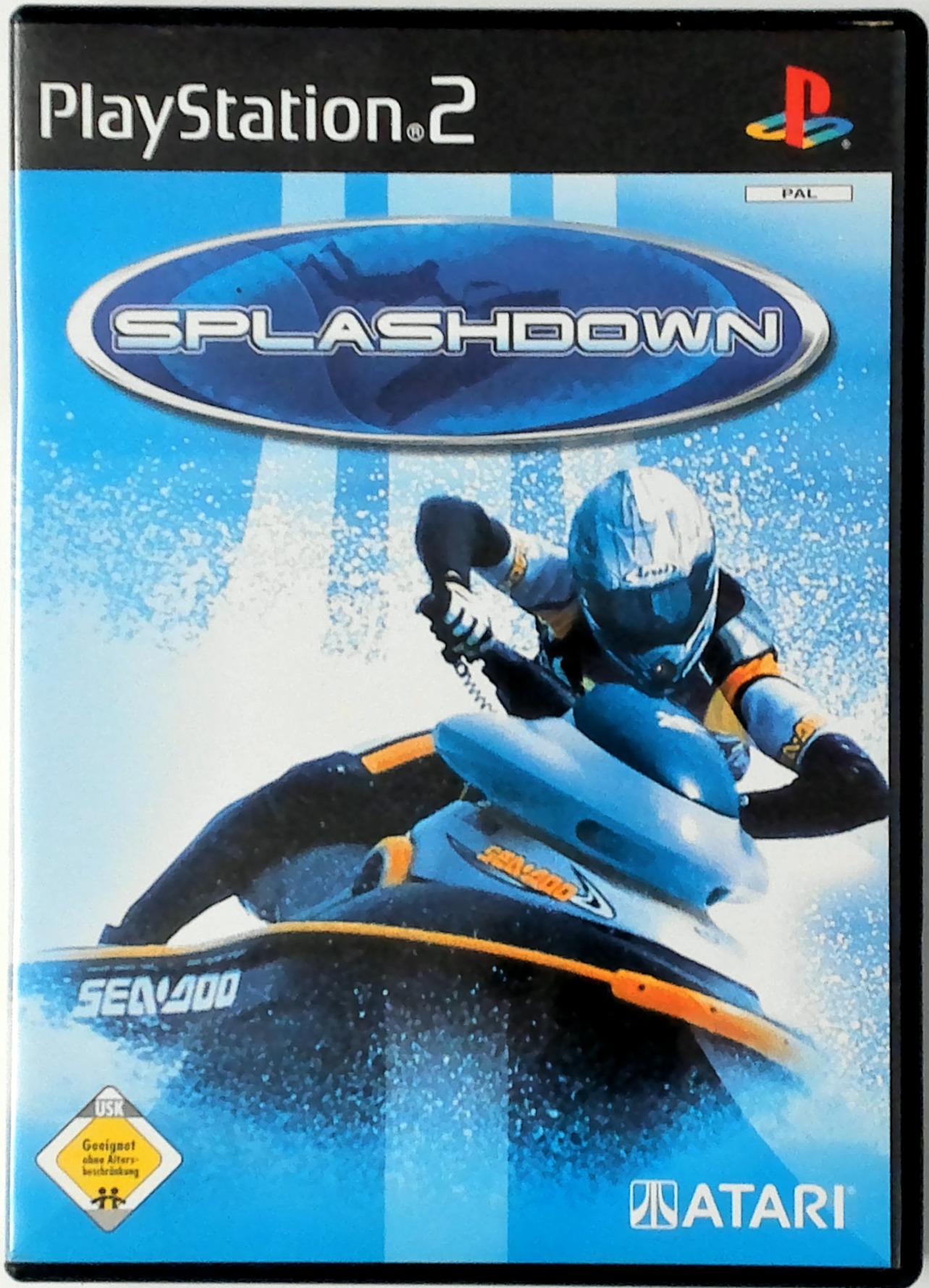
PlayStation 2 Setup
Set up your PlayStation®2 computer entertainment system according to the instructions in its Instruction Manual.
•
Make sure the MAIN POWER switch (located on the back of the console) is turned on.
•
When the power indicator lights up, press the open button and the disc tray will open.
•
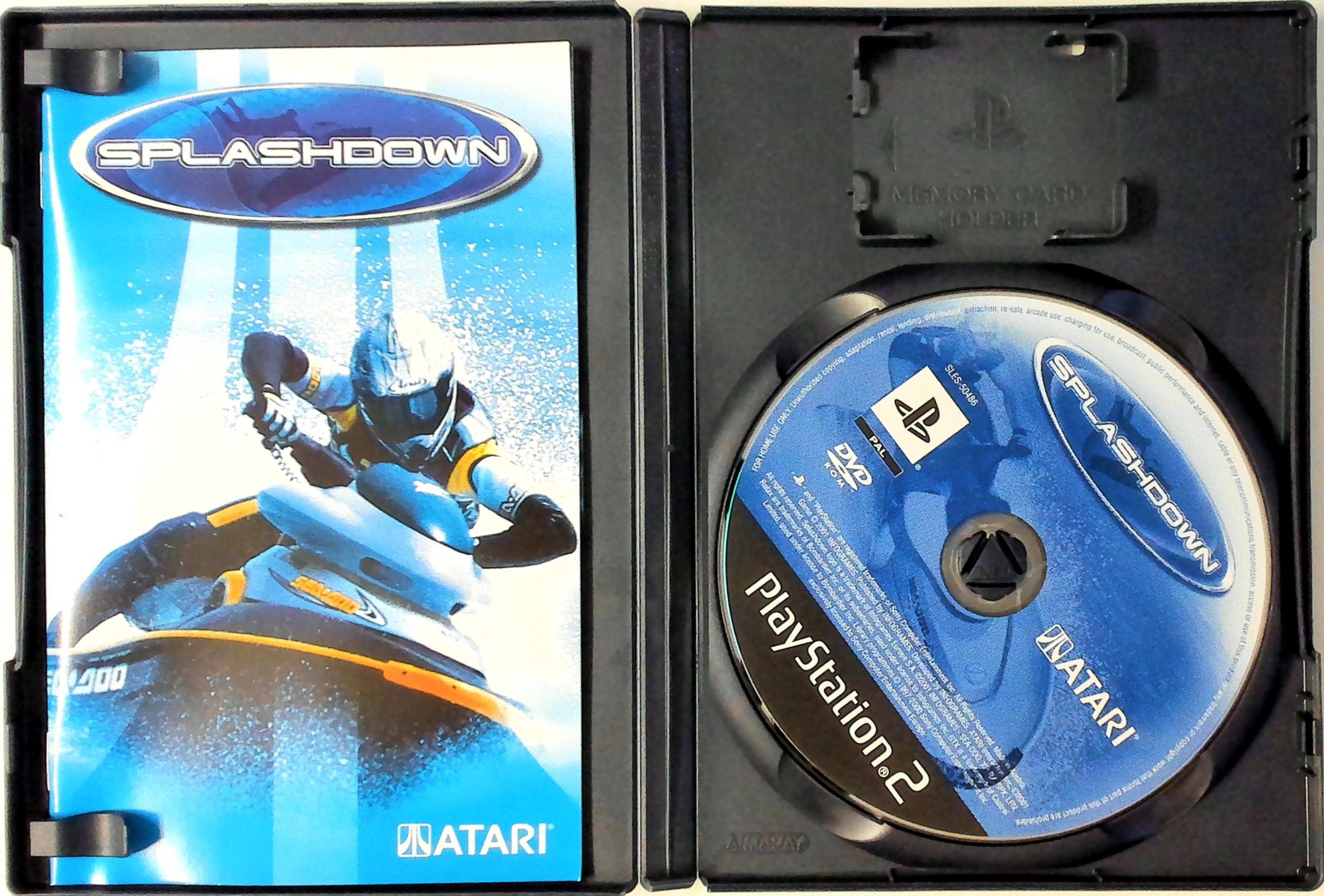
Place the Splashdown disc on the disc tray with the label side facing up.
•
Press the open button again and the disc tray will close.
•
Attach the game controllers and other peripherals, as appropriate.
•
Follow on-screen instructions and refer to this manual for information on using the software.
Load and Save Data
To access the Save/Load data screens:
1. Select OPTIONS on the Main Menu and press the button.
2. Then select GAME OPTIONS and press the button.
3. To load data, highlight the LOAD option and press the button.
4. To save data, highlight the SAVE option and press the button.
Stunts and the Performance Meter
Splashdown isn't just about racing. It's also about stunts, and you'll need to be a pretty wild rider in this game if you want to win. The Performance Meter monitors your watercraft's performance, from base to peak performance. It is the main link between stunts and racing. How the Performance Meter Works
When you get airborne, you can pull off a stunt. Executing stunts during a race fills up the right meter. The more complex the stunt, the more the Performance Meter will fill.
Each racer can perform over 20 stunts, including one exclusive "signature stunt." You can only perform stunts while airborne. Repeated stunts only receive a percentage of their original value. The performance meter only improves top speed and acceleration. It will not affect control or stability.
The meter drains over time, so continue to do stunts during the race to keep the meter maximized and your watercraft at peak performance.
The meter has an Overflow Zone. Fill this area by doing a few extra stunts once the main meter is already filled up; you'll be able to race at peak performance for a bit longer.
The Performance Meter will drop to 0 if you wipe out, crash, or get reset from off-track.
Slalom Buoys
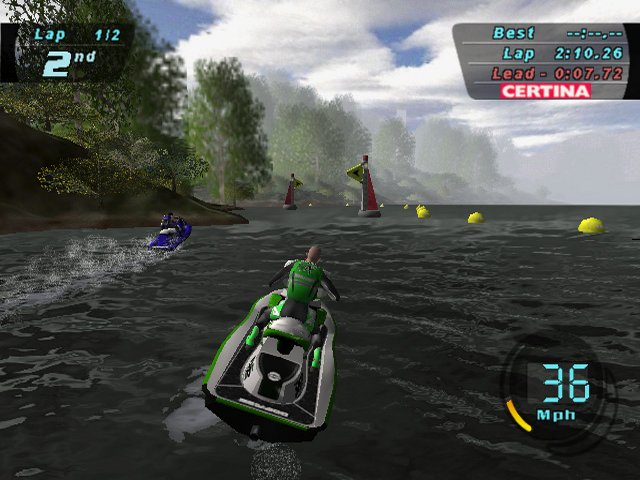
You must pass Slalom Buoys on the designated side. Pass on the side where the flag is pointing. If you do, you will gain a little on the performance meter.
If you skip a slalom buoy or pass it on the wrong side, the Performance Meter takes a hit. If the Performance Meter is empty, your watercraft will stall for a moment.
Holding Stunts
Certain stunts can be executed and held; 'points' continue to rack up on the Performance Meter. If you hold the stunt for too long and don't release it before you hit the water, you will wreck.
Stunt Controls
All stunts begin with a button hold: L2, R1, or R2 buttons. Hold one or more of the buttons, and then move the left analog stick in the required direction. Once the correct combination has been entered, the stunt will begin.
The buttons act as modifiers, so that the movement of the left analog stick does not affect the watercraft when a stunt button is being held.
A stunt will play through to a 'hold' position until the button or buttons are released. Once a stunt has been started, you will regain the ability to adjust the pitch of your watercraft.
Main Menu
Select by pressing the up or down directional buttons.
Career
Embark on a worldwide racing tour, build up a team of champion racers, and take the World Finals honors at Lake Havasu, AZ! Arcade
Race against opponents or against the clock in any unlocked location.
Vs.
Go head-to-head with a friend in multiple race modes, including the stunt-based Copycat mode.
Training Mode
Take lessons on basic riding skills.
Options Menu
Videos
Check out the win sequences for each of the characters you've completed the career mode in. There is also a video for one of our upcoming titles.
Credits
The hardworking folks who've brought you this fine piece of software.
Records
Check out the top records per course.
Controller 1/Controller 2
Review and change the configurations of controller 1 or 2.
Game Options
•
Mph/Kmh: Set miles per hour or kilometers per hour.
•
Load/Save: To load game settings and progress, insert a MEMORY CARD (8 MB) (for PlayStation®2) into MEMORY CARD slot 1 of your console. You can load saved game data from the same MEMORY CARD (8 MB) (for PlayStation®2), or any MEMORY CARD (8 MB) (for PlayStation®2) containing previously saved Splashdown games. To save game settings and progress, insert a MEMORY CARD (8 MB) (for PlayStation®2) into MEMORY CARD slot 1 of your console. You can save game data to the same MEMORY CARD (8 MB) (for PlayStation®2).
•
Split Screen: Set split screen to horizontal or vertical.
•
Center Screen: Adjust the position of your screen.
Sound Options
.png)

.png)