Setting Up Your PlayStation®2 System
Set up your PlayStation®2 computer entertainment system according to its Instruction Manual.
•
Make sure the MAIN POWER switch (located on the back of the console) is turned on.
•
When the power indicator lights up, press the OPEN button to open the disc tray.
•
Place the True Crime: New York City disc on the disc tray with the label side facing up. •
Press the OPEN button again to close the disc tray.
•
Attach game controllers and other peripherals, as appropriate.
•
Follow on-screen instructions and refer to this manual for information on using the software.
Memory Card (8MB) (for PlayStation®2)
To save game settings and progress, insert a memory card (8MB) (for PlayStation®2) into MEMORY CARD slot 1 of your PlayStation®2 system.
You can load saved game data from the same memory card or any memory card (8MB) (for PlayStation®2) containing previously saved games.
Welcome to NYC
You are Marcus Reed, an undercover cop in the mean streets of New York City. After a life of hard crime, you've turned to law enforcement, only to witness your mentor die in front of your eyes. Now, you must shake down New York's most powerful crime syndicates to track down the killer. Juggling your cop duties and your rogue investigation into your mentor's murder, you find yourself caught in the middle of a deadly conspiracy. The only way to solve it is to play by your own rules. To get results, you must use or abuse your authority—as you see fit.
Shady Tasks
Shady tasks can help you when in a jam, and offer Marcus quick moneymaking opportunities by propositioning him with shady tasks.
Street Racing
You must work your way up through the illegal street racing circuit. As you advance through the ranks, you'll eventually have a final showdown against the race promoter, Eva.
If you beat Eva, you can arrest her and close the case. You can then opt to turn in your winnings to the police as evidence or "launder" them at a pawnshop.
Fight Arenas
You must work your way up through the illegal fight arenas circuit. As you advance through the ranks, you'll eventually have a final match with the fight promoter, Shane.
Should you defeat Shane, you can arrest him and close the case. You can then opt to turn in your winnings to the police as evidence or "launder" them at a pawnshop.
City Crimes
Every city has crime, and NYC is no exception. As Marcus moves through the city, he'll frequently receive calls from dispatch informing him of nearby crimes.
It is up to you to either ignore the call or respond and resolve the crime. Solving city crimes contributes to reducing crime rates in the city's neighborhoods—cleaning up Manhattan. Additionally, it helps get you promoted!
Main Menu
New Game
Follow the on-screen prompts to start a new game.
Load Game
Select to load a previously saved game.
Options
Select to make changes to a variety of settings in the game, such as sound volume, music volume, vibration, etc.
Heads-Up Display
•
Cash Balance—The cash balance below the player icon displays how much money you have.
•
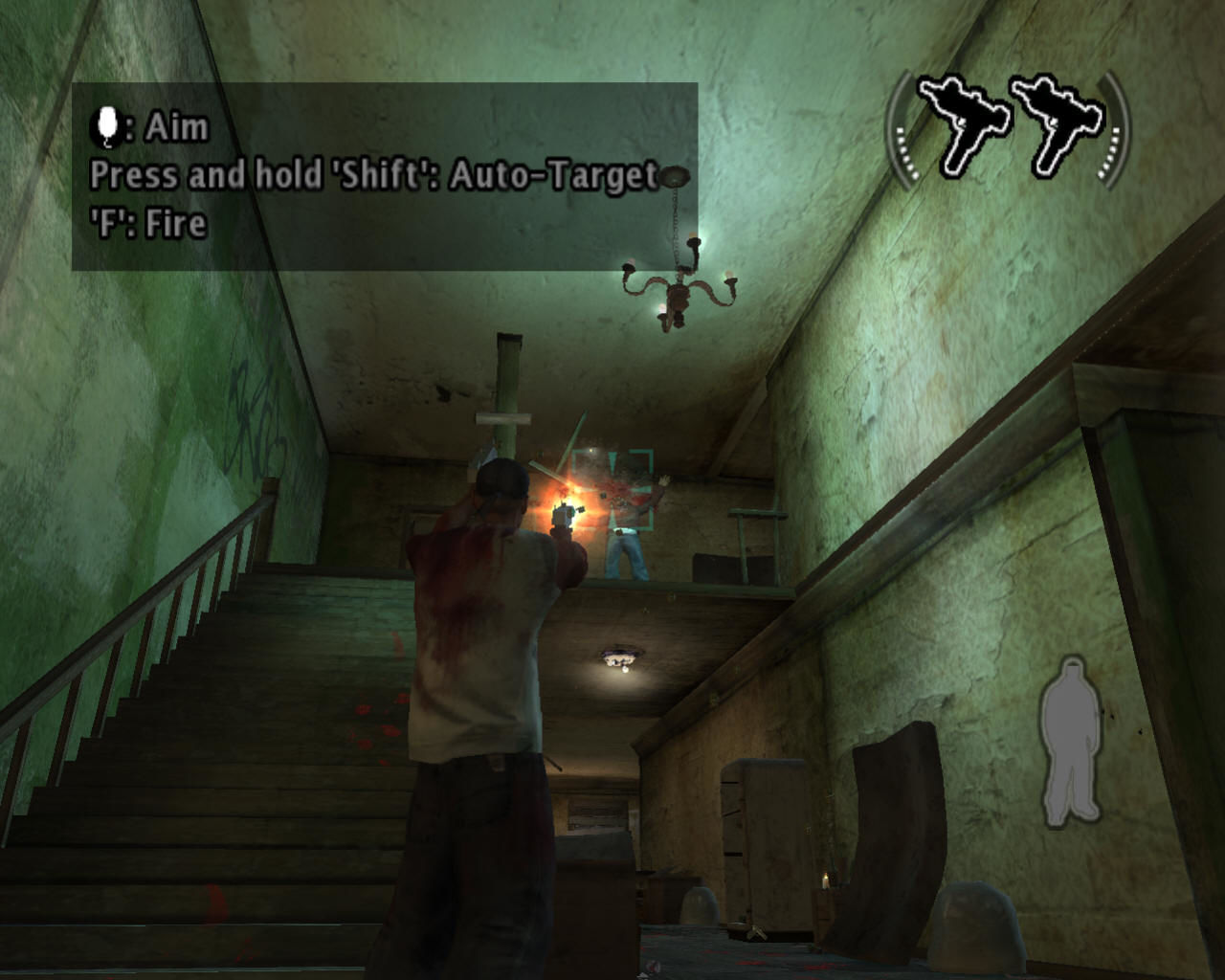
Targeting Reticule—The targeting reticule appears whenever you pull out a firearm. It's always locked in the center of the screen.
•
Interrogation/Extortion Meter—The Interrogation/Extortion meter appears whenever you begin interrogating or extorting someone. This meter is located in the top left corner. Try to get someone to "break" by getting the cursor in the green section of the meter three times in a row.
•
Mode Select—The icons located in the top right corner represent what mode you're in. You can toggle between hand-to-hand fighting, melee weapon combat and shooting modes. In melee weapon combat and shooting mode, the icon on the right represents the primary weapon and the icon on the left, the secondary weapon.
Pause Menu
Press the START button to access the Pause Menu. Use the directional buttons to access all menu screens.
Save/Load
Save your game, load a game or start a new game.
Options
Change the controls, audio and display settings.
Status
Check your objectives, game completion, career, evidence and case select information.
City Map
Check the crime rates of the various neighborhoods and access a map of New York City that displays where you're currently located and pinpoints the location of your objective. You can also set a custom waypoint to navigate to. Music Player
Customize the music tracks in the game. The tracks are played while driving and are randomized based on your "favorites" settings.
Driving
While driving, you can shoot from the vehicle by pressing the R1 button. Hold the L1 button to auto-target, or for even greater accuracy, press the R3 button to go into Precision Aim. Try shooting out tires or go for a gas tank shot.
Commandeering Vehicles
•
Press SELECT to flash your badge.
•
After the driver gets out of the vehicle, walk up to either side of the vehicle and press the L2 button to get in.
Camera
•
Press right or left on the right analog stick to position the camera to the side of the vehicle (great for drive-bys).
•
Press down on the right analog stick to
.png)


.png)
.png)
.png)

.png)






_1.png)





.png)



.png)