Moves the cursor to highlight each available selection
Activates a highlighted selection
Play/Pause (controls video and animation play)
Help/Main Menu (not available during video play)
Cancel (terminates your last selection)
Allows you to select and explore any deck of the ship
Attend the event (press A)
Select to follow an ongoing or related activity
Access detailed information on related topics
An automated guided tour of many important locations on the ship
An alphabetical menu of every available location and event
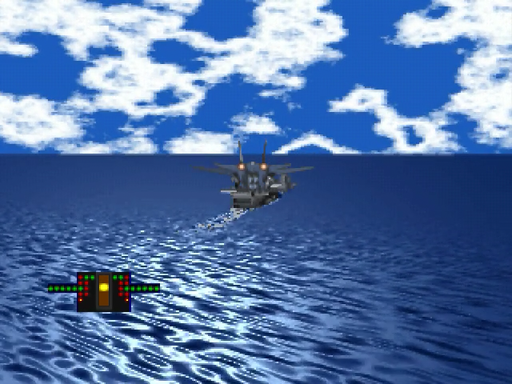
Joypad Bank left or right
Control altitude with up or down
Displays a scrolling text window; press C to close
Go to the next/previous topic
Go to the next/previous map or photo
Accesses related topics; select with joypad and A button
Displays or accesses the last selected screen
Returns to the Data Bank main screen