Setting Up
1. Turn ON the power switch on your 3DO™ Interactive Multiplayer™ system. The READY light indicates that the unit is on. 2. Check to see that the Control Pad is connected to the Control Port on the player. If it is not, turn the player OFF and plug it in, and then turn the power on again.
3. Press the OPEN/CLOSE button. The disc tray will open.
4. Insert the Station Invasion™ disc (label facing up) into the tray, and press the OPEN/CLOSE button to close the tray. You should see the 3DO logo on your screen within a few seconds. If the symbol does not appear, turn the player off and repeat the process from step 1. Note: If your hardware is a top-loading system, open the lid and insert the disc.
Starting the Game
When Station Invasion starts up, you can watch the introduction videos or Press A to move to the next video sequence. Press A at each sequence to bypass it until you get to the screen where you can pick a show to produce. Choosing a Game Type
For a complete game with all the trimmings, press A. Press B for a fast game, or C for puzzle practice. Try them all out and see what works best for you.
Entering Names
Select an empty slot to enter a name. If there are already names in the slots, you can choose one by moving the joypad up or down to the name you wish to use and pressing A, or you can move to an empty slot and press A to enter a new name.
To delete a name, move to that slot and press C, and press C again to confirm. Then press A to enter a new name in that slot.
To enter a name, use the joypad to move to the letter and press A to select it. If you make a mistake, press B to delete the letter. Press C when you finish entering the new name. You may use up to 10 letters for each name.
When Memory Is Full
It is possible that your 3DO system's memory can completely fill up, preventing you from selecting a new name. If this happens, a screen appears that tells you how to solve the problem. If, in the future, you would like to be able to save and/or remove additional games, call 1-815-261-3454 and ask your 3DO Representative to send you the 3DO Storage Manager Utility. Selecting Options
•
Choose a Show: Use the joypad to move to the Select Show screen, and press A to make the selection.
•
Difficulty Level: Move the joypad left or right to pick from four choices ranging from Easy to Hard, and press A to confirm.
•
Start Game: A start game television will appear on the Select Show screen. Press A to start the game. You are now ready to start the challenges described later in this manual.
Pausing
Press the PAUSE button at any time, except in the middle of a challenge. If you pause the game, the screen quickly goes dim to avoid screen burn on your television. To return to the game at any time, press the PAUSE button again.
Quitting
Press the X button on your Control Pad, and follow the directions on the screen as Station Invasion makes sure that you really want to quit. Press A to quit, or C to return to the game. About Game Play
The object of the game is to answer the puzzles correctly within the time limits. This earns your show rating points. The player with the highest-rated show at the end of the 10-week season is the winner, and sees their star win the Envy Award.
Station Invasion self-adjusts to your skill level, balancing the scales when you play against older or more experienced players. Introducing... Station Invasion!
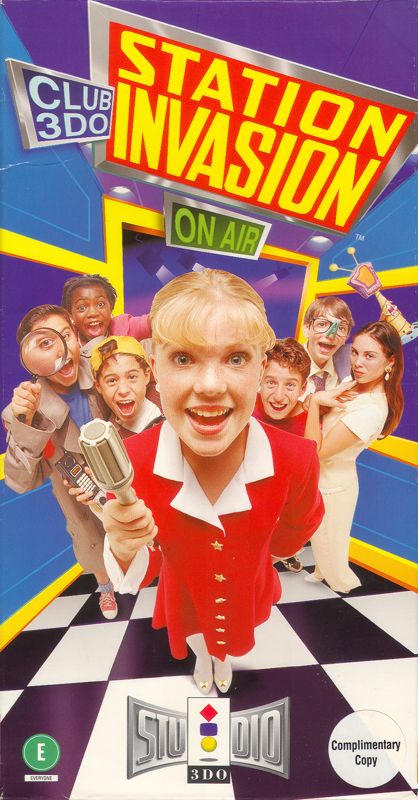
CONGRATULATIONS! Good going! You're the new producer here at KID-TV! Out of dozens of kids who applied, you're our first choice. (Or at least you were the first to convince someone to buy this for you. Or did you use your allowance?) Good for you!
KID-TV is just the latest in a string of enterprises my friends and I started. Two years ago we began pooling the money we made from allowances, lemonade stands, newspaper routes, dog-walking, and other things to buy our own television station.
KGUP-TV was in serious trouble so we did a leveraged buy-out and took over! We boot the grown-ups out and the kids voted me, Jake Smits, in as President.
There you have it! We've got the shows. We've got the actors. And now we've got the producer - YOU! So meet the stars and pick the program you want to produce. Then... ...On with the show!
Sophra: The Sophra Sinfree Show
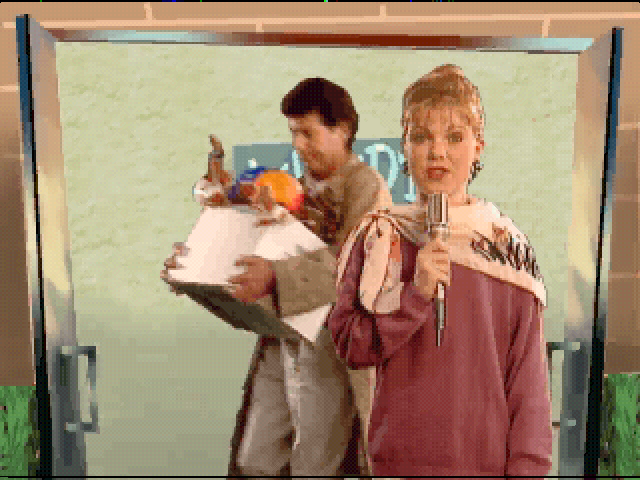
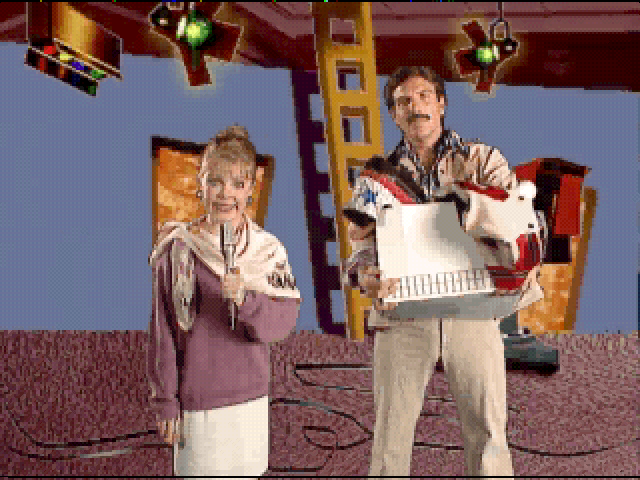
Producer, we've got a lot to do. You know who I am, of course. Sophra Sinfree, star and host of the numero uno Sophra Sinfree Show. You know - the “talk, talk, talk” show. My fans love me. The network loves me. You're going to love me. Trust me!
On my show we discuss hot topics like “Who loves homework?” We investigate politics, telephones, and of course the latest trends in fitness and nutrition. How else do you think I got to be my svelte self?
Do you have the guts to ask the questions we do? Do you have what it takes to get the kind of ratings we


.png)


.png)
.png)
.png)
_1.png)


.png)

_1.png)

.png)





.png)
.png)