Getting Started
•
Make sure the power on your Super NES is turned off.
•
Insert the Primal Rage™ Game Pak and plug one or two controllers into the game ports. •
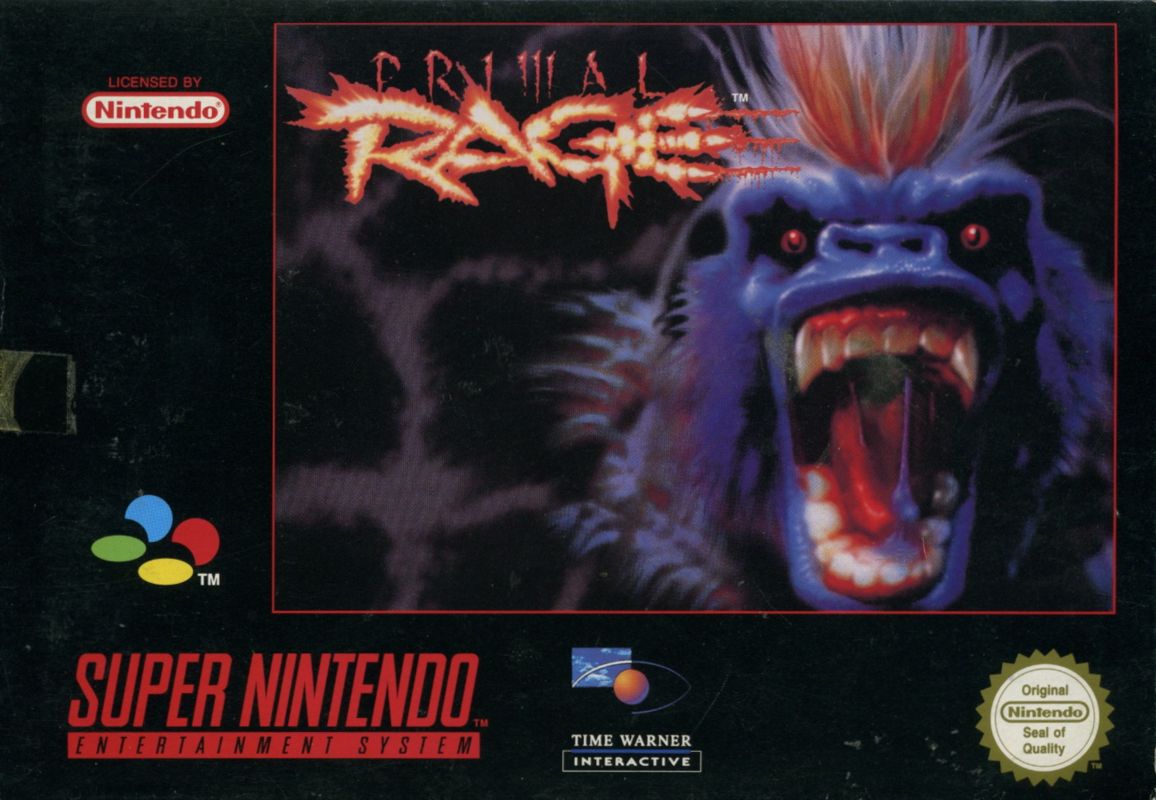
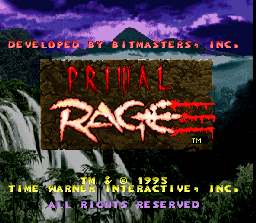
Turn your Super NES on. Once the title screen appears, press the START Button to begin your quest for domination of the Urth.
*Important:* Always make sure the power switch is turned off when inserting or removing your Game Pak.
Round Time
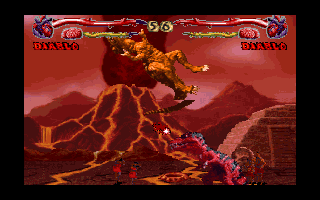
Each bout has a set time in which the winner must be determined. You can set the game's bout time to challenge your opponent to get a quick kill.
The round time can be set from 30 to 80 seconds in 5 second increments. The default is 55 seconds. As you improve your fighting and accomplish quicker kills, set this option lower to put the pressure on you and your opponent. Rounds
You can set the number of rounds you'll fight your opponent before the winner is determined. Select 3 for a best two out of three, and 1 for a one time winner-take-all rage.
If there is a tie, the game will go into Sudden Death. If there is a tie in Sudden Death, both players lose the battle.
Difficulty
You can set the game's difficulty level from 1 (easiest) to 16 (most difficult). The default setting is 7. As you improve your fighting skills, you can set the difficulty level to a higher setting. *Note:* At levels 1-6, you cannot go to the Final Battle in the 1 Player Game.
Game Gore
Select Y or N (default Y). If N is selected, there is no blood, eating people, or fatalities.
This includes the refuel round that occurs before the Final Battle in the 1 Player Game. Instead of refueling, you will receive an additional 50% power to your Life Blood Bar.
Reset High Score Table
Choose either Y or N (default N). If you select Y, the game will reset the High Score Table.
Restore Factory Default
Choose either Y or N (default N). Select Y to return all options to their default settings.
Sound Test
Sample the game's various sounds and music by pressing the Control Pad Left or Right to cycle through the numbers. Press any button to listen. Press the Start Button to return to the Options Menu.
Modify Controls
Press the Control Pad Left or Right to cycle through the various choices and make adjustments to your button configuration. The new configuration will be displayed. When you find the setting you like, press the START Button to return to the Options Menu.
Dino Profiles & Moves
Read the profiles to get familiar with each of the dinosaurs available in Primal Rage. Button references in each profile are listed as numbers. Numbers 1 through 4 refer to buttons on your controller. (See Control Reference, pg. 7, for a rundown of Control Pad and controller button descriptions).
.png)

.png)















_1.jpg)










.png)


