Getting Started
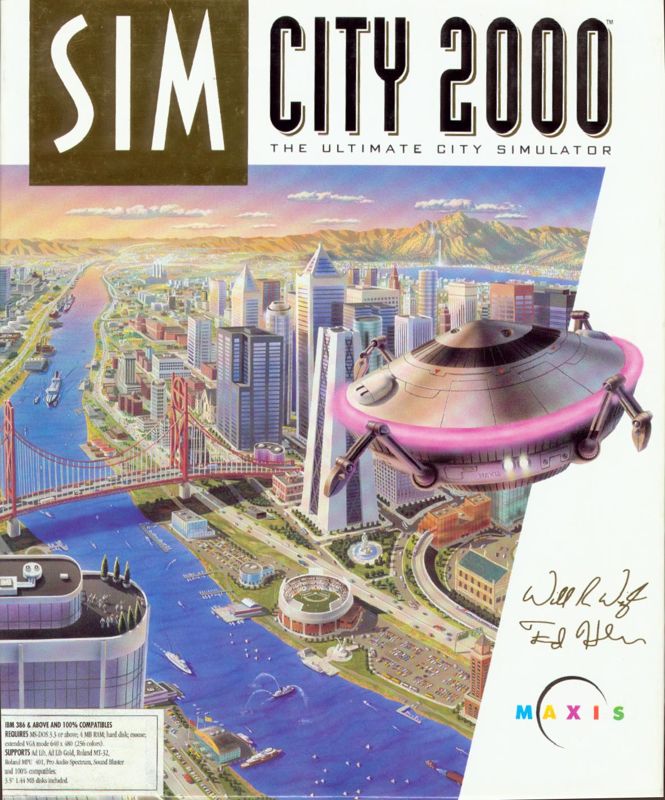
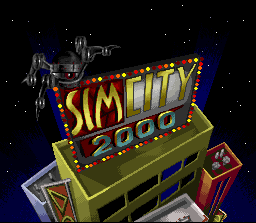
Insert the SimCity 2000 Game Pak into your Super NES and then turn the power on. Once the Title Screen appears, press any button to get to the Mode screen. Here you may select your mode by using the Control Pad and then pressing the A Button.
Game Modes
•
Saved Map: Continue a previously saved game.
•
Tutorial Map: Ideal for teaching yourself how to build cities.
•
Free Map: Choose one of six different maps. Your account and location are determined by each map, but you select the Date of Construction.
•
Scenario: Solve the problems caused by either sudden disasters or social problems which are incurred by an already established city.
Free Map Options
•
Relieving Scenery: $20,000
•
Sound of Stream: $20,000
•
Land of Freedom: $1,000,000
Scenario Difficulty
•
Megalopolis (*): 50,000 people required to clear, 8 years, starts in 1950.
•
Mayor's training (*): 66% of votes required to clear, 10 years, starts in 1950.
•
Global Warming (**): 40,000 people required to clear, 10 years, starts in 2000.
•
Entertainment City (**): 10,000 retired required to clear, 15 years, starts in 1950.
•
Going to the Space (***): Launch rocket required to clear, years n/a, starts in 2000.
*Note: More asterisks (*) indicate higher difficulty.*
Entry Level Urban Planning
We'll explain the progress of basic game play using the Free Map mode. There are many layers of complexity which you can put into your city, but for simplicity's sake, let's start small.
Once you zone out the different areas, the Sims will come in and build their houses, factories, and businesses. As the city grows, you must keep up with the demands of the Sims, such as providing sufficient transportation routes, providing power to each zone, and keeping up the balance between the industrial, commercial, and residential areas.
Once you get a handle on these basic needs you may go on to provide more amenities as your population increases and prospers.
Basic City Needs
•
Residential Zone: A place for Sims to live.
•
Industrial Zone: A place for Sims to work.
•
Commercial Zone: A place for the Sims to shop and conduct business.
•
Power Plant: A source of power.
•
Power Lines: A method to send the power from the plant to the zones.
•
Roads: A way for the Sims to travel between home, work, and shops.
Advanced City Amenities
•
More zones with different density levels
•
Multiple above- and below-ground means of transportation
•
A complete water supply system
•
Police and fire stations
•
Educational and recreational facilities
Tutorial Map
At the Title screen, you can select Tutorial Map to give you a brief mayoral training. The tutorial will walk you through the basics of starting your first city.
You won't be able to build the Tutorial or watch it grow beyond its single street, but it will show you basic skills you will need to create a megalopolis!
A Practice City: Setup
First, select Free Map from the mode screen and choose the scene with which you feel most comfortable. Next choose the year you want to build in. For simplicity's sake, choose 1900. Now you may name your city, and enter your name as the Mayor, on the typewriter.
Newspaper
A newspaper article will appear. The newspaper is a very important source for keeping up to date on the problems of your city and the opinions of your Sims.
•
To read an article, use the Control Pad to move the cursor to the desired article, then press the A Button.
•
To exit the article, press the B Button.
•
Press the B Button again to exit the newspaper.
Development Screen
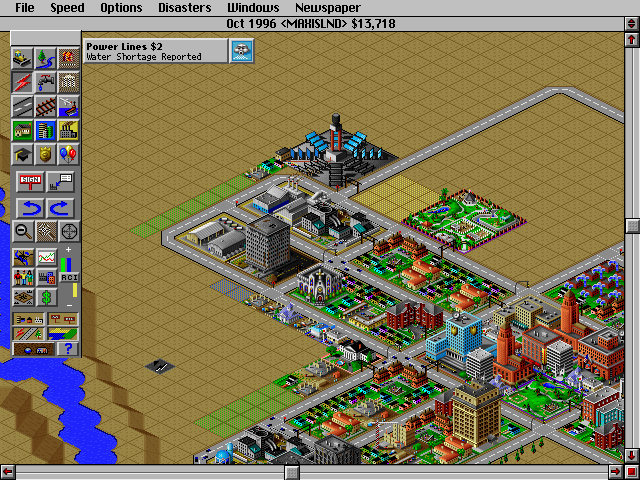
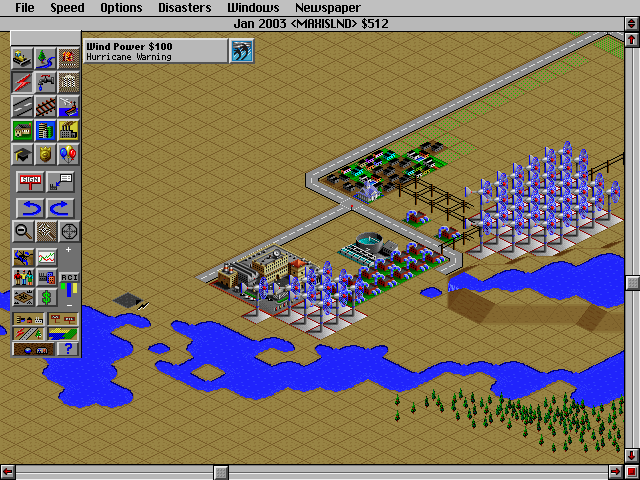
Now you have come to the Development Screen, where you will plan, build, and try to keep Sims satisfied. At the top of the screen you will find the Title Bar. It indicates the date, name, weather conditions, and account information of the current city.
You can find the city's current population by using the R Button to toggle between population and city funds. You have not begun your city yet, so the population should be 0 and the city funds should be $20,000 (except in the case of Land of Freedom). This is the money you have to spend in order to get the Sims to move in and stay happy.
At the bottom of the screen there are several icons which will help you build your city. For now, push the B Button to exit the budget screen, and press B again to exit the newspaper screen.
Terrain and Navigation
On your Development Screen you will see a rough area which consists of graded fields, forests, and rivers. The fields are not all flat; some are hills and valleys. The terrain is divided into small squares called Tiles. Each tile is approximately one acre, or 200x
.png)

.png)
.png)