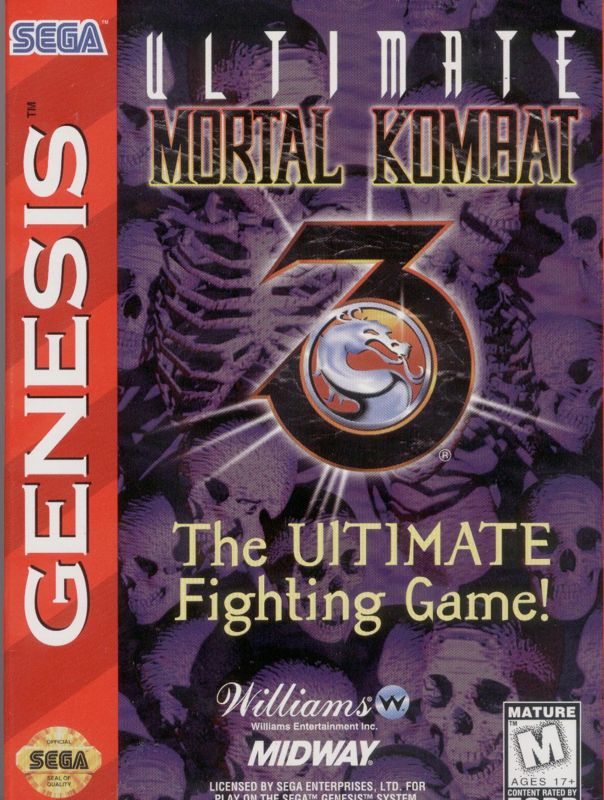
The Options Screen
If you select OPTIONS at the Main Menu you will go to the Options Screen. Here you will be able to modify a number of the game features by using the Control Pad. Use the Control Pad Up/Down and Left/Right to select the settings you want.
Available Options
•
DIFFICULTY: VERY EASY, EASY, MEDIUM, HARD, VERY HARD
•
CONTROL CONFIGURATION: Customize your controller buttons.
•
VIOLENCE CONTROL: Toggle fatalities and blood.
Control Configuration
Highlight "CONTROL CONFIGURE" to customize your Controller. Use the Control Pad Up/Down to highlight the control you want to change and then press the button that corresponds with the change you desire.
The default controller configuration is:
Violence Control
If you scroll down to Violence Control and press an Action Button you will go to the Violence Control Screen. Here you may select the following settings: Saving Options
After you have finished with your options, press START to get back to the menu hierarchy. When you get to the Main Menu, press START and you will go directly to the Fighter Select Screen.
Kombat Modes
There are three different modes of Kombat on the MODE SELECT Screen. Any of these options will send you to the FIGHTER SELECT Screen, which has pictures of all the Warriors available to a player. Use the Control Pad to move the colored frame onto the Fighter(s) of your choice and press Any Button except START to select.
•
MORTAL KOMBAT: Allows you to choose one Fighter per player.
•
4-PLAYER TWO-ON-TWO KOMBAT: Allows you to select two Fighters per player.
•
8-PLAYER TOURNAMENT KOMBAT: Allows you to select a total of 8 Fighters.
Choose Your Destiny
Once you have chosen your Fighter in the 1-Player Mortal Kombat mode, you will be transported to the CHOOSE YOUR DESTINY Screen. Press the Control Pad Left/Right to toggle between the columns: NOVICE, WARRIOR, MASTER or MASTER II. Press ANY Button to select. You will see a large column scrolling with the characters' faces.
Joining a Fight
If a second player wishes to join the fight, he may do so at any time by pressing the START Button. This will return both players to the MODE SELECT Screen, where they can select the desired fighting mode. After selecting the mode, both players will be sent to the SELECT YOUR FIGHTER Screen, where they must choose Warriors again. If both players select the same Warrior, Player Two will be identified by a different color.
Entering Match-Up Codes
At the match-up screen, players can enter codes by pressing their action buttons to cycle through symbols in each box. Pressing a button more than nine times will cause the order of the Icons to start over, returning the symbol back to the original Dragon Icon. •
Pressing Player 1 LOW PUNCH (default: Y Button) once changes the Dragon Icon to an "MK" symbol.
•
Pressing it a second time changes it to the third Icon in the sequence (a Yin/Yang), and so on.
•
The match-up screen does not stay up for long, so you need to punch in the codes quickly.
Code Entry Examples
•
To enter the code "Skull, Shao Kahn, Rayden, MK, Yin/Yang, 3": Player 1 presses HIGH PUNCH (default: Y) nine times, LOW PUNCH (default: B) eight times, and LOW KICK (default: A) seven times. Meanwhile, Player 2 presses Y one time, B twice, and A three times.
•
To enter the "Throwing Disabled" code (MK, Dragon, Dragon, MK, Dragon, Dragon): This code is represented numerically as 100-100. Both Player 1 and Player 2 press the HIGH PUNCH (default: Y) Button one time.
.png)


.png)