Pure Speed, Pure Arcade
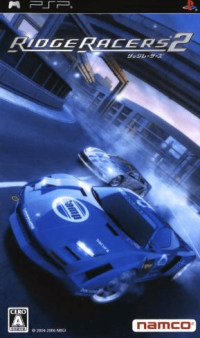
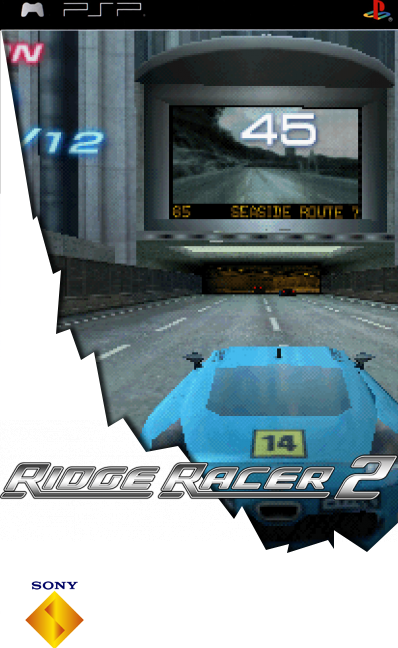
Ridge Racer™ is back on PSP® (PlayStation®Portable) with brand new machines and courses to get your teeth into. Take in breathtaking scenery as you negotiate the tightest corners and roar through straights to be the first to the finish line. Master the drift handling and learn when to use your nitrous to gain an advantage over your opponents. Push your racing skills to the limit and take on other PSP® system owners in Wireless Battles via Ad Hoc Mode. The machines are fine-tuned, the courses are waiting; now grab the steering wheel and get ready for some pure arcade racing. Setting Up
•
Set up the PSP® system according to the instructions in its instruction manual. •
Turn the PSP® system on and the POWER indicator will light up green. The Home Menu will be displayed. •
Press the OPEN latch to open the disc cover.
•
Insert the Ridge Racer™ 2 disc with the label side facing the rear of the PSP® system and then securely close the disc cover. •
Select the 🎮 icon from the Home Menu and then select the 💿 icon. A thumbnail image of the software will be displayed.
•
Select the image and press the ⓧ button to commence loading.
*Please Note:* The information in this manual was correct at the time of going to print, but some minor changes may have been made late in the product's development. All screenshots for this manual have been taken from the English version of this product, and some screenshots might have been taken from pre-completion screens that differ slightly from those in the finished product.
Memory Stick Duo™
To save game settings and progress, insert a Memory Stick Duo™ into the Memory Stick Duo™ slot of the PSP® system. Saved game data can be loaded from the same Memory Stick Duo™ or any Memory Stick Duo™ containing previously saved Ridge Racer™ 2 data. Make sure there is enough free space on the Memory Stick Duo™ before commencing play. The minimum amount of free space required to save Ridge Racer™ 2 data will vary depending on the capacity of the Memory Stick Duo™ inserted. The minimum amount of free space required for different capacity official Memory Stick Duo™ products is listed below: Wireless (WLAN) Features
•
Wireless (WLAN) Functionality: Allows the user to communicate with other PSP® systems, download data and compete against other users via connection to a Wireless Local Area Network (WLAN). •
Ad Hoc Mode: A Wireless (WLAN) feature that allows two or more individual PSP® systems to communicate directly with each other. •
Game Sharing: Enables the user to share specific game features with other users who do not have a PSP®Game in their PSP® system. •
Infrastructure Mode: A Wireless (WLAN) feature that allows the PSP® system to link to a network via a Wireless (WLAN) Access Point. In order to access Infrastructure Mode features, several additional items are required, including a subscription to an Internet Service Provider, a network device (e.g. a Wireless ADSL Router), a Wireless (WLAN) Access Point and a PC. *Please Note:* Ridge Racer™ 2 supports Ad Hoc Mode only. Please see the "Ad Hoc Mode" section of this manual for further details. In-Game Display & Views
•
Position: Current position of your machine. In World Tours, Survival and Duel Modes, this will change to red once you reach or pass the qualifying position.
•
Rear View Mirror: Displayed only in Driver's View.
•
Changing Views: Press the L button to switch between views during the race. Choose either Driver's View (first person perspective) or Chase View (seen from behind your machine).
Getting Started
Press the START button on the Title Screen to continue to the Main Menu.
Main Menu Options
•
New Game: Choose New Game to start from the beginning and continue to the Driver Profile Screen.
•
Continue: Resumes a saved game if data has been saved to Memory Stick Duo™.
Driver Profile Screen
Use the on-screen virtual keyboard to enter your Driver Name. Your name can only be a maximum of seven characters.
•
Press the ▢ button to delete a character.
•
Select Enter if the on-screen details are correct and then select YES on the Confirmation Screen to continue.
Autosave
The Autosave Screen will then be displayed. Choose whether or not to enable Autosave. A Memory Stick Duo™ with at least 360KB of free space must first be inserted into the PSP® system. Game Modes
•
World Tours Mode: Complete tours consisting of several races in different locations.
•
Arcade Mode: Select any course to race against computer-controlled machines. •
Duel Mode: Select any course to race against a single computer-controlled machine.
•
Survival Mode: The racer in last place after every lap is eliminated. •
Time Attack Mode: Achieve the fastest possible time while racing as the only machine on the course. •
Wireless Battle Mode: Use the WLAN function to compete with multiple players via Ad Hoc Mode.
•
Save/Load: Save or Load game data.
•
Options: Adjust game settings such as controls and sound using ↑, ↓, ← and → and press the ⓧ button to confirm your selection.
Options Menu
•
Controls: Adjust the in-
.png)


 (En,Fr,De,Es,It).png)













_1.png)