Console Front View
Starting the Game
Set up your PlayStation game console according to its Instruction Manual. Make sure the power is off before inserting or removing a compact disc. Insert the A-Train disc and close the CD door. Insert the game Controller(s) and turn on the PlayStation game console. Follow on-screen instructions to start a game. You'll see the title screen, followed by the A-Train title screen. Press any button on your Controller to bypass these screens. When the title screens have been dismissed, you'll see the Controller Configuration screen.
Press the X Button (Set) to see the Select Language window, which has representations of the flags of Japan, Great Britain, the USA, France and Germany. Use the right-arrow button to select the Stars and Stripes (unless you want to test your translating talents) and press the Set button on the Controller.
Choose the face you want to play with. Select a country of your interest.
You get another chance to display your patriotism: choose the US flag again in the Select Country window. The default A-Train scenario will load from the CD and you'll be in business! Read through the rest of this manual to get a handle on the basics. May your trains run smooth and strong.
The Controller
Front View
Top View
Before You Play
Thank you very much for purchasing this PlayStation game console version of A-Train. Please be sure to read this before beginning play. •
You need a separately sold memory card to save games.
A-Train requires a separately sold memory card to save your games. A well-developed game's data can take up the storage of a single card. If you want to save a great number of large games, you may need as many memory cards as the number of games to be saved.
•
You can operate A-Train with a separately sold mouse.
A mouse also can be used to control the program. Use of the mouse to control the game pointer is somewhat easier than using the Controller, particularly for people who are accustomed to using a mouse on personal computers. See the Using a Mouse with A-Train section in this manual for an explanation on mouse use.
You can obtain both the extra memory cards and the mouse through the retailer where you purchased your PlayStation game console. What Is A-Train?
A-Train is a comprehensive simulation of urban development using a transportation system as the development focus. (But it's fun!) A-Train exemplifies the relationships between transportation, business and city development. It begins as a railroad game, where you design and manage an efficient and profitable (if you're good) transportation system for both passengers and freight. Then it turns into a city-building game, where you invest your assets in land purchases, upon which you can build offices, apartments, hotels, factories, golf courses, and much more.
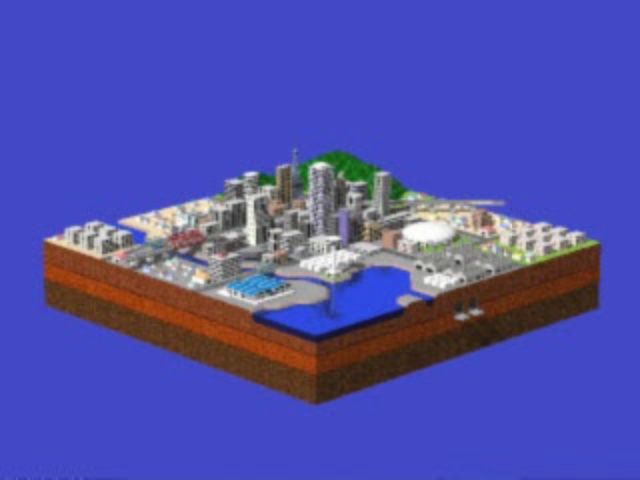
A Boomin' Burg
Then it takes on a financial management angle, where you use your bank loans and stock investments to build a financial empire. Of course, all three of these "triple challenges" must be simultaneously managed.
Amidst all your sweat, you'll have the pleasure of seeing the program "reward" you for rail management and your strategic placements of game properties by building homes and other properties near your stations. As you become a better manager, the simulation will provide you with an ever-expanding town—naturally with more management responsibilities. If you handle those responsibilities capably, you'll bask in the glory that only the president of a rail empire can attain. And you'll be rich, at least electronically. Naturally, this being a Maxis game, we aren't encouraging you to be greedy. You can take a light hand with your development decisions, and sculpt a map that reflects your taste in tidy railways. Your city mappings can have the tightly structured discipline of a military campaign, or they can flow like the wandering rivers of the game terrain. It's all up to you.
The one thing we insist upon is that you have fun, but that's one goal in A-Train that's practically effortless (and hey, here's a little secret: you even get to drive the trains!).
A-Train Basics
There are a number of game fundamentals that will prove useful to know before you begin.
Winning the Game, Losing the Game
If you accumulate a substantial chunk of change through your game efforts, you receive a hearty onscreen congratulations. However, this arbitrary fiscal mark, while a sign of game competence, needn't be the dominant pursuit of any game. The important thing is that you are free to continue further with the refinement of your game territory.
A-Train can continue forever until you no longer have capital (or at least until you have a power outage). Of course, if you lose your last dollar, you'll be offered the pleasure of beginning another game, because the dollarless one is lost.
The Alert Developer
Towns are generated through your building of various kinds of structures on the map to create a working community. Of course, some properties are already in place from the very beginning, but with A-Train, you basically create the town's infrastructure, and the program "rewards" your astute design with additional town development.
Therefore, there are two primary concerns when
 (En,Ja,Fr,De).png)

 (En,Ja,Fr,De).png)
