GETTING STARTED
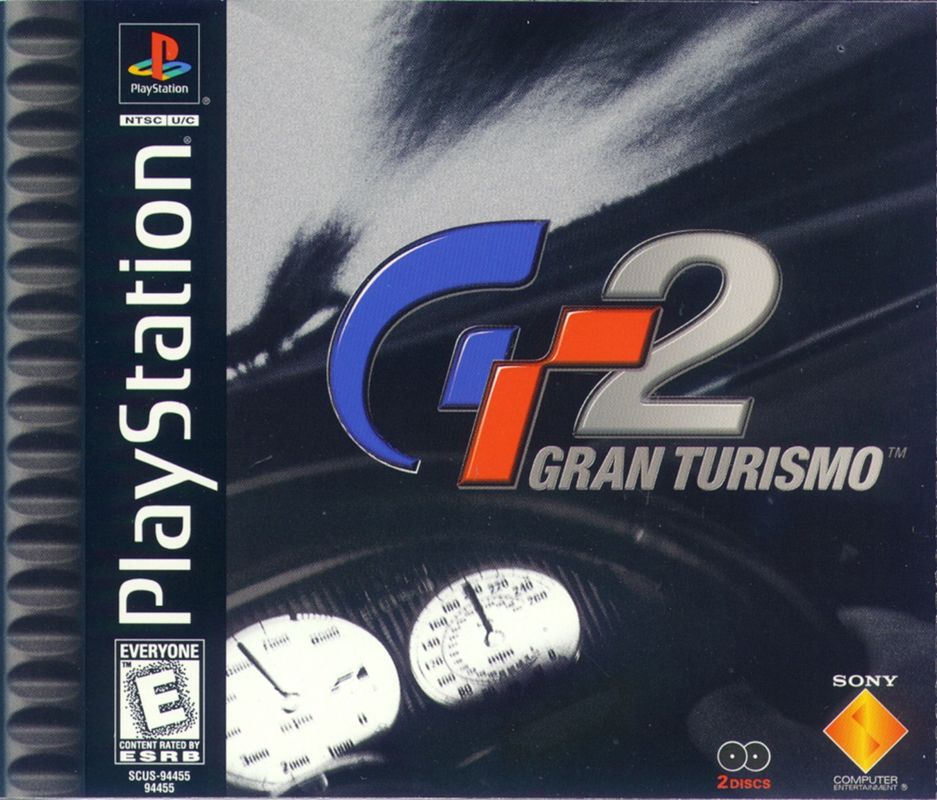
Gran Turismo 2 comes as a 2-disc CD-ROM set. Disc 1 is for the Arcade Mode. Disc 2 is for the Simulation Mode. Load the correct disc for the mode you want to play into the PlayStation game console and turn on the power. After the opening movie plays, the Main Menu will appear. If a MEMORY CARD containing a saved game is present in MEMORY CARD slot 1, the game will be loaded automatically.
ARCADE MODE
Arcade Mode offers immediate, realistic racing for one or two players. You can use the arcade cars as well as cars that have been purchased and modified in Simulation Mode. SIMULATION MODE
Simulation Mode offers a realistic simulation of racing life for one player only. You can enter races, win prize money and use the money to buy and modify even more awesome cars. MAIN MENU (Arcade Mode)
Insert the Arcade Mode disc and turn on the power to display the Main Menu. The following menu items can be selected from the Main Menu.
•
START ARCADE MODE: This starts the Arcade Mode.
•
REPLAY THEATER: Play and manage replay data.
•
OPTIONS: Change various game settings.
•
SAVE GAME: Saves game data (4 blocks). Select the slot containing the MEMORY CARD in which you want to save your game. Saving a game saves all of the Arcade Mode, Simulation Mode and Options settings simultaneously. Only one game can be saved onto each MEMORY CARD. •
LOAD GAME: Loads game data (4 blocks). Select the slot containing the MEMORY CARD with the game you want to load. Loading a game loads all of the Arcade Mode, Simulation Mode and Options settings simultaneously. Only one game can be saved onto each MEMORY CARD. •
COMMUNICATION: Use Communication to combine time records or buy and sell cars between two MEMORY CARDS. Insert the MEMORY CARDS containing saves in MEMORY CARD slots 1 and 2.
ARCADE MODE MENU
On the Arcade Mode Menu you can choose from the following modes.
SINGLE PLAYER
This is a racing mode for a single player. •
ROAD RACE: This is a road race held on paved roads.
•
RALLY: This is a rally time trial held on unpaved roads.
•
TIME TRIAL: In Time Trial mode, you race your car around the course alone, aiming to achieve the fastest lap time. It is also possible to display "ghost" data stored on a MEMORY CARD.
•
OPTIONS: The Options menu lets you adjust various game settings.
2 PLAYER BATTLE
In this mode, two players race against each other head to head. Both players select their own cars on a split screen. After both cars are selected, Player 1 selects the course and the race begins. The race takes place on a split screen.
BONUS ITEMS
As you progress through the Single Player Races, you will unlock the bonus items hidden on this screen behind the question marks.
LOAD GUEST GARAGE
This option loads Simulation Mode GARAGE data from MEMORY CARD slot 1 or 2 for Two-player racing. This data is used only for Two-player racing so it does not change the game in progress. HOW TO PLAY (Arcade Mode)
Racing in the Arcade Mode is generally as follows, but the sequence may differ slightly depending on the race mode. SELECT A DIFFICULTY LEVEL
Select a difficulty level for the upcoming race.
SELECT A CLASS
Select the class of the race you want to enter. Only cars qualified for that class can enter the race.
If you select HOME GARAGE, the cars in the Simulation Mode GARAGE on the MEMORY CARD will be displayed. The GARAGE cars will be entered in races corresponding to the class of each car. You can load your friends HOME GARAGE data by selecting "LOAD GUEST GARAGE." SELECT YOUR CAR
Select the car to use.
•
Use the (LEFT/RIGHT) directional buttons to select a car model and the (UP/DOWN) directional buttons to select the color. You cannot change the color of cars in the GARAGE.
•
After selecting a car, select the type of transmission (Automatic/Manual) and the car settings (Racing/Drift). SELECT A COURSE
Use the LEFT/RIGHT directional buttons to select the course you want to race. The screen shows the course map and the best lap times for each course.
RACE/TIME TRIAL
The race starts once you select the course. You always start this race from the last position. Press the START button to pause your race, and select Exit to end the race.
AFTER A RACE/TIME TRIAL
Once a race is over, a replay will start. When the replay is over or the START button is pressed during a replay, the following menu appears. Certain menu items may not appear depending on the race mode.
•
REPLAY: Replay the most recent race.
•
TRY AGAIN: Run the same race again with the same settings and conditions.
•
SETTINGS...(TIME TRIAL AND RALLY ONLY): Change the settings for cars.
•
RECORDS: View record times for each course.
•
GHOST...(TIME TRIAL AND RALLY ONLY): View "ghost" data menus.
•
SAVE REPLAY: Save replay data for the race just completed.
•
OPTIONS: This menu lets you change various game settings.
•
EXIT: Return to the Arcade Mode Menu.
MAIN MENU (Simulation Mode)
Insert the Simulation Mode disc and turn on the power to display the Main Menu. The following menu items can be selected from the Main Menu.  (Bonus PlayStation Disc).png)

 (Un CD Bonus).png)
 (En,Fr,De,Es,It) (Disc 1) (Arcade Mode).png)
 (En,Fr,De,Es,It) (Disc 2) (Gran Turismo Mode).png)
 (Un CD Bonus).png)



_1.png)
.png)
.png)