Game Set-up
Set up your PlayStation game console according to its Instruction Manual. Ensure the power is off before inserting or removing a compact disc. Insert the LEGO® Racers disc and close the Disc Cover. Insert game controllers and turn on the PlayStation game console. Follow on-screen instructions to start a game. NOTE: If you have a MEMORY CARD, insert it now, before you turn the PlayStation game console on. You can save your custom Racer data and game data to this MEMORY CARD. •
Pick a language. After the introduction sequence, you will see a screen where you should pick a language.
•
Use the directional buttons to move left or right to choose the language you want.
•
Once you pick a language it will be saved to the MEMORY CARD (if one is inserted), so you won't have to choose it again. You can always go to the Options screen to change the language again.
•
Once you have chosen a language, you can build a custom car or go straight to the racing. Quick Start
Want to start racing right away? Here's how to get going without delay. •
Select Single Race from the Main Menu.
•
Select the track that you want to race on. As you are just starting out, you will have four tracks to choose from.
•
Select any Racer you like. As you are just starting out, you will have four racers to choose from. •
Now you are ready to race. On your mark, get set, go!
About LEGO Racers
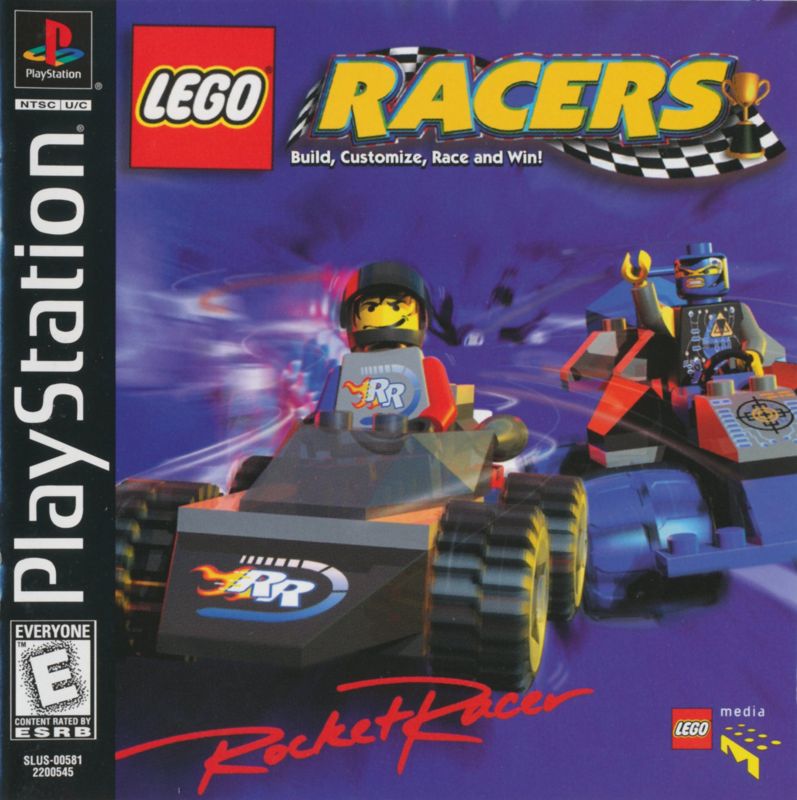
LEGO Racers is an action-packed, racing game, filled with thrills, spills and exciting challenges. You will be up against the all-time greatest LEGO Racers, each one with a unique brand of clever driving skills and tricks to outwit you. You will have to master lots of driving maneuvers, and find out just when and how to use them. Then you can win races and become a LEGO Racers champion yourself. Turbo Start
The Turbo Start is all about timing. Watch the 3-2-1 countdown. As soon as the word Go comes up, hit the acceleration button. If you time it just right, you can start the race at full speed!
Super Sliding
Super sliding is a bit more tricky. Hold down the accelerator, brake and power slide buttons and turn left or right. This will make a very tight turn.
When you let go of either the brake or power slide button, the car will zoom off in the direction you are facing. Super slides are not easy and you will really need to practice to get them right. You can try them out on the test track until you become a super sliding ace.
Power Ups
If you want to be a winner, you will have to use power ups. Power ups range from basic shields or projectiles to ultra-powerful enhancements such as the awesome Guided Rockets or the mysterious Mummy's Curse. You will need to know how to use them all.
There are four basic power ups: Hazard (yellow), Turbo (green), Projectile (red), and Shield (blue). To collect a power up, drive through one of the colored spinning bricks on the track.
To increase the level of a power up, you can collect power plus bricks. Power plus bricks are the white bricks.
Power Up Chart
| Color | Type | Basic Power Up | 1 Power plus Brick | 2 Power plus Bricks | 3 Power plus Bricks |
|---|---|---|---|---|---|
| Red | Projectile | Cannon Ball | Grappling Hook | Lightning Wand | 3 Guided Rockets |
| Yellow | Hazard | Oil Slick | Barrel of Gun Powder | Magnetic Trap | Mummy's Curse |
| Blue | Shield | 5 Second Shield | 6 Second Shield (reflect Cannon Balls and Rockets.) | 8 Second Shield (reflect Cannon Balls and Rockets. Spin opponents) | 10 Second Shield (reflect Cannon Balls and Rockets. Spin opponents) |
| Green | Turbo | Turbo Boost | Extra Turbo Boost | Flying Turbo Boost | Warp Turbo Boost |
Power Up Icons
This display shows you what kind of power up you are carrying and how many power plus bricks you have collected.
Speedometer / Course Map
This display has three choices:
•
The Speedometer shows how fast you are going.
•
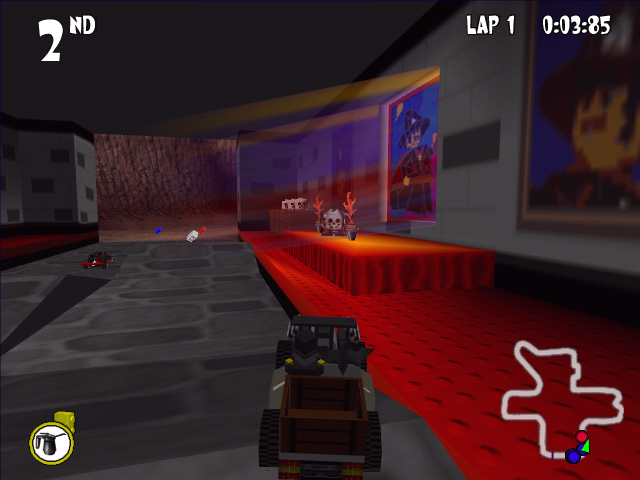
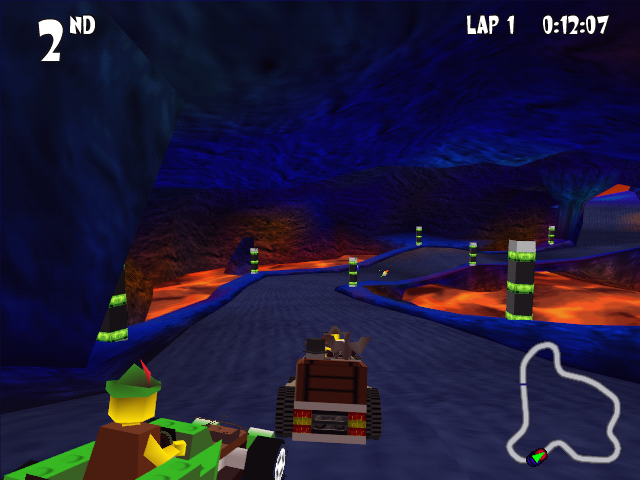
The Course Map shows a bird's eye view of the whole track, and where the other Racers are during the race.
•
The Close-up Map shows the track around you in more detail.
Press the toggle map/speedometer display button to choose the display that you want or to turn them all off.
Circuit Race Story
Meet Rocket Racer - the greatest racing champion in all LEGOLAND®. But Rocket Racer has a problem. He's such a brilliant racer that no-one can beat him and now he's bored. So, to find a real challenge, Rocket has decided to hunt down the best Racers in the history of LEGOLAND and set up a truly awesome racing contest. Rocket's friend, Veronica Voltage, is a top scientist and mechanical genius. She has designed and built a fantastic LEGO® dimensional warp machine to send her and Rocket all around LEGOLAND. They have hunted high and low and even travelled through time to find the best LEGO Racers for the ultimate racing challenge. Now, in a thrilling test of driving skills and nerve, you can take on these top LEGO Racers in a series of Circuit Races. And if you beat them all, you will get the chance to compete in a race to end all races and go head-to-head with Rocket Racer himself. The winner will be declared the Greatest  (En,Fr,De,Es,It,Nl,Sv,No,Da,Fi).png)

.png)
 (En,Fr,De,Es,It,Nl,Sv,No,Da,Fi).png)
