Getting Started
Important: Do not insert or remove peripherals or memory cards once power is turned on. You will need a memory card to save your games.
•
Set up your PlayStation® game console according to the instructions in its Instruction Manual. •
Make sure the power is OFF before inserting or removing a compact disc.
•
Insert The Game of LIFE™ disc and close the disc cover.
•
Insert the game controllers (and memory card if you have one).
The introductory sequence will begin. To skip this sequence and go directly to the Main menu, press the button or the START button.
You will not be able to save your progress or game information if you don't use a memory card. Make sure there is at least one free block on your memory card before beginning your game. You are not able to swap memory cards during play and you must leave the card in the first slot of your Multi-tap if you are using one.
Console
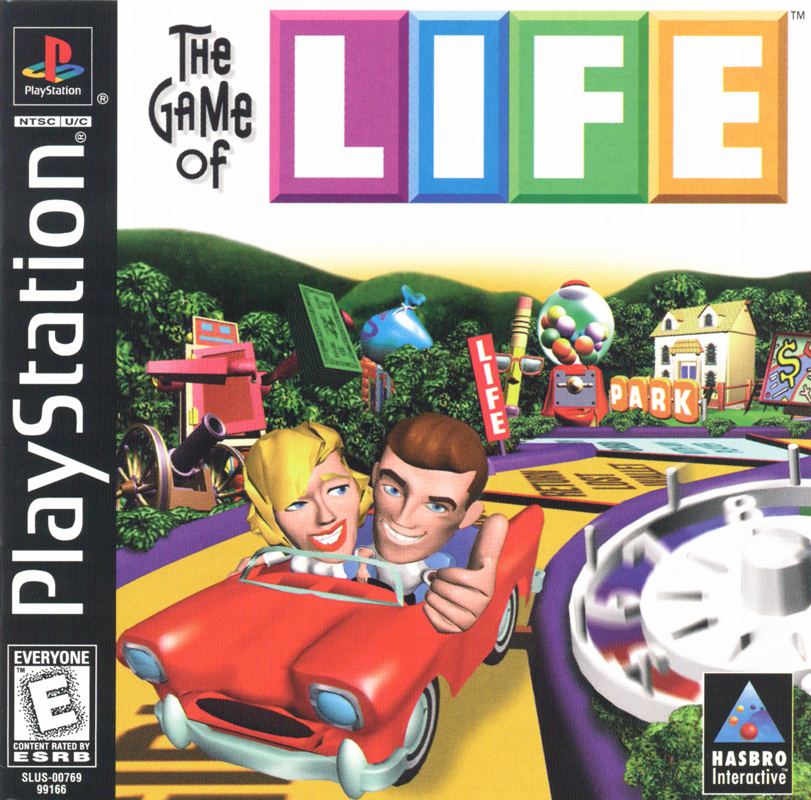
Get a LIFE!
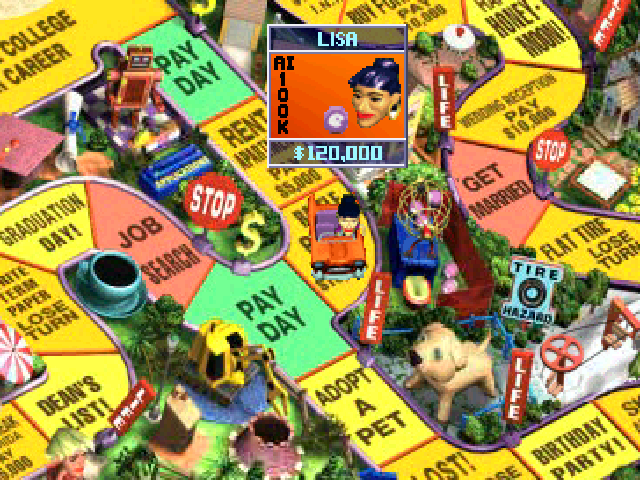
Pick a car, hop in, and take a spin through life! Steer clear of trouble, make all the right choices, and you could retire in riches! Drive around the board, picking up cash, valuable LIFE tiles, and maybe a family! Land on the wrong space and it could cost you your fortune!
Every game is different. Where will life lead you this time? Will you win the lottery? Save the planet? Or will you lose all your money in the Stock Market crash? Take a spin and find out.
How Do You Win?
The player with the most money, after all players have retired, is the winner. Money can consist of actual cash on hand, and in the case of the Classic game, LIFE tiles.
Navigation
Most menu choices and in-game functions are made by using the directional buttons to scroll through choices and the button to activate your choice.
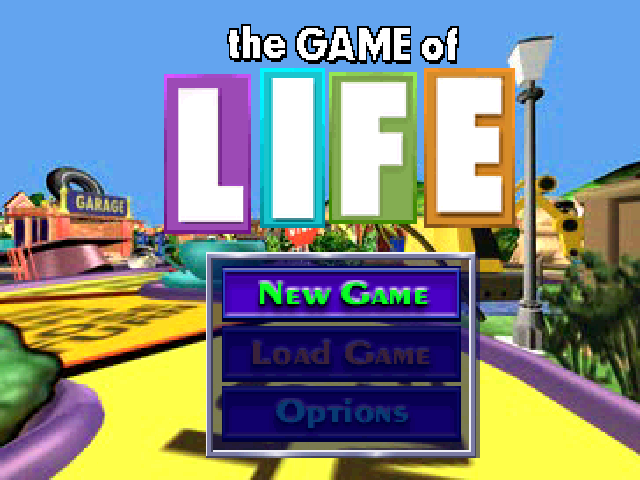
The Main Menu
This is where you start games, load saved games, and set gameplay options.
•
New Game - Select this to start a new local game with up to 6 human or computer players.
•
Load Game - Select this to start playing one of your saved games. This will take you to the Saved Game menu. Use the up and down directional buttons to highlight the name of the game you wish to continue playing. Press the ✖ button to load the game.
If your memory card is not inserted or does not contain valid saved game data, this option is not available. To leave this menu and return to the previous menu, press the ▲ button.
•
Options - Select this to set your current game's sound and display options.
New Game
Using the up and down directional buttons, choose the type of game you would like to play: Classic Board Game or Enhanced Game. Press the ✖ button to make your selection. Classic Board Game
The Classic Board Game is a faithful implementation of the rules of the original board game version of The Game of LIFE. The goal is to retire with the most money. During the game you collect LIFE tiles that are redeemed for cash at the end of the game. Enhanced Game
The Enhanced Game expands the gameplay by replacing the LIFE tiles of the classic game with "Life's Little Games." These are games of chance that give you the opportunity to make money when you land on LIFE spaces. They also sometimes provide you with the opportunity to exact "Revenge" on the other players. The goal is still the same, to retire with the most money!
The Sign-In Screens
Signing in is as easy as 1, 2, 3!
1. First, "type" in your name (up to 8 letters). Use the directional buttons and the button to make letter choices. (If you make a mistake, select DEL and then press the button.) When you have completed your name, select OK and then press the button.
Pressing the button will take you directly to DEL. Pressing the button will take you directly to OK. Pressing the button will take you to the previous menu.
2. Next, using the directional buttons, choose one of the 6 car colors. (If a car color has been selected by another player in the game, it will not be available to other players.) Press the button to make the selection. Press the button if you wish to return to the previous menu.
3. Then, using the directional buttons, choose from one of the 12 characters. (If a character has been selected by another player in the game, it will not be available to other players.) Press the button to make the selection. Press the button if you wish to return to the previous menu.
Now you can add additional human or computer players, up to a total of 6 players in the game. You need at least two players to start a game, one of which must always be a human player.
•
Add Another Player - Select this to add another human player. Repeat the three sign-in steps described above.
•
Add Computer Players - Select this to add up to 5 computer players. There is a maximum of 6 players total in the game, so the number of computer players available will depend on the number of human players signed in.
•
Start Playing LIFE - Once you have chosen all the players, select this to begin the game!
Options
All options are listed in the left column of the Options Menu