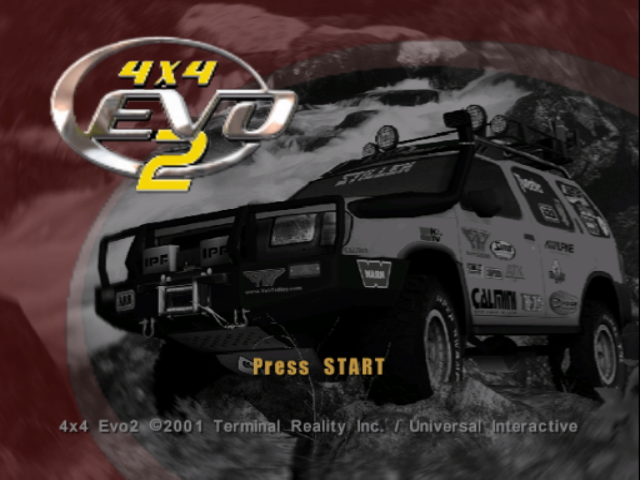
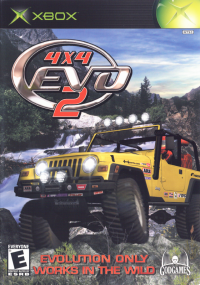
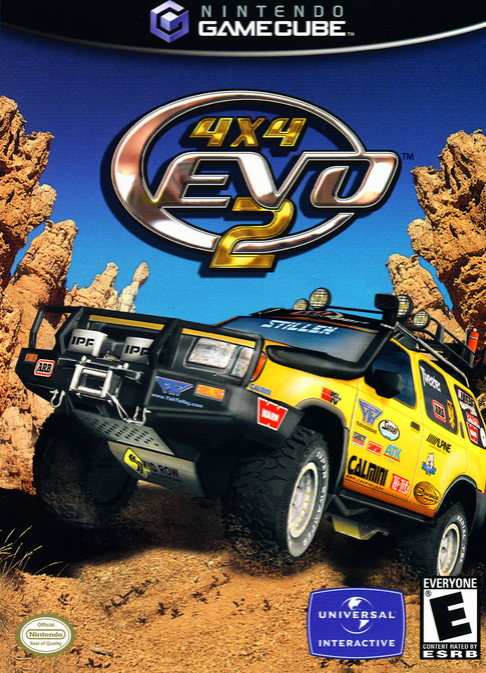
Welcome to 4x4 EVO 2
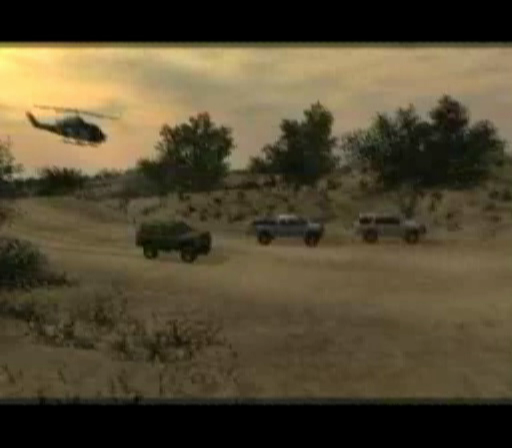
Welcome to 4x4 EVO 2, the sequel to the rowdiest off road racer ever developed. 4x4 EVO 2 allows you to break the confines of the race track and explore alternative routes, unencumbered by the normal boundaries in other racing games. Beyond racing, 4x4 EVO 2 has an extensive career mode which includes a variety of adventure-based missions along with racing for a cash prize. Be prepared to delve into a variety of different environments from the backwater swamps of Louisiana, to the ancient pyramids of Egypt. Travel the globe and drive to your heart's content. Roam mode allows you to leave the racing life behind and casually explore rich environments that lay before you. Explore carefully, because you never know what surprise, or obstacle, hides behind the next mountain! Put on your racing suit and hop into your favorite truck or SUV because it's time to race off-road! Using the Nintendo GameCube
1. Set up your Nintendo GameCube by following the instructions in the Nintendo GameCube instruction manual. 2. Press the Power button and the status indicator light will light up.
3. Press the Open button and the disc tray will open.
4. Place the 4x4 EVO 2 Nintendo GameCube Game Disc on the tray with the label facing up and close the tray. 5. Follow on-screen instructions and refer to this manual for more information on playing 4x4 EVO 2.
Avoiding Damage to Game Discs or the Game Disc Drive
To avoid damage to Game Discs or the Game Disc drive:
•
Insert only Nintendo GameCube compatible Game Discs into the Game Disc drive. •
Never use oddly shaped Game Discs, such as star-shaped or heart shaped Game Discs.
•
Do not leave a Game Disc in the Nintendo GameCube console for extended periods when not in use. •
Do not move the Nintendo GameCube console while the power is on and a Game Disc is inserted. •
Do not apply labels, stickers, or other foreign objects to Game Discs.
Setup Vehicle Options
•
GO RACE: Jump right into the race using the current settings for the track and vehicle.
•
VEHICLE SELECTION: This allows you to select a truck for racing. Choose from the list of vehicles or use the truck you've been building in Career Mode. •
Class 2 Vehicles are lightly modified. These are the "intermediate" trucks that average racers drive.
•
Class 3 Vehicles are heavily modified. These are the "expert" trucks. They go faster, but are much harder to control, and your opponents will be much more difficult racing Class 3 Vehicles. •
COLOR SELECTION: Choose the color of your truck from the list of manufacturer-approved colors.
•
VEHICLE SETTINGS: This advances you to the Vehicle Settings screen where you can modify certain parameters of your vehicle. Please see the Vehicle Settings section for more information.
•
BACK: This returns you to the Race Setup screen.
Free Roam
Free Roam allows you to explore any track you like without the pressure of racing. Explore carefully—each course has secrets hidden somewhere within. Free Roam Setup
•
CONTINUE: This selection advances you to the Vehicle Setup Options screen.
•
RANDOM RACE: The computer randomly chooses the track, weather and time of day options for the track you're about to explore.
•
TRACK: This allows you to select a track from the available list.
•
WEATHER: Choose between four weather modes: Clear, Foggy, Dense Fog or Rain.
•
TIME OF DAY: Choose between exploring during the bright midday or the dark of dusk.
•
BACK: This returns you to the Select Mode screen.
Setup Vehicle Options (Free Roam)
•
GO RACE: Jump right into exploring using current settings for the track and truck.
•
VEHICLE SELECTION: This allows you to select a truck for racing. Choose from the list of vehicles or use the truck you've been building in Career Mode. •
Class 1 Vehicles are showroom stock. These are the "beginner" trucks that inexperienced explorers should start out using.
•
Class 2 Vehicles are lightly modified. These are the "intermediate" trucks that explorers should drive.
•
Class 3 Vehicles are heavily modified. These are the "expert" trucks. They go faster, but are much harder to control, taking much more skill and finesse to get over some of the obstacles.
•
COLOR SELECTION: Choose the color of your truck from the entire list of manufacturer-approved colors.
•
VEHICLE SETTINGS: This advances you to the Vehicle Settings screen where you can modify certain parameters of your vehicle. Please see the Vehicle Settings section for more information.
•
BACK: This option will return you to the Roam Setup screen.
Hot Lap
Hot Lap allows you to race against yourself for the best time on a particular track. You can even choose to see a ghost image of yourself on the track while racing. Hot Lap is an excellent way to learn the best shortcuts to take, so that you can kick some serious butt when going against the computer AI or against real opponents. Career
Career mode starts you out without a vehicle but with $30K to spend on a vehicle and parts. Start out by buying a stock truck and then compete in races or successfully complete missions to earn cash. Use this cash to buy performance parts to upgrade your current truck, or sell off your truck
.png)

_2.jpg)