Introduction
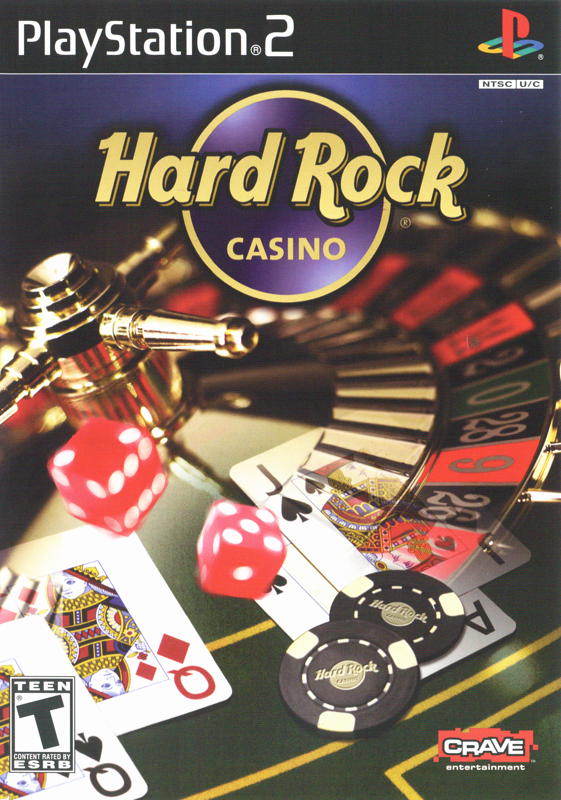
Hard Rock Casino lets you experience the excitement of being a High Roller at The Hard Rock. You can play over 20 different casino games, explore high-stake areas, participate in invitation-only tournaments, and unlock upgrades for your customizable character.
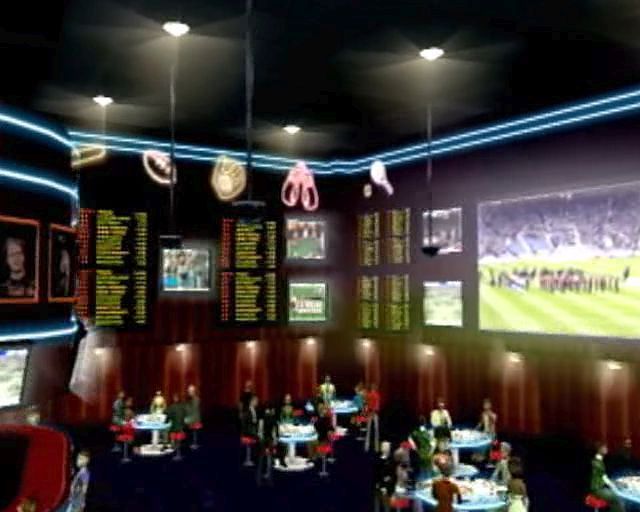
The action takes place across multiple casino environments, each with different themes and characters. All casinos and games are presented in true 3D with multiple camera angles, showcasing the gaming floor and presenting the action in a television broadcast style.
Adventure Mode
Adventure Mode starts with character creation. Once your character is created, you begin in the lobby of the Hard Rock Casino.
•
Use directional buttons to move to different rooms.
•
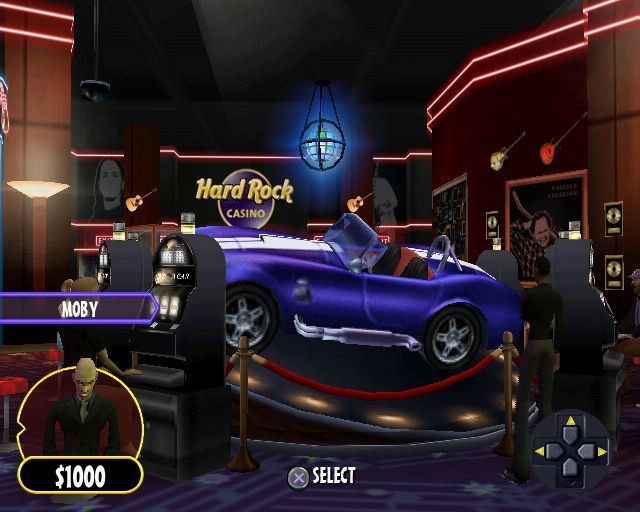
Rooms include Poker Games, Table Games, Slots, and Sports Book betting.
•
Inside each room are various games. Use directional buttons to move to games and select one with the X button.
•
As you play, you'll encounter goals and challenges that must be completed to advance through the Casino Adventure.
Quick Play
Quick Play generates a random character for you. You can select any unlocked casino to play in.
You can play any of the casino games for fun or for practice.
Tournaments
Play any of the games in a tournament format against other players. Tournaments are set up in a heat format.
You often need to finish in the top three to advance to the next round. Some heats are time-based, with players having the most money at the end advancing. Other heats are based on a number of rounds or hands.
Tutorials
Instructions on how to play all games in Hard Rock Casino can be viewed by selecting the Tutorials option from the Main Menu.
How to Play
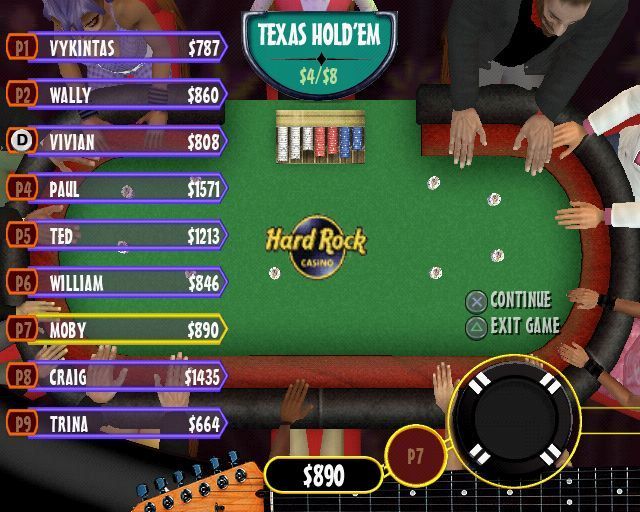
For all table and poker games (except Craps and Roulette), a list of players at the table is displayed along the left side of the screen. This list updates to reflect their actions.
Your bankroll is displayed in the lower center of the screen. Your cards are always displayed just above your bankroll. Dealer cards or community cards are always displayed in the upper right side of the screen. Player options for making bets and plays are always located on the Poker Chip graphic, in the lower right side of the screen.
Making a Bet
When it's your turn to bet, a poker chip graphic is displayed in the lower right of the screen.
•
Press up, down, left, or right using the directional buttons to adjust the bet amount.
•
Press the X button to confirm.
•
For games where you place bets on the table (e.g., Roulette), use the Left Analog stick to highlight the desired location.
•
Once a bet location is highlighted, use the directional buttons to adjust the bet amount and press the X button to confirm.
Making a Play
Each game has specific selectable options (e.g., "Hit" and "Stand" in Blackjack) that change based on the game's state. These options are displayed on the Poker Chip graphic in the lower right of the screen.
•
Make selections by pressing and holding the appropriate direction using the directional buttons.
•
Press the X button to confirm.
•
If you move to an option and decide not to select it, release the directional buttons to center the highlighter.
Saving and Loading
You can save your game at any time by going to your hotel room. Your hotel room can be accessed from the Lobby Check In at all casinos.
You can load a saved game at any time by accessing the Load option from the Main Menu.
Options Menu (Main Menu and In-Game)
The Options Menu can be accessed from the Main Menu. From in-game, you can access the Options Menu by pressing the Start button.
Gameplay
•
This option allows you to adjust Gameplay settings.
Sound
•
This option allows independent control of the volume of the music and sound effects.
•
Use directional buttons on the sliding bars to change the volume.
Credits
Poker Hand Rankings
Royal Flush
•
Ten, Jack, Queen, King, and Ace all of the same suit. This is the best possible poker hand.
Straight Flush
•
Five cards of the same suit in sequence. 4 of a Kind
•
Four cards of the same rank, such as four Kings. Full House
•
Three cards of one rank and two cards of another rank. For example, three Jacks and two Tens. Flush
•
Five cards of the same suit. Straight
•
Five consecutive cards of mixed suits. Three of a Kind
•
Three cards of the same rank. Two Pair
•
Two cards of one rank and two cards of another rank. One Pair
•
Two cards of the same rank. .png)


.png)




.png)
