SETTING UP
It is advised that you do not insert or remove accessories once the power is on. Make sure there is enough free space on your memory card (8MB) (for PlayStation®2) before commencing play.
PlayStation®2 Computer Entertainment System
Set up your PlayStation®2 computer entertainment system according to the instructions in the Instruction Manual. Make sure the MAIN POWER switch (located on the back of the console) is turned on.
Press the /RESET button. When the indicator lights up, press the button and the disc tray will open. Place the Herdy Gerdy disc on the disc tray with the label side facing up. Press the button again and the disc tray will close.
Attach one or two game controllers and other peripherals, as appropriate. Follow on-screen instructions and refer to this manual for information on using the software.
ANALOG CONTROLLER (DUALSHOCK®2)
HERDY GERDY is best played with the analog controller (DUALSHOCK 2). The controller should be connected to controller port 1. With this analog controller (DUALSHOCK®2), the ANALOG mode button and mode indicator are always set to ON, indicating that the controller is in analog mode.
The controls shown on pages 8-9 are the default configurations. When Vibration is ON, the controller will vibrate in response to game events. You can adjust Vibration ON/OFF from the Options menu.
•
right directional button
GETTING STARTED
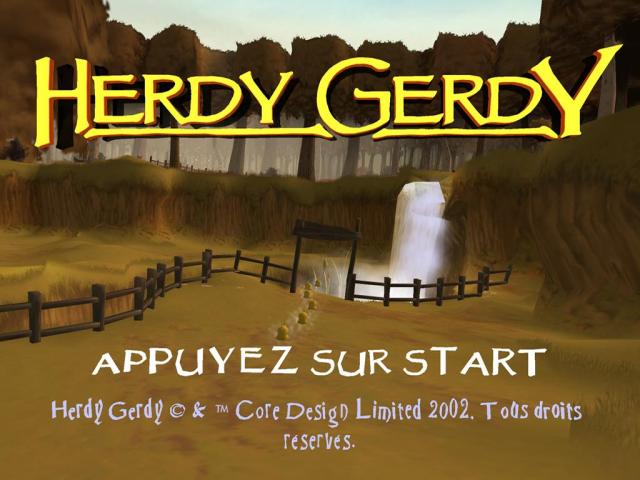
Initially you will be asked to select your desired language. Once this is completed you will be prompted to press the START Button to begin the game, doing so will call up the Main Menu.
If you do not press the START Button a rolling demo will automatically play after a short period of time. Pressing any button on the controller will recall the Start Screen.
MAIN MENU
Select this option to start a new game
Select this option to load a previously saved game
Select to call up the Options Menu
Select this option to view any unlocked secrets!
OPTIONS MENU
Allows you to change audio levels in the following categories:
•
Sound Mode Stereo (default) / surround
Allows you to adjust the position of the picture on your TV and choose the refresh rate to suit your TV
Allows you to define your controls as follows:
•
Vibration on (default) / off
LEVEL MAP
In-between levels a map of the islands will appear, this will show Gerdy's position. As he progresses through his adventure more of the map will be uncovered. Use the Directional buttons to move Gerdy over the unlocked level entrances and press the Button to load that level.
You can also take a look at how well Gerdy's done by pressing the Button. This will display a list of statistics for that level. Here you will also be able to save your current game, see 'Save Game' for more details.
SECRET AREAS
Gerdy will come across locked areas throughout his quest. The entrance to these secret areas will be blocked, and a golden pad-lock will be displayed signifying that the area is locked.
To unlock the entrance Gerdy will need to complete a certain task. These tasks vary from level to level. Once the task is completed the lock will break before your eyes and Gerdy will be able to explore what lurks in these areas!
LEAVING THE LEVELS
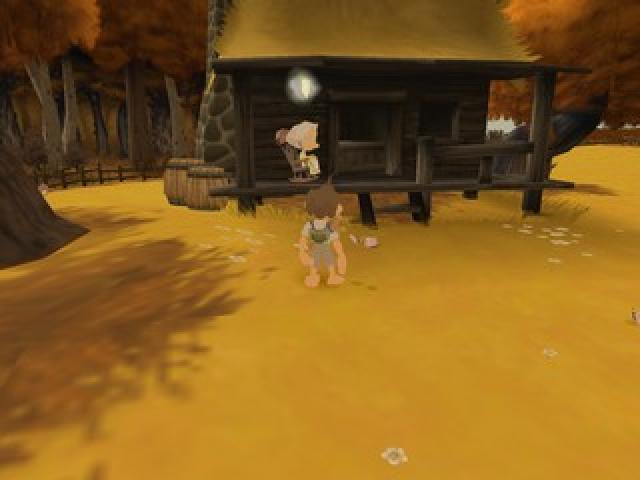
At the entrance and exit of each level Gerdy will meet the Gypsy Woman. She tells him if he's able to progress to the next level or checks with the young Shepherd if he's sure he wants to leave the level. The Gypsy Woman will also hold your herding score that she displays as you approach her.
Note, if you exit the level and then re-enter it all the creatures will have been released from their pens and you will have to herd them all again!
CHARACTERS AND HERDING TECHNIQUES
There are lots of creatures on the island, some living harmoniously, some running wild and others just plain hungry! Gerdy will be called upon to herd many of the creatures. To know how to do so he must listen carefully to the other inhabitants of the Island who will give him help and advice along the way.
Many characters will offer Gerdy advice or challenges. To speak with them walk up to them and press button, if they want to speak they will, if not - they won't!
As he will discover, different creatures react differently to each other and to Gerdy. Here are some examples of creatures that can be found on the island and ways to herd them...
CREATURE PENS
To restore order to the islands, and prevent the Gromps from eating the whole inhabitants







_1.png)

_1.png)







_1.png)
.png)



_1.png)

.png)
