Getting Started
1. Set up your PlayStation®2 computer entertainment system according to the instructions in its instruction manual.
2. Make sure the MAIN POWER switch (located in the back of the console) is turned on.
3. Press the standby/RESET button. When the power indicator lights up, press the open button and the disc tray will open.
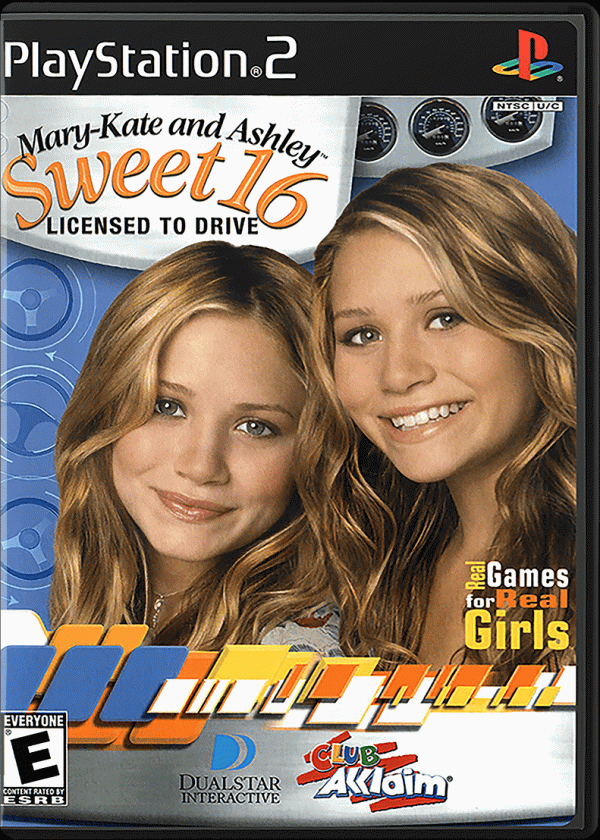
4. Place the Mary-Kate and Ashley™ Sweet 16 disc on the disc tray with the label side facing up. Press the open button again and the disc tray will close.
5. Attach game controllers and other peripherals as appropriate.
Starting Up
DUALSHOCK®2 ANALOG CONTROLLER CONFIGURATIONS
•
left analog stick (L3 button when pushed down)
•
right analog stick (R3 button when pushed down)
Mary-Kate and Ashley™ Sweet 16 is for one to four players. To play with more than two players, you must have a Multitap (for PlayStation®2) (sold separately) inserted into controller port 1.
If you wish to save your game, insert a MEMORY CARD (8MB) (for PlayStation 2) (sold separately) into MEMORY CARD Slot 1. START MENU
Introduction
Are you ready for the sweetest adventure? Hop in and drive into excitement with us in Sweet 16 Licensed to Drive. There are three exciting game modes to choose from, and a host of mini-games to keep you satisfied, whether you're playing with friends or against the computer.
Adventure mode offers a diverting dreamland of driving fun. Imagine that the world is a giant board game. As you take your driving class, you'll move around the board earning points and collecting keys as you try to finish first. There's plenty to do!
You can take on Arcade mode and just play mini-games, or challenge a friend in head-to-head action in Bring It On mode. So grab the keys, buckle up and let's get down to some serious motoring fun!
Menu Navigation
•
Select Confirm/Advance button
•
Move highlight UP or DOWN directional button/left analog stick
•
Toggle settings LEFT or RIGHT directional button/left analog stick
Main Menu
•
NEW GAME Start a new game. See Game Modes on page 10 for details.
•
LOAD PROFILE Load a saved profile from your memory card (8MB) (for PlayStation 2). You can also create a new profile. Profiles include your options settings and game progress. •
CONTINUE SAVED GAME Resume a previously saved game. You must load a profile to use this option.
•
OPTIONS Set these options:
•
Audio Mode: Choose Stereo or Mono sound.
•
SFX Volume: Raise or lower the sound effects volume.
•
Music Volume: Raise or lower the music volume.
Once you've set up your options, press the button to confirm your settings and return to the Main Menu, or press the A button to return without saving settings.
Playing Sweet 16 Licensed to Drive
Once you have selected New Game, you can choose which game mode you wish to enter.
Board Game Basics
We'll start off by looking at Adventure mode. Imagine the world is a giant board game. Players take turns moving about the board for the chosen number of laps and turns, playing any mini-games that are triggered. The object of the game is to earn coins, collect keys and pick up friends.
TURN ORDER
At the beginning of an Adventure, you will spin to see who goes first. Press the button as the numbers change above your character. The highest number goes first.
SPINNING
At the beginning of her turn, each player spins to see how many spaces she can move. You will see a small box with spinning numbers, similar to an odometer. Press the button to stop the number. You will automatically move the given number of spaces. What happens next depends on where you land. If a player is computer controlled, the computer will automatically spin for her.
RADIO
Before a turn, the player in first place (most points) can change the music playing on the car radio. Press the L1 button to bring up the radio, then press UP or DOWN on the directional button or left analog stick to cycle through the different stations. Press the button to select the station and return to the pre-turn menu.
VIEWING THE BOARD
During a game, before spinning you can also choose to view the board (press the button). Press the directional button or left analog stick to move the camera around the board. Press the button to return to the spin/view board select menu.
BOARD PIECES
Landing on certain board pieces will immediately take you into a fun mini-game, while landing on others can cause you to earn coins, pick up a friend, lose a turn, reverse your next move and so on.