GETTING STARTED
Set up your PlayStation®2 computer entertainment system according to the instructions supplied with your system. Check that the system is turned on (the on/standby indicator is green).
Insert the MOUNTAIN BIKE ADRENALINE disc in the system with the label side facing up. Attach game controllers and other peripherals as appropriate. Follow the on-screen instructions and refer to this manual for information on using the software.
PlayStation®2 Components
Memory Card (8MB)(for PlayStation®2)
To save game settings and progress, insert a memory card (8MB) (for PlayStation®2) into MEMORY CARD slot 1 or MEMORY CARD slot 2 of your PlayStation®2 system.
You can load saved game data from the same memory card or any memory card (8MB) (for PlayStation®2) containing previously saved games.
MAIN MENU - CONTINUED
•
Expert Trick n'Run: Similar to Trick n'Run but with two gates and two keys.
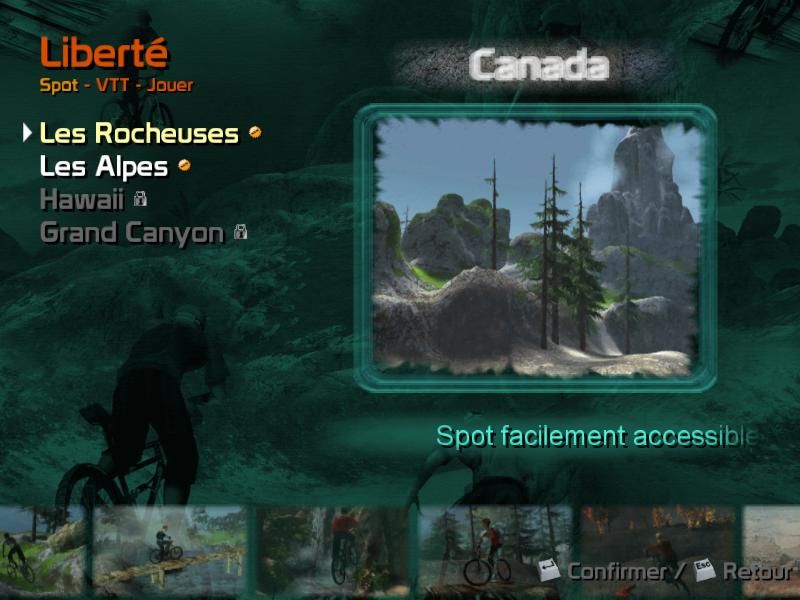
FREEDOM MODE
Freedom mode gives you the chance to ride all 4 locations without time, course or score constraints. To access this mode you'll need to reach a certain level within the other modes.
Use this mode to explore the four maps and identify shortcuts that will help you cut precious seconds from your runs in other modes.
•
In order to open new maps and modes, you'll need to build up your Global Game percentage -- check it using Statistics from the Main Menu.
•
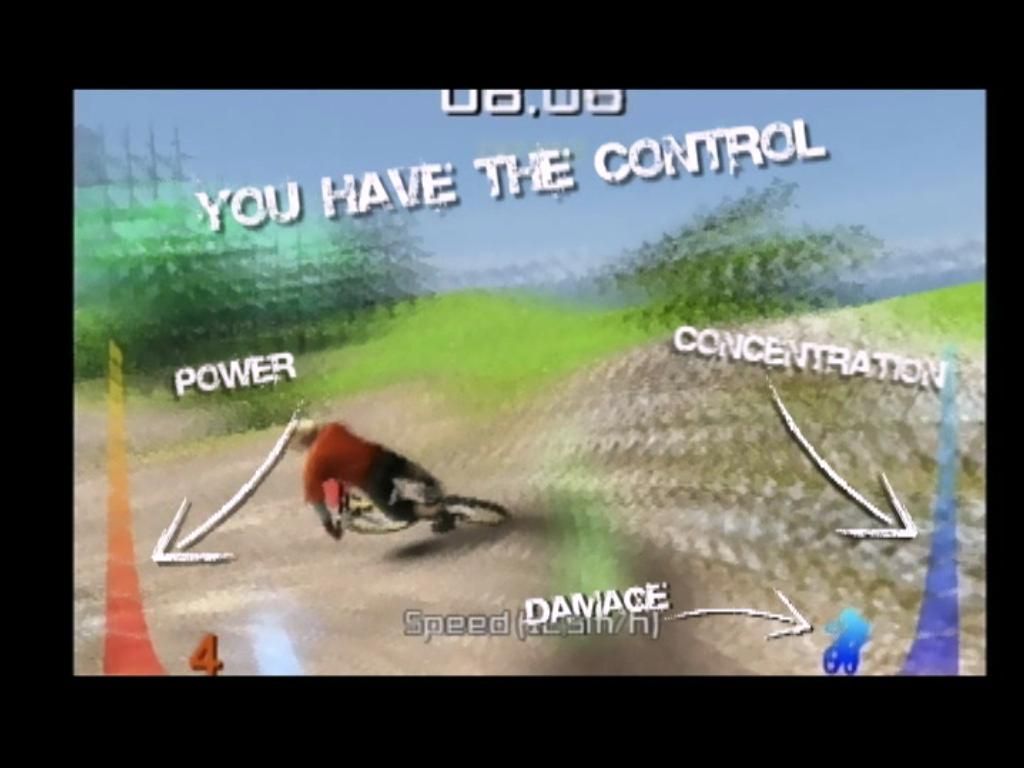
In all modes, the damage gauge is a factor, so be careful not to destroy your bike!
.png)

.png)

.png)
.png)
_1.png)
.png)

_1.jpg)


