Starting Up
1. Set up your Genesis 32X system as described in its instruction manual.
2. Plug in Control Pad 1 and 2.
3. Make sure the power switch is OFF.
4. Insert the Zaxxon's Motherbase 2000 cartridge into the cartridge slot and press it down firmly.
5. Turn the power switch ON.
In a few moments, you'll see the Sega logo screen. If the Sega logo doesn't appear, turn the power switch OFF. Make sure your system is set up correctly and the cartridge is properly inserted. Then turn the power switch ON again. Important
Always make sure the power switch is OFF before inserting or removing the cartridge.
Note
This game is for 1 or 2 players.
Getting Started
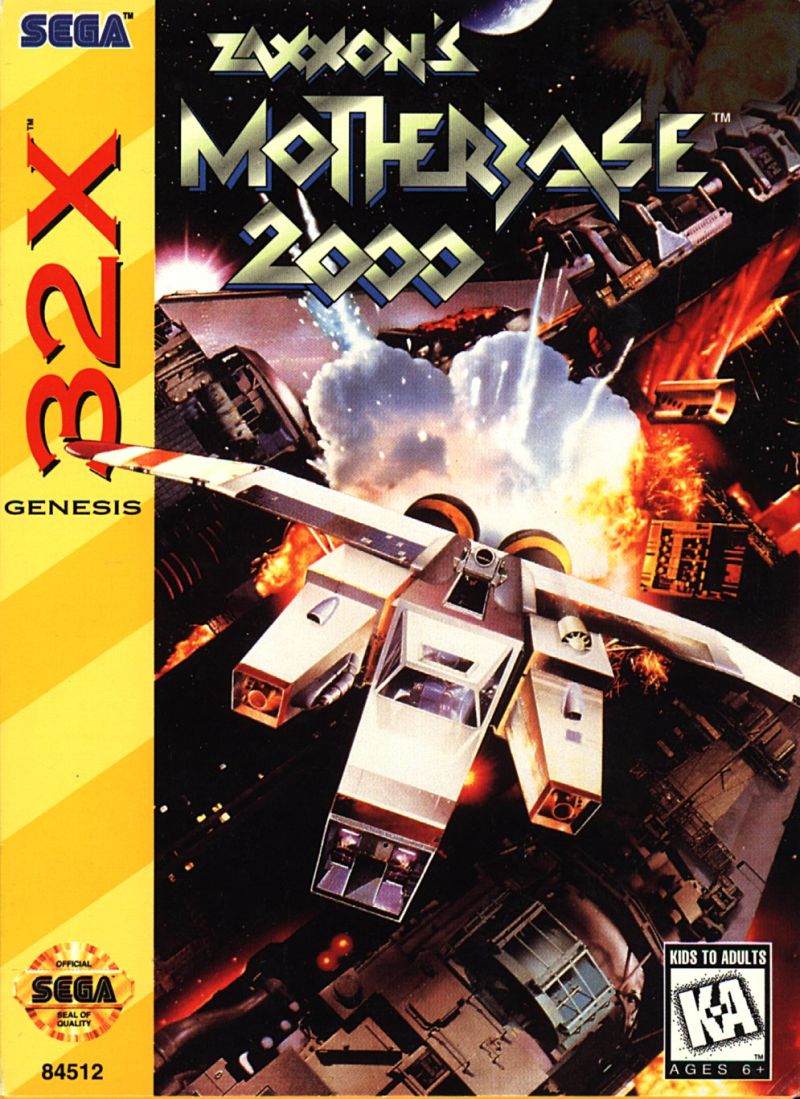
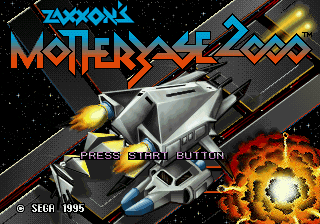
After the Sega logo, the Zaxxon's Motherbase 2000 Title screen appears. Press Start to bring up the Mode Select screen, or wait and watch the game intro and game demo. Press Start at any time to bring up the Title screen. Mode Select
Select from one of three options:
•
GAME START: Fight your way to the Ginglii central computer in mission "Motherbase 2000."
•
2P VS: Strap into a fighter and battle a friend. First to lose all five ships is defeated in this gunfight mode.
•
OPTIONS: Change features of the game.
Highlight a mode by pressing the D-Button UP or DOWN, then press Button A, B or C or Start to select.
Options Screen
To highlight an option, press the D-Button UP or DOWN. Press the D-Button LEFT or RIGHT to change the option. When finished, press Button A or C when EXIT is highlighted, or Start at any time, to return to the Title screen.
•
LEVEL: Highlight LEVEL to select the difficulty level of the game. Select from EASY, NORMAL and HARD.
•
MUSIC: Listen to the music tracks used in Motherbase. Press Button A or C to start a track, and Button B to stop.
•
SE: Do the same for SE as you would for MUSIC to listen to the game's sound effects.
•
CONTROL: Select either NORMAL or ON BOARD. Use the diagrams below to help you decide which directions you would like the D-Button to follow during game play.
ON BOARD
NORMAL
If the ship you are using takes too much damage, it explodes and you lose it. You might be able to save the Stinger by jumping out of a courier before the courier explodes.
When you lose all of your ships, the game ends. After you lose a ship, you start with the next one on the same level in a Stinger fighter. The Hive will try to send you couriers (special ships which the Stinger can dock in).
Ship Types
Model Type: 924 Stinger
Your fighter can dock in any of the couriers. The Stinger can be an effective weapon by itself; however, docking in other ships and using them increases your chances of completing the mission.
Model Type: Pincer 24-H
•
Sub-shot: Heat-seeking Ripper Missiles
The Pincer is the largest of the Hive ships. It's heavy cannon is capable of destroying most enemies with just a few shots. Rely on the missiles to attack enemies to the sides. The Pincer is slow, but its armor can withstand several hits.
Powering Up Couriers
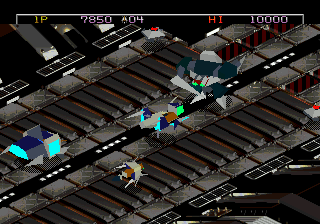
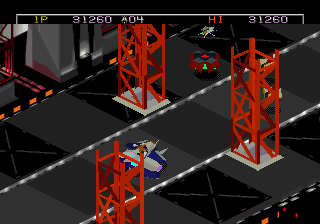
When a courier is sent to you from the Hive, all you need to do is move your Stinger near the courier, press the Jump Button, and direct your Stinger with the D-Pad to land directly on top of the courier.
If the courier takes damage, and appears ready to explode (indicated by the flashing red status bar at the top of the screen) you can still get the Stinger safely off the courier before it explodes by pressing the Jump Button.
If the Hive sends you a courier while you are using another one, you can change couriers as described on the previous page. But a new courier is not necessarily a better one. You need to decide which one you think is better for the situation.
Hacking and Learning
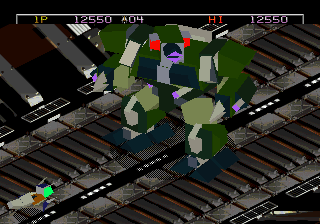
The Ginglii do not realize that Hive Intelligence has uncovered some very useful information about the Ginglii defense—your Stinger can dock in some of the Ginglii ships just like your own couriers! Turn the Ginglii's very own weapons against them! Experiment to find out which ships your Stinger can dock in.
Attempt to dock in a Ginglii vessel as you would a courier. Each time you do this successfully, you are awarded Hacking bonus points. In addition, you are awarded Learning bonus points if you can pilot the ship at least until the second electric current appears between your docked Stinger and a Ginglii vessel.
Clearing a Stage
This screen appears each time you complete a stage of your mission.
•
Clear Bonus: Bonus you are awarded for completing the stage.
•
Hacking: The more enemy ships you dock in with your Stinger, the higher this score.
•
Learning: The more secret