STARTING UP
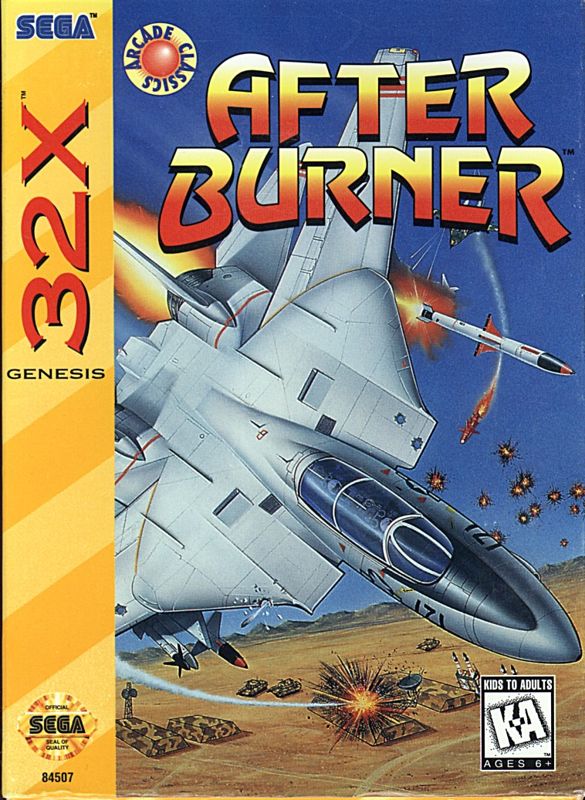
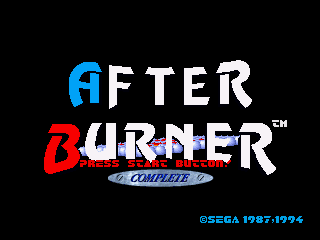
Set up your Genesis 32X system and other Sega systems by following their instruction manuals. Plug in Control Pad 1. Make sure the power switch is OFF. Then insert the Afterburner cartridge into the console. Turn the power switch ON. You'll see the Sega screen, then the Title screen. If the Sega screen doesn't appear, turn the power switch OFF. Make sure your system is set up correctly and the cartridge is firmly inserted. Then turn the power switch ON again. •
Important: Always make sure the power switch is OFF before inserting or removing the cartridge.
Troubleshooting
•
For Game Play Assistance, call 1-415-591-PLAY.
GETTING STARTED
Press the Start Button at the Title screen or during the demo to bring up the Main Menu.
Two choices appear. Press the D-Pad UP or DOWN to highlight a choice, and press Start to enter your selection.
•
Choosing START sends you right into action. •
Choosing OPTIONS allows you to change game conditions before beginning play.
OPTIONS MODE
Before heading into those unfriendly skies, set game conditions just the way you want 'em.
Press the D-Pad UP or DOWN to highlight an option and LEFT or RIGHT to enter selections.
•
LEVEL — Play an EXTRA EASY, EASY, NORMAL, HARD, or HARDEST game. The harder the level, the tougher the enemy's defense.
•
SHIPS — Begin play with 3, 4, 5 or 6 lives.
•
MUSIC TEST — Press the D-Pad LEFT or RIGHT to cycle through the BGM tracks. When the name of one you want to hear appears, press Button A, B, C, X, Y or Z to start the track.
•
UP/DOWN — Choose REVERSE (pressing UP on the D-Pad makes your fighter descend and pressing UP makes it climb — just like a real fighter) or NORMAL (press UP to climb and DOWN to descend).
•
AUTO VULCAN — Leave it OFF to control your Vulcan rounds, or set it ON to have Vulcan rounds fired without you needing to press a button.
•
ROLL (6-Button Arcade Pad ONLY) — Set for D-PAD/BUTTON A, D-PAD ONLY or BUTTON A ONLY. •
Note: If you select D-PAD ONLY, Button A on the 6-Button Arcade Pad has no function in the game. •
KEY ASSIGN — Here's where you choose the configuration of your Control Pad. Your choices are as follows:
6-Button Arcade Pad
| BUTTON | TYPE 1 | TYPE 2 |
| :-------- | :-------- | :-------- |
| Button A | Roll | Roll |
| Button B | Missiles | *Vulcan |
| Button C | *Vulcan | Missiles |
| Button X | Speed Low | Speed Low |
| Button Y | Speed Middle | Speed Middle |
| Button Z | Speed High | Speed High |
Mission Objective
Once you've flattened their bases, you're flying for yourself. A celebration awaits if you can make it back to the carrier.
REPLENISHING MISSILES
You start the mission with 50 Missiles. Your supply is replenished at certain points, either in-flight or as you land on one of the two allied air strips on your route.
Your Missiles are your deadliest weapon. Run out and, well . . . it won't be pretty, that's for sure. Keep an eye on your supply. That doesn't mean you have to be stingy. Your supply will be replenished — we just won't tell you where.
PAYDIRT!
Stages 8 and 17 are the enemy positions you must take out. They're known as "Bonus Stages" 'cause you can rack up big points. The point values for each object you demolish appear beneath your total score as you attack.
1 UP
An extra life is available when your score reaches 3,000,000 and 10,000,000 and for every 10,000,000 points after that.
A SECOND CHANCE
The game ends if you crash or are destroyed by enemy fire. To keep fighting, you must get to at least Stage 5.
If you do get that far and are wiped out, the Title screen reappears with the CONTINUE option available. Select it with the D-Pad and press Start, and you resume the battle from Stage 5. The other Continue points are at Stages 9, 13 and 19.






.png)



.png)









_1.jpg)