Starting the Game
Hardware Identification
Initial Setup Steps
1. Turn OFF the power switch on your Nintendo® Game Boy® Advance. Never insert or remove a Game Pak when the power is ON.
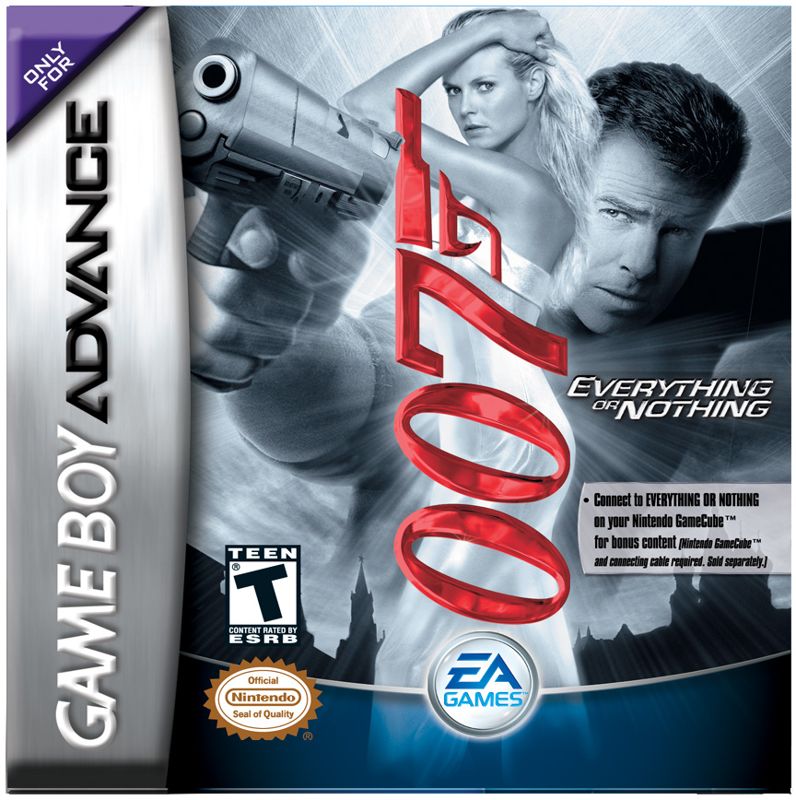
2. Insert the James Bond 007™: Everything or Nothing™ Game Pak into the slot on the Game Boy® Advance. To lock the Game Pak in place, press firmly.
3. Turn ON the power switch. The Language select screen appears.
4. Choose between ENGLISH, FRENCH, or GERMAN and press the A Button. The Legal screen appears.
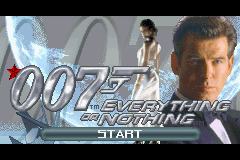
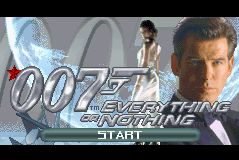
5. Press the A Button to advance to the Title screen.
6. When the Title screen appears, press START to advance to the Main menu.
For more info about this and other titles, visit EA GAMES™ on the web at www.eagames.com.
Getting Started
Let's go over the basics, 007.
Main Menu Screen
Start a new game, load a saved game, engage in multiplayer battles, adjust options, or connect your copy of James Bond 007: Everything or Nothing to a Nintendo GameCube™ from the Main menu.
Menu Options
•
New Game: Begin a new adventure as 007.
•
Load Game: Resume a previously saved game.
•
Multiplayer: Compete with friends to see who's the best agent.
•
Options: Adjust audio, gameplay, and language settings.
•
GCN Link: Connect your Game Boy® Advance to a Nintendo GameCube™.
To Start a New Game
1. Select NEW GAME in the Main menu and press the A Button. The New Game screen appears.
2. Select to save your new game to BOND ONE, BOND TWO, or BOND THREE and press the A Button. The Sahara Desert mission begins.
NOTE: Default settings in this manual appear in bold type. For more information on saving and loading, see page 22.
Options Menu
Adjust volume, gameplay, and language settings from the Options menu.
•
SOUND VOLUME: Adjust sound effects volume.
•
MUSIC VOLUME: Make the background music louder or softer.
•
DIFFICULTY: Set the difficulty level to EASY, NORMAL, or HARD.
•
LANGUAGE: Choose between FRANCAIS (French), ENGLISH, or DEUTSCH (German).
•
CREDITS: View the game credits.
•
BLACKJACK: If you have obtained 2500 style points, you can play blackjack against a CPU dealer.
Bond Behind the Wheel
Sometimes you need to prevent an enemy from making a quick escape. Learn the basics on Bond's world-class driving skills. Driving Controls
•
To steer left or right, press the +Control Pad ↔ or ↔.
•
To brake, press the +Control Pad ↓.
•
To fire your machine guns, press the A Button.
•
To release an oil slick, press the R Button.
To Fire Your Rockets
1. Press and hold the B Button. The crosshairs appear, bouncing back and forth across the screen.
2. When the crosshairs are pointed at your target, release the B Button. The rocket fires.
Aston Martin V12 Vanquish
The formidable Vanquish, outfitted with an impressive 6.0-liter, 450 hp V12 engine, accelerates from 0 to 60 in 4.5 seconds and can hit top speeds in excess of 190 mph. Thanks to Q, this already impressive vehicle has been fitted with a weapons cache that makes it the most sophisticated show on the road.
Pause Menu
To pause the game, press START.
•
CONTINUE: Continue the game where you left off.
•
INVENTORY: View items purchased from Q-Lab.
•
OBJECTIVES: Review the mission's objectives.
•
CONTROLS: View a layout of the game controls.
•
OPTIONS: Adjust sound effect and music volume.
•
QUIT: Exit the game and return to the Main menu.
Connectivity
Connect your Game Boy® Advance to your Nintendo GameCube™ or to your friend's Game Boy® Advance to access exciting features.
2 to 4 Player Link Mode
Up to four players battle it out to discover who is the top agent in Arena Deathmatch.
To Begin a Link Mode Match
1. Select MULTIPLAYER from the Main menu. The Multiplayer screen appears.
If no other players are detected, a message appears saying “Waiting on players.” Please make sure that a Game Boy® Advance Game Link® cable is attached to all systems.
2. When the additional players are detected, select NEXT and press the A Button.
3. Navigate the menu screens to select Deathmatch mode, choose your locale, and select your players. Gameplay begins.
To return to the Main menu, press the B Button.
Connecting Your Game Boy® Advance to Your Nintendo GameCube™
If you own both the Game Boy® Advance and Nintendo GameCube™ versions of James Bond 007: Everything or Nothing you can use a Nintendo GameCube™ - Game Boy®





 (En,Fr,De,Es).png)

.png)

.png)

 (En,Fr,De,Es,It).png)