Getting Started
•
1. Set up your Super Nintendo Entertainment System and plug in a controller. For a two player game, plug in the second controller. •
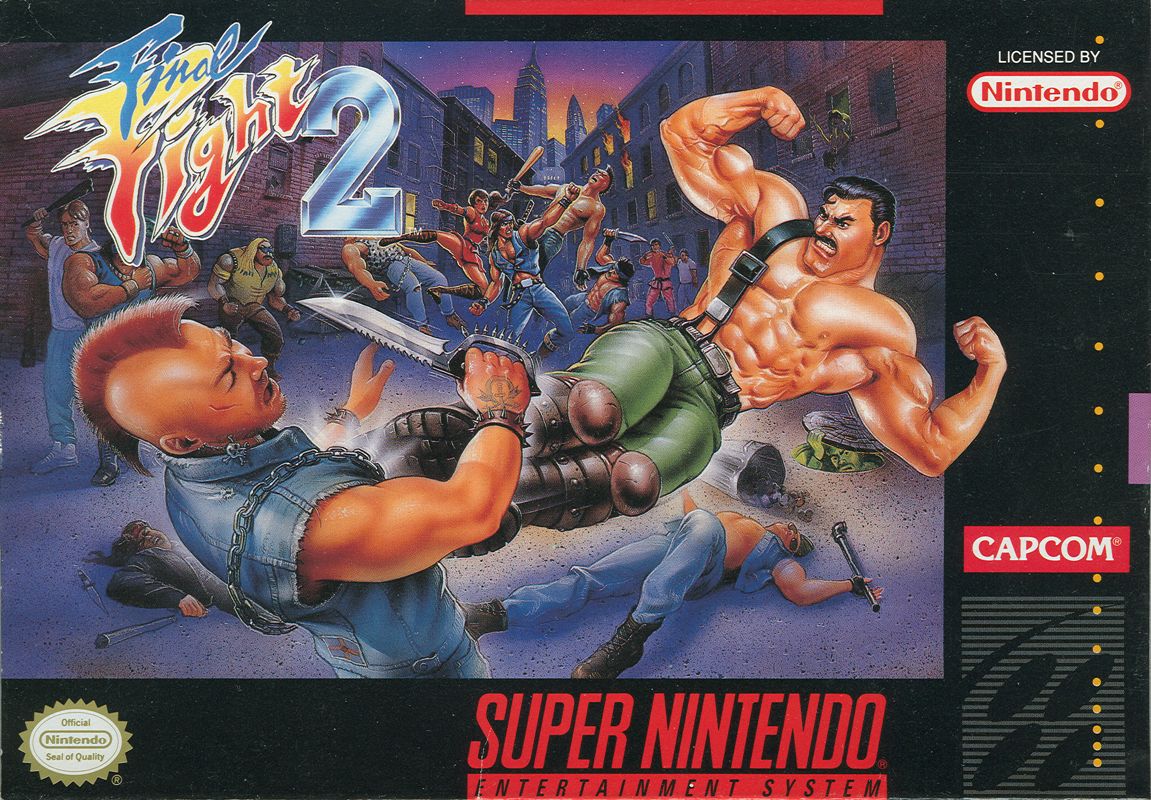
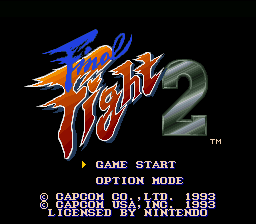
2. Insert your Final Fight 2 game pak into your Super Nintendo Entertainment System and turn the power on. The title screen will appear. •
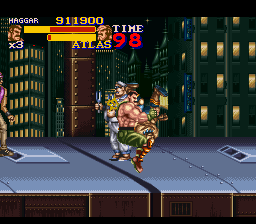
3. A demonstration game will begin if you do not select any options. This will give you an idea of how the game is played. To return to the title screen, press the START button.
•
4. When the title screen appears, you will see two options: GAME START and OPTION MODE. Move the cursor to the option you wish to select and press the START button. To start the game, move the cursor to GAME START and press the START button.
•
5. A new menu will appear with two options: 1P START and 2P START. For a one player game, move the cursor to 1P START and press the START button (a second player can join in anytime during the game). For a two player game, select 2P START and press the START button. A character select screen will appear.
•
6. To select a character, simply press the control pad Left or Right to highlight a character. Then press any button to confirm your selection.
•
7. To end the game at any time, simply turn off the power on your Super Nintendo Entertainment System and remove the game pak. Make sure to replace the plastic cover on your Final Fight 2 game pak. Using the Option Mode
The Option Mode will allow you to change some of the features in the game. It can be seen by choosing the Option Mode on the title screen.
To do this, simply press Up or Down on the control pad or the Select button to move the cursor to Option Mode. Then press the Start button to confirm your selection.
Difficulty Level
•
EASY: If you are an inexperienced fighter, this would be the best suitable level for you. Your enemies' attack level are at their lowest level.
•
NORMAL: When you start the game, it defaults to this level. Intermediate fighters should select this level.
•
HARD: Experienced fighters should select this level. The enemies on this level are stronger and more aggressive so be very careful.
•
EXPERT: The enemies on this level are at their highest level. If you cannot finish the game on the easier levels, then playing this level can prove frustrating.
Option Mode Controls
•
ATTACK BUTTON: This option will allow you to select which button on your control pad will be your attack button. Simply highlight the Attack Button and press the control pad Left or Right to select a button. This can be done for both players.
•
JUMP BUTTON: This option will allow you to select which button on your control pad will be your jump button. Simply highlight the Jump Button and press the control pad Left or Right to select a button. This can be done for both players.
•
EXTRA JOY: In this option you will be able to execute your Super Moves by pressing one button. To do this, highlight Extra Joy and press the control pad Left or Right to select a button.
•
MUSIC: You may sample various musical scores used in the game. Press Left or Right to change the music number and press the L button to hear the music.
•
SOUND: You may sample various sound effects that are used in the game. Press Left or Right to change the sound number and press the L button to hear the sound.
•
STEREO: This option allows you to select either Stereo or Monaural sound. Press Left or Right on the control pad to highlight the option you wish to use.
.png)

 (Virtual Console).png)



.png)



.png)

.png)


_1.png)