New Features
Player Actions
•
Draw weapon - press R1 or R2.
•
Dodge - press R1 or R2 the moment the enemy attacks you. (You cannot dodge when you are severely injured)
•
Quick 180° turn - press the Directional button/Left Stick ⬇ + the ■ button.
•
Climb/descend stairs - Press the Directional button/Left Stick ⬆/⬇ near the stairs.
Mixing Ammo
Create bullets for the Handgun, Shotgun, Magnum and Grenade Launcher by mixing items.
Map
Zoom and unzoom outdoor maps by pressing the ✗ button. Change maps by pressing the Select button.
Live Selection
When your character faces a perilous situation, a special event called Live Selection happens. Your choice affects how your character deals with the danger.
Setting Up
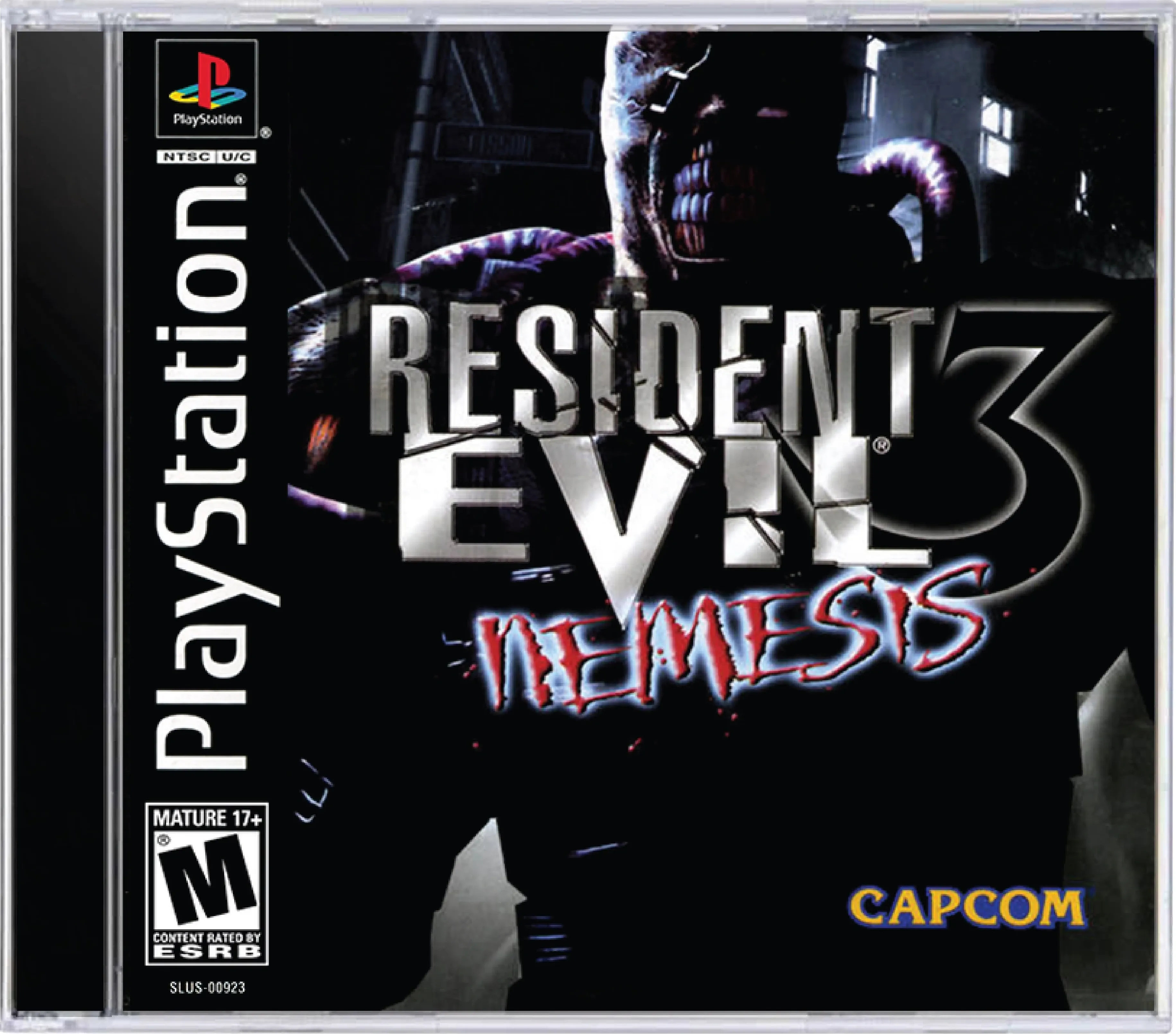
Set up your PlayStation® game console according to the instructions in its Instruction Manual. Make sure the power is off before inserting or removing a compact disc. Insert the RESIDENT EVIL™ 3 NEMESIS disc and close the Disc Cover. Insert game controllers and turn on the PlayStation game console. Follow on-screen instructions to start a game. Note
Watch the game demos before starting play for game hints.
Memory Cards
To save game settings and results, and continue play on previously saved games, insert a Memory Card into Memory Card Slot 1 of the PlayStation game console BEFORE starting play. If you don't have a Memory Card, the game will allow you to play without saving game settings and results.
Getting Started
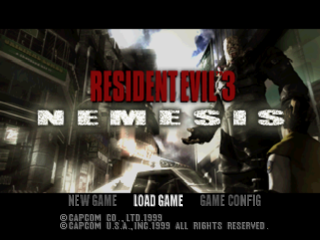
New Game
Select NEW GAME from the Main Menu. You can choose to play your game in HARD or EASY MODE.
•
HARD MODE - More difficult challenge.
•
EASY MODE - Less challenging play.
Load Game
Select LOAD GAME if you have a previously saved game on a Memory Card, and want to resume play.
Game Over
Your character takes damage when attacked. As she weakens, her motions begin to show the strain. You can check your character's damage on the Status screen.
When the character takes too much damage, she is defeated and the game ends. If your partner character dies, it is Game Over as well.
Game Config
Select GAME CONFIG from the Main Menu. Press the X button on selected options to access their submenus.
You can also get to the Game Config menu during play by pressing the Select button.
•
Button Config - Choose from three control settings.
•
Vibration - Turn the vibration function on or off (DUAL SHOCK™ analog controller only).
•
Sound - Switch between Stereo and Monaural, and adjust the volume of background music and sound effects.
•
Monitor Tuning - Adjust the brightness of your TV monitor.
•
Reset - End the game and return to the Main Menu.
Player Actions
Basic Actions
•
Use Weapon - Hold the R1 or R2 button to draw your weapon, then press the X button to activate it. You can aim up or down by pressing the Directional button.
•
Push Object - Some items can be moved by pushing them. Face the item you want to move and hold the Directional button/Left Stick. If the object cannot be moved, your character will not try to push it.
•
Get On/Off Object - You can get on/off some objects. Face the object and press the X button. If you cannot get on/off the object, your character will not try to do it.
•
Climb/Descend Stairs - Press the Directional button/Left Stick near the stairs.
Item Box
Your character can only carry a limited number of items at a time. To carry the items you need, you can store other items in an item box. These are located in various places throughout the game.
Stand in front of the item box and press the X button. The Item Select screen will appear. You can exchange items, store items, or take items out of the box. Highlight an item, then press the X button.
You can store up to 64 items in an item box. You cannot lose items, except for ammo.
Combine Items
Some items, particularly weapons, have a different effect when combined with other items. When reloading a gun, select the appropriate ammunition, then select COMBN from the command window.
Use the Directional button/Left Stick to move the cursor onto the gun you're reloading and press the X button. Try combining other items to discover new effects.
Examples of Combining
•
Handgun + Handgun Bullets - You can load ammo.
•
Green Herb + Red Herb - You can mix herbs. Green Herb + Red Herb has the effect of completely restoring your character's vitality.
•
Herbs have various effects, depending on the combination.
Mixing Ammo
You can create ammo for the Handgun, Shotgun, Magnum and Grenade Launcher by mixing Gun Powder + Reload Tool.
•
Gun Powder A + Reload Tool = Handgun Bullets
•
Gun Powder B + Reload Tool = Shotgun Bullets
You can also create more powerful Gun Powder by mixing different Gun Powders.
•
Gun Powder A + Gun Powder B = Gun Powder C
•
Gun Powder C + Reload Tool = Grenade Bullets
Hints
•
Grenade Bullets can be mixed with Gun Powder.
•
As you create bullets, your skill will improve, making you able to create even more bullets.
•
With certain combinations, you can create very powerful bullets.
Map/File
You can acquire maps
.png)


_2.png)
.png)


.png)









.png)