Getting Started
Set up your PlayStation®2 computer entertainment system according to the instructions supplied with your system. Check that the system is turned on (the on/standby indicator is green).
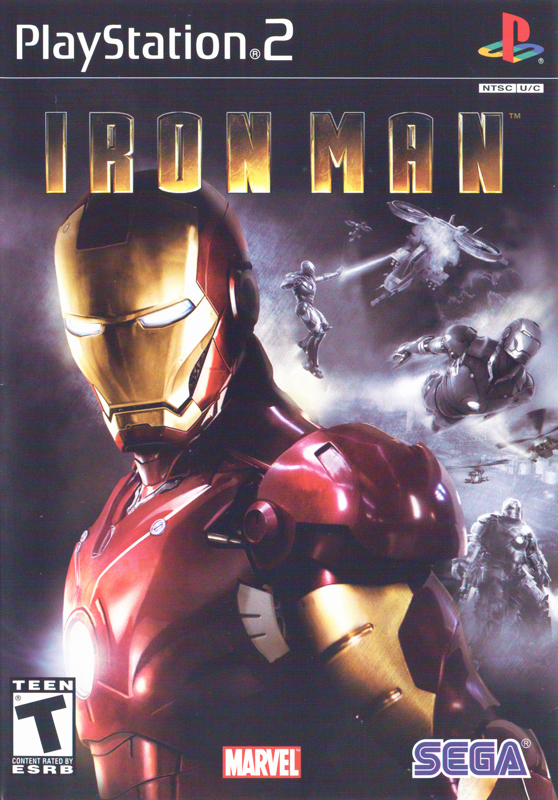
Insert the Iron Man™ disc in the system with the label side facing up. Attach game controllers and other peripherals as appropriate. Follow the on-screen instructions and refer to this manual for information on using the software. Memory Card (8MB) (for PlayStation®2)
To save game settings and progress, insert a memory card (8MB) (for PlayStation®2) into MEMORY CARD slot 1 of your PlayStation®2 system. You can load saved game data from the same memory card or any memory card (8MB) (for PlayStation®2) containing previously saved games.
Combat
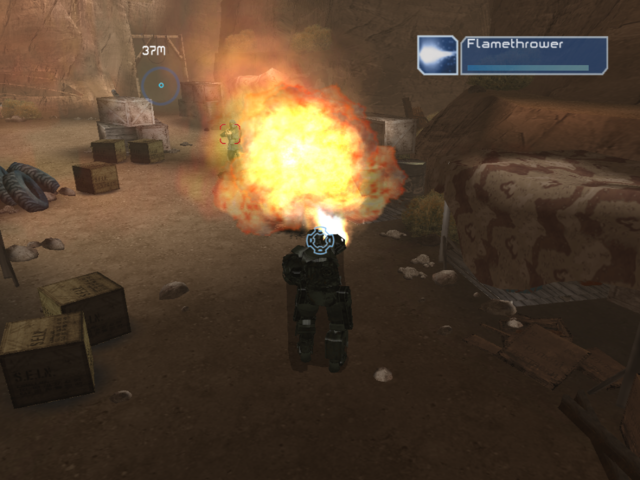
To target an enemy, move the right analog stick until the targeting reticle changes to indicate you are aiming at a valid target.
Press the button to cycle through available weapons. Press the R1 button to fire your currently selected weapon. Press the button when close to enemies to launch a melee attack.
Contextual Actions
Some tasks, such as reviving Iron Man's heart, require specific actions. When faced with one of these "contextual actions," you will receive an on-screen prompt indicating the buttons you need to press to successfully perform this action. Game Menus
Start Menu
•
New Game: To start a new game, select Easy, Normal or Hard difficulty and press the button. Then, select a save game slot and press the button to begin.
•
Load Game: Select a previously saved game.
•
Options: Adjust game settings.
•
Credits: View the names of the people who helped make this game.
Main Menu
The Main Menu is displayed between missions, and allows you to view your progress, upgrade your suit, save, load, view bonus content and advance to the next mission.
Missions
Use the directional buttons to select an unlocked mission. A description and objectives are displayed on the right side of the screen. To view your stats from a completed mission, select the mission and press the button.
Press the button to continue. Next, select an unlocked suit and press the button to continue to the Upgrades screen.
At the Upgrades screen, you may select upgrades that you have unlocked from playing previous missions. Once you have chosen the upgrades you want to use, select Start Mission to launch the mission.
Upgrades
Select Repulsor, Ballistic, Explosive or Armor and press the button to view the upgrades that you have unlocked, as well as a research tree showing additional unlockable components.
Save Game
Select a slot to save to and return to the Main Menu.
Options
Change game settings.
Bonus
View unlocked bonus material, including concept art, interviews and more.
Options Menu
Control Settings: Use the directional buttons to adjust the following control settings:
•
Invert Camera - Select Yes to reverse vertical camera.
•
Invert Flight - Select Yes to reverse vertical movement while using afterburners.
•
Camera Sensitivity - Move slider bar to adjust how quickly the camera moves.
•
Vibration - Toggle vibration ON/OFF.
Control Scheme: Choose your controller scheme.
Video: Adjust screen brightness and turn subtitles ON/OFF.
Audio: Adjust volume for music and sound effects/dialog.
Pause Menu
Press START while playing to open the Pause Menu, which contains the following options:
•
Objectives: View objectives for current mission.
•
Options: Adjust game settings.
•
Continue: Resume playing current mission.
•
Restart: Start the mission over again.
•
Quit: Quit to the Main Menu. Your unsaved progress will be lost.
Mission Complete Screen
At the end of each successful mission, this screen displays information about how well you played. This includes statistics, such as time of completion and total enemies killed along with additional notifications.
Press the button to continue to the Main Menu.
Saving and Loading
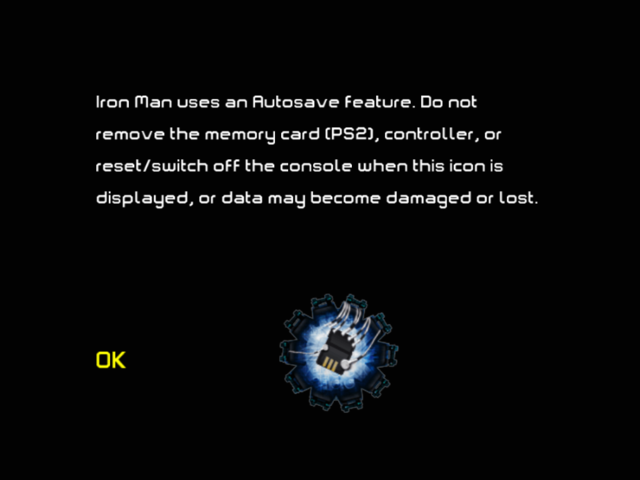
When you start a new game, you must choose a save slot. Your progress is automatically saved here following the completion of each mission.
To load a saved game, choose Load Game from the Main Menu.
Iron Man Suit
Without your Iron Man suit, you are just another genius billionaire inventor. This amazing device features the finest in Stark Technologies' weapons, shielding and mobility gear, and allows you to fly, punch holes in tanks, fire missiles, and more. The suit does an exceptional job of absorbing and delivering extreme punishment. However, it requires substantial power, in the form of backup power cells, in order to function.
The suit automatically repairs damage at a steady rate. If you sustain damage too quickly, the suit will shut down and you will attempt to revive Iron Man manually through a series of contextual actions. If you fail, the suit will crash and require rebooting before you can continue. Rebooting requires the use of one of your backup power cells, which are indicated at the bottom of the screen below the Power Distribution Gauges. If you lose all of your Health and you have no more backup power cells, you fail the mission.
The suit is equipped with an array of powerful weapons, all with advantages and disadvantages given a particular situation.
Power Distribution
You can concentrate your suit's energy on
.png)

.png)













.png)

.png)



.png)


_1.png)



.png)