Getting Started
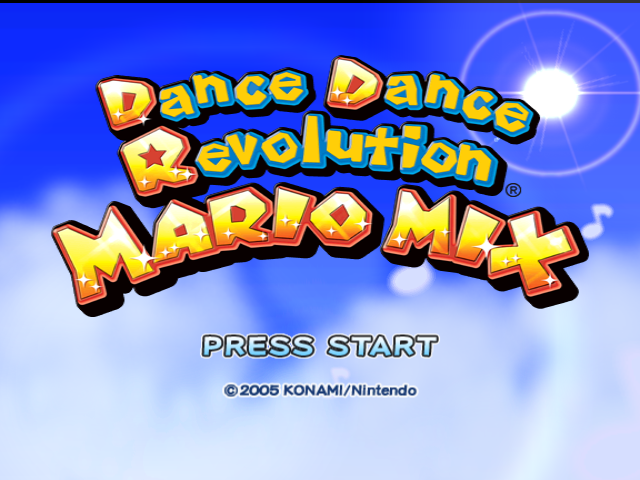
Insert the Nintendo GameCube Game Disc and a Memory Card into the Nintendo GameCube, close the disc cover, and turn the power on. Title Screen
If you press START on the title screen, you can create a new save file or load save data from the Memory Card in Slot A. Though you can play without a save file, your records will not be saved.
If you have a save file, your data loads automatically.
Main Menu Screen
Once the main menu appears, use the + Control Pad or Control Stick to choose which mode to play. Confirm by pressing the A Button.
•
Story Mode - Single Player (see pages 16-18)
•
Free Mode - 1-2 Players (see page 19)
•
Minigame Mode - Single Player (see page 20)
•
Information (see page 20)
Story Mode
In Story Mode, play as either Mario or Luigi and follow the adventure to progress through the game. Once you've cleared songs and minigames in Story Mode, you can play them in Free Mode and Minigame Mode. Free Mode
Play any song you've unlocked on a number of difficulty levels. In this mode, up to two players can play.
Two-player dancing is even more fun! To order additional Action Pads, go to www.nintendo.com or call Nintendo Consumer Service at 1-800-255-3700. Minigame Mode
You can play the minigames that you have cleared in Story Mode.
Information
View the songs, minigames, and difficulty levels that you've unlocked.
Records
View dance results based on the song, mode, and difficulty level.
Workout
Change the settings for calorie calculation here.
Options
Change the sound and game settings here.
About Saving
This game auto-saves, which means that songs and minigames are saved automatically after you play them. Please insert a Memory Card with at least 2 blocks of open memory in Slot A before creating a save file. You can create only 1 save file.
For information on how to delete a save file or reformat a Memory Card, please check the Nintendo GameCube manual. Please do not remove the Memory Card or turn the power off while saving. This might damage the Nintendo GameCube or Memory Card. How to Dance
Dance to the beat of the music, and time your dance steps well to build up your dance meter.
Dancing Basics
Arrows slide up the screen to the beat of the music.
Time your steps well to build up your meter.
Step on the arrow on the Action Pad when the arrow on the screen lines up with this mark. These slide up the screen. Mush Mode items (see page 14) sometimes appear in place of the arrows when Mush Mode is turned on.
The difficulty of the song.
Your current score.
When playing Versus in Free Mode (see page 19) or during a boss battle in Story Mode, player 1 is on the left side of the screen, and player 2 (or the CPU) is on the right.
Dance in Time!
When the arrow lines up with the step zone, step on the corresponding arrow. If you time your steps well, you'll build up your dance meter. If you time a step wrong or miss it altogether, your dance meter will go down.
How are you faring?
Each step can get a grade of Perfect, Great, Early, Late, or Miss.
Get Those Combos!
Consecutive successful steps increase your combo count. However, once you get an Early, Late, or Miss, you'll have to start your combo count again! You can view max combos in Records (see page 21).
Mush Mode
Look out for Mush Mode items that appear in certain songs. Make sure you know what each of them do and how to handle them.
Turning Help off in Options will turn off the explanations of Mush Mode items that appear before each dance-off (see page 22).
Step on the corresponding direction arrow when a goomba is in the step zone.
Step on it once to kick it out of its shell, then step on it again to send the shell down, knocking out the arrows in its path.
Step on these, and the dance meter will decrease significantly. Watch out: they're sharp!
If you miss an arrow or a Boo, a Giant Boo will appear and cover up the screen.
There are many more items in addition to the ones shown here.
Clear or Fail?
When the dance is over, your dance meter determines the final results. If you have cleared the stage, CLEARED appears on the screen. If you have not cleared it, FAILED appears.
Also, if your dance meter empties at any time while you are dancing, the song will end, and you will not clear the song.
Results Screen
When
.png)

_2.png)
_3.png)