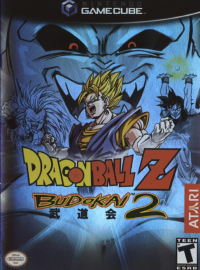
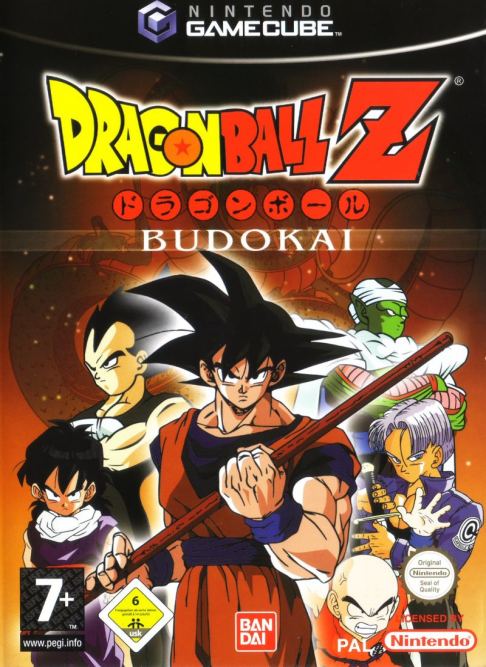
WELCOME TO DRAGON BALL Z® BUDOKAI!
Prepare to face the most powerful Dragon Ball Z heroes and villains. Unleash jaw-dropping combo moves and experience DBZ like never before!
With vivid 3D graphics specially enhanced for the Nintendo GameCube system, the most intense DBZ battles await you. Are you up to the challenge? Enter Dragon Ball Z Budokai, a spectacular 3D world filled with the fiercest fighters the universe has ever known. Test your skills against the most powerful Dragon Ball Z heroes and the most sinister villains. Every battle is more intense, more dangerous, and more epic than the one before. Will you be the last warrior standing? MAIN MENU
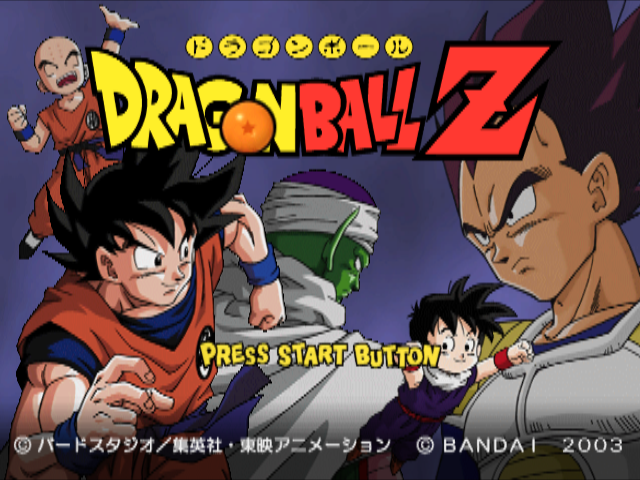
After you press START/PAUSE at the Title Screen, you can start a new game or load a previously saved game. You must have a Memory Card in Slot A to save your progress.
Warning: If you start a new game using a Memory Card that contains a previously saved game, that game data will be erased.
Use the +Control Pad or Control Stick to highlight an option, then press the A Button to select it.
•
STORY: Play out the story of Dragon Ball Z.
•
DUEL: Choose a fighter (standard or customized) and battle against your friends or a computer (Com) opponent.
•
WORLD TOURNAMENT: Select a warrior (standard or customized) and battle to become the champion. Win prize money to spend on new skill capsules.
•
PRACTICE: Use a character (standard or customized) to practice your fighting moves against a customizable computer opponent. •
EDIT SKILLS: After unlocking skills in Story mode, use them to customize characters. You can also buy skill capsules with cash won in World Tournament mode.
•
OPTIONS: Change game settings, including opponent strength and controller configuration.
HERCULE™ STRATEGY TIP
Once you win the World Tournament in Adept level, bring your prize winnings to Mr. Popo's Skill Shop and check out his Recommended capsule offerings. There should be a few new things for sale, including a seventh Dragon Ball for the Main Menu.
OPTIONS
Choose Options from the Main Menu to adjust various game settings. Press the +Control Pad or Control Stick Up or Down to select an option. Press the A Button to go to that option sub-menu.
GAME OPTIONS
•
Game Difficulty: Set the game difficulty, from Very Easy to Very Hard. This determines the difficulty in Story mode.
•
Com Level: Set the strength of your computer opponents, from Very Weak to Very Strong. This determines how well computer-controlled characters attack and block in Duel Mode.
•
Duel Time: Set the length of duels, from 30 seconds to no time limit.
•
Quick Start: Turn ON to shorten the World Tournament introductions.
SAVE/LOAD
•
Save Game Data: Save your current game progress to a Memory Card in Slot A.
•
Load Game Data: Load a previously saved game from a Memory Card in Slot A.
CHARACTER SELECTION
Use the +Control Pad or Control Stick to highlight a character portrait and then press the A Button to choose that character. Choose Random to let the game choose a character for you.
After you select a character, press the +Control Pad or Control Stick Up or Down to toggle between Normal and Custom. Choose Normal to use the standard character. Choose Custom to use a character you created using the Edit Skills feature. Press the A Button to confirm your character selection.
Note: If you select a character by pressing the Y Button, that character will wear an alternate costume in battle.
If you are dueling against a computer opponent, choose the computer-controlled character you wish to fight and press the A Button to proceed to the Stage Selection screen. If you are dueling against a human opponent, you will proceed to the Stage Selection screen after each player has chosen a character.
At the Stage Selection screen, press the +Control Pad Left or Right to highlight a stage. Press the A Button to select the stage you wish to fight on and proceed to the Battle screen. You can press the +Control Pad Up or Down to select Random, and the game will choose a stage for you.
DUEL PAUSE MENU
Press START/PAUSE while in Duel mode to display the Pause Menu.
•
Continue Battle: Close the Pause Menu and return to the duel in progress. Pressing START/PAUSE or the B Button will also Continue Battle.
•
Refer to Skills: Display a list of your character's attack and transformation skills, and the button combinations required to perform these skills.
•
Character Select: Return to the Character Selection screen.
•
Main Menu: Return to the Main Menu.
Note: You cannot Refer to Skills during a Com vs. Com duel.
WORLD TOURNAMENT
Select World Tournament from the Main Menu to enter a 3-, 4- or 5-round competition against the finest collection of Dragon Ball Z® warriors. Winning a World Tournament, or coming in second place, will earn you money (Zenie), which you can use to buy capsules in Mr. Popo's™ Skill Shop.
HERCULE™ STRATEGY TIP
Want to see what you're up against before you enter the ring at the World Tournament? Go to Options > Game Options and turn Com Level up to Very Strong. Then go to Duel mode and select Com vs. Com. Pick two opponents and watch how they deal with each other.
You can even choose one of your custom characters as a Com competitor, and see how well it performs at high levels.
.png)

_2.png)
_2.jpg)
_3.jpg)


.png)