LOADING THE GAME DISCS
Set up your Nintendo GameCube™ system according to the instructions in its instruction manual. Attach Nintendo GameCube Controllers and other peripherals, as appropriate.
Press the Power Button to start your Nintendo GameCube. When the power indicator lights up, press the Open Button and the Disc Cover will open.
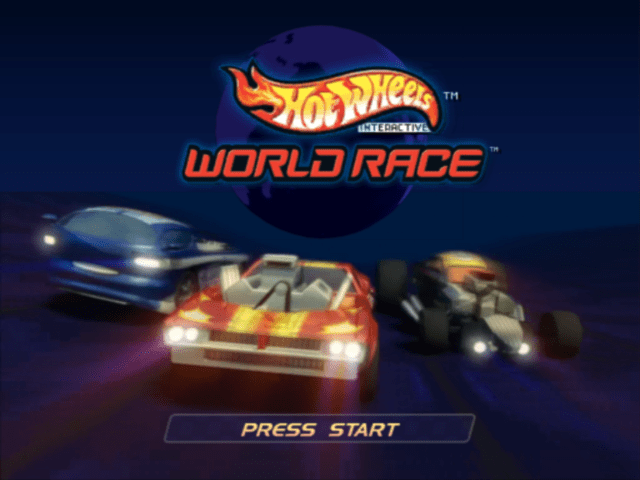
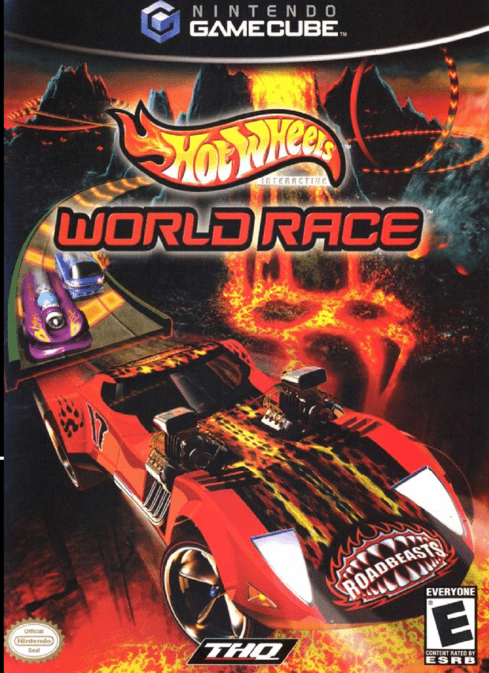
Place the Hot Wheels World Race disc on the disc tray with the label side facing up, then close the disc lid. Follow the on-screen instructions and refer to this manual for information on using the software.
STARTING THE GAME
If you have a Nintendo GameCube Memory Card in your system, you'll have the option to turn the Auto Save feature on. If you choose Auto Save, your progress will be saved automatically. If you choose not to use Auto Save, you will have to remember to save your progress.
Once you have selected your Autosave option, press Start to open the main menu. Before you begin, check out the options and set up the game just the way you like it.
OPTIONS MENU
Customize the game settings from the Options menu.
•
Sound Level: Set the sound effects level with this option.
•
Music Level: Set the background music level with this option.
•
Controls: Choose from three preset controller layouts for each player.
•
Data: Save, Load or toggle Auto Saving with this option.
•
Rumble: Turn the Controller Rumble Feature ON or OFF.
•
Gallery: Access pictures of all of the cars you have unlocked.
•
Credits: See the names of the people behind Hot Wheels™ World Race™ here.
MAIN MENU OPTIONS
Challenge
Before you compete in the World Race events, it's wise to complete the Challenge Mode. Only once you have completed all five of the challenges will you be fully prepared for the extreme high-energy World Race™ circuits.
Single Player or Multiplayer
When you select the Single Player Mode, you can choose among three types of races: Quick Race, Time Trial or League. In Multiplayer Mode, both the Quick Race and League options are available, but not the Time Trial.
Quick Race
Select the Quick Race Mode to launch yourself straight into the action. Choose your team and car, pick your track then go, go, go!
Race against your friends by selecting Quick Race Mode from the Multiplayer Mode menu.
Time Trial
Time Trial is the mode for pure racers: no other cars are on the track. It's just you against the clock.
Time Trial is only available from the Single Player Mode menu. See if you can get the number one slot on the best times table or beat your friends' best times!
League
Prove you are the best of the best in League Mode. Start in Rookie League and take part in a series of gruelling races. Be prepared to master a series of twisting, gravity defying roller coaster tracks on the league circuit.
To continue in League racing, you must earn a minimum amount of points in each race. The amount varies from race to race, but if you don't earn enough, you're out! League racing is for the bold and the daring. You'll know soon enough if you have what it takes.
You earn points based on your finishing position in the race:
At the end of a race, you will have the option to Retry the race. If you were disqualified, or if you think you can do better next time, go ahead and try again.
If you are eating the other drivers' dust and get too far behind, you can press START to pause the game and then choose Retry before you even finish.
GAME PAUSED
Practice makes perfect. You can only Retry so many times, however. In the Rookie League you have 3 Retries, in Veteran League you have 2 and in Elite League only 1.
If you complete the Rookie League, you'll unlock the tough Veteran League, and if you complete Veteran League you'll unlock the ultra-tough Elite League.
To play in a co-operative league with your friends, select League Mode from the Multiplayer Mode menu.
DRIVING BASICS
DRIVING BARS
Once you're behind the wheel of the car of your choice, you will see the track ahead of you. Other than that, you have two gauges:
•
Speedometer: This shows your current speed.
•
Nitrox: This gauge shows how full your Nitrox is. When it is full, you can use the Nitrox boost to speed your car down the track or over ramps.
Car Handling
You'll be choosing the car that matches your driving style, so it's best to be familiar with their handling characteristics:
•
Speed: The higher this value, the faster the car's normal top (unboosted) speed.
•
Grip: The higher this value, the better the car is at taking corners and the less you'll have to slow down or brake to take corners safely.
•
Accel (Acceleration): The higher this value, the faster the car is off
.png)

.png)