System Setup
Set up your PlayStation®2 computer entertainment system according to its Instruction Manual. Ensure the MAIN POWER switch (on the back of the console) is ON.
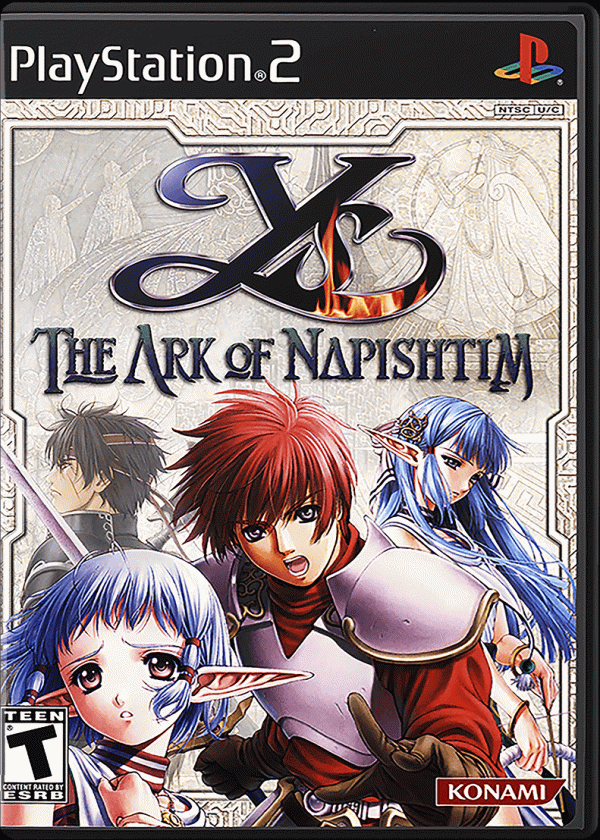
Press the RESET button. When the power indicator lights up, press the OPEN button to open the disc tray. Place the Ys: The Ark of Napishtim disc with the label side facing up, then press OPEN again to close the tray.
Attach game controllers and other peripherals as appropriate. Follow on-screen instructions and refer to this manual for information on using the software.
Memory Card (8MB) (for PlayStation®2)
To save game settings and progress, insert a memory card (8MB) (for PlayStation®2) into MEMORY CARD slot 1. You can load saved game data from the same memory card or any memory card containing previously saved games.
Title Screen
After the Konami logo, the opening movie will start. Press the START button to display the Title Screen. New Game
A new game will start. The New Game Select Screen will appear, where you can choose the difficulty level and enter the Cheat Room.
Load Game
This option resumes a previously saved game. A list of saved data will be displayed; select the data you wish to resume.
Option
Change various game settings.
Using Tools
You can use a selected Tool by pressing the A button. Tools can also be used by going to the [Use] section of the Camp Menu and selecting them.
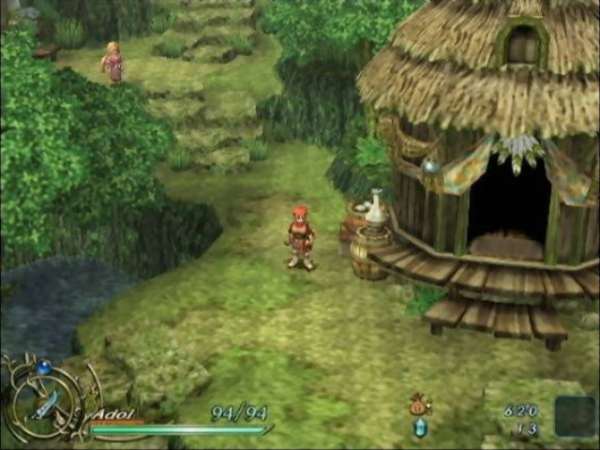
You cannot enter the Camp Menu while fighting bosses, so using previously equipped Tools is the only way to use them during these battles. The Equipped Tool appears at the bottom-right side of the screen.
If your HP is full and you do not have any abnormal effects, you will not be able to use a recovery item. If you have 9 of an item in stock, you will not be able to obtain any more.
Event Items
Event items make certain events occur in the game. There are various types of event items and ways to activate them.
•
Items that have an effect by just having them.
•
Items that you use by pressing the button at a special place.
•
Items that you use by selecting it in the [Use] screen.
Once you have obtained new event items, try going to places you couldn't reach before or using them in suspicious places.
Emelas Swords
During your adventure, you will acquire Emelas Swords. As these swords are strengthened, you will be able to use Sword Skills and Sword Magic. Utilizing and improving your Emelas Swords will be a major point in your adventure.
How to Strengthen your Sword
Emelas Swords are strengthened at the Emelas Studio. You will need a fixed amount of Emel to do this, which can be acquired from monsters.
Emelas Studio
Talk to the storekeeper at the studio and select "Improve sword." The screen shown below will appear.
•
The amount of Emel you have
•
Maelstrom Sword Magic Ly
•
Emel needed to improve sword
•
Choose a sword to improve.
Select the sword you would like to improve and press the or button. A confirmation message will appear; select Yes if this is correct. The sword will be improved, and the result will be displayed.
How to use the Emelas Swords
Switch Swords
•
If you have multiple Emelas Swords, you can switch between them directly in-game by pressing the L1 button or R1 button.
Sword Magic
•
Once a sword has reached a particular level, you will be able to use its Sword Magic. Use this magic by pressing the ◉ button; its effect will differ per sword.
•
Sword Magic can only be used if the Magic gauge is full. This gauge will fill as you attack enemies and take damage.
Sword Skills
•
▢ button (Controls depend on the sword)
•
Once a sword has reached a particular level, you will be able to use its "Sword Skill." These add more effects to the basic attack and will differ per sword.
Wind Sword Skill
•
▢ button with a fixed timing
•
After the normal 3 attack combo, press the ▢ button with proper timing to do additional attacks. You can do 5 additional attacks, for up to 8 strikes in a row.
Flame Sword Skill
•
As you hold the ▢ button, the attack power will increase. A strong multi-hit flame will shoot out, doing great damage against slow-moving enemies.
Thunder Sword Skill
•
▢ button press consecutively
•
By repeatedly pressing the ▢ button, you will perform a thrusting attack and penetrate through the enemy. Just attacking will invoke this attack, making it a very easy technique to perform.
Camp Menu
Pressing the START button will make the Camp Menu appear. Choose a function from the Selection buttons on the left and press the or button to open a corresponding screen. Press the button to return to the previous screen.
•
Strength Level Defense Number of HP