System Setup
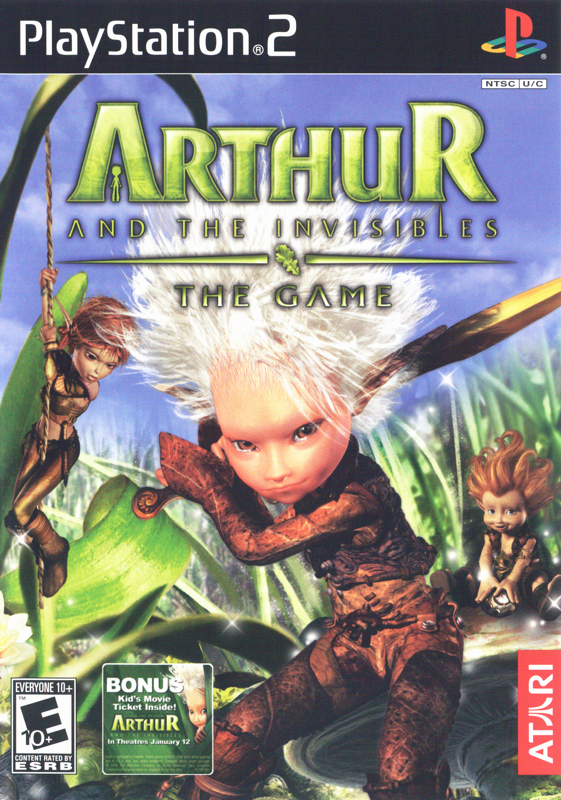
Set up your PlayStation®2 computer entertainment system according to the instructions supplied with your system. Ensure the system is turned on (the on/standby indicator is green).
Press the OPEN button to open the disc cover. Place the Arthur and the Invisibles disc with the label side facing up in the disc holder, then close the disc cover. Attach game controllers and other peripherals as appropriate. Follow the on-screen instructions and refer to this manual for information on using the software.
Memory Card
To save game settings and progress, insert a memory card (8MB)(for PlayStation®2) into MEMORY CARD slot 1 of your PlayStation®2 system.
You can load saved game data from the same memory card or any memory card (8MB) (for PlayStation®2) containing previously saved games.
Main Menu
•
Story – Before you can start the adventure, you must create a profile. Later you will use this profile to save your game.
•
Chapters – This menu gives you access to any level, but you cannot save your progress in them.
•
Options – Adjust game options.
•
Credits – See the names of the people who helped create this game.
Pause Menu
Press the START button while playing to display the Pause Menu, which contains the following options:
•
Continue – Go back to the adventure.
•
Extras – View the Invisibles runes and mul-muls that you have collected, and bonus videos. You can also see details on how much the three heroes have improved (Skills).
•
Options – Adjust game options.
•
Exit – Quit your current adventure and return to the Main menu.
Save Game
Save points in the game are shaped like big flowers. They allow you to save your game at the point where you spot one of the big flowers. You can find these flowers at various locations throughout the game.
To save your game in this area, jump into the flower. When you load your saved game, you will be positioned right beside the last flower at which you saved.
Working Together
Arthur doesn't go on his marvelous adventure alone — fortunately, he is accompanied by Princess Selenia and her brother Betameche. During the game you control all three heroes, each with his or her own abilities. To switch between characters, press the R1 button. The character you select is then the "leader," and will usually be closely followed by the other two. However, the tiny heroes sometimes become temporarily separated for various reasons.
Don't Forget!
When Arthur seems helpless, Selenia or Betameche can make all the difference. Battles
The wicked henchmen have only one goal: capture Invisibles and take them to Necropolis to use as slaves. You will need to defend yourself against the henchmen and find a way to leave the dangerous zone every time you are attacked.
You do this by either retrieving the keys needed to open the door or somehow opening a passageway.
Defeating Enemies
When you battle an enemy, the gauge above his head will empty as he takes damage. Once the gauge is empty, the enemy will fall to the ground, groggy. To eliminate him for good, hit him with a round bash.
Brutat is the strongest and toughest of the henchmen, and cannot be so easily defeated. Once Brutat's gauge is empty, you will need to follow the onscreen instructions to defeat him.
Opening Doors
When you neutralize a henchman in possession of a key, the key is automatically transferred to you. To use a key, go to the padlock and press the O button.
Note: Be careful - when a hero is opening a padlock, he or she is vulnerable!
Captured Heroes
When one of the heroes is captured, the character's image changes slightly to indicate this misfortune. To save the hero, you must find and attack the henchman who is holding him.
Note: Some henchmen may "pass" a prisoner to another!
You may also have to climb onto the cage to free a captured hero. To do this, run to the cage and jump onto it. Once you're on the cage, press and hold the button and shake the left analog stick until the cage comes off the hook.
If the cage is hoisted out of reach, the game is over!
Note: Press the R1 button to center the camera on a hero in danger. You cannot leave the dangerous zone if one of the members of the group is captured.
Special Actions and Devices
Next to certain objects, characters or particular places, you will see instructions appear that tell you how to perform a special action. Place the active hero on the correct side and press the indicated buttons to trigger the special action. Sometimes you must use several heroes to carry out a special action. (For example, pushing or pulling a heavy object or stacking an object on top of another.) Sometimes you will have to choose a particular hero in order to make a certain device work. In such cases, the icon of this hero will light up to indicate that you need to use him or her.
Transportation
Often, you will need to use various modes of transportation to get around:
Riding a Mogoth
•
Go to the mogoth and press the □ button to climb on.
•
Use the left analog stick to choose a route and then press the □ button to start.
•
Press the □ button or the ◯ button to keep your balance on the mogoth's back.
•
To climb off the mogoth's back, press the
.png)

.png)
.png)
.png)



 (En,Fr,Es).jpg)

.png)


_1.png)


.png)