STARTING THE GAME
Set up your PlayStation®2 computer entertainment system according to its Instruction Manual. Ensure the MAIN POWER switch (located at the back of the console) is turned ON.
Press the RESET button. When the power indicator lights up, press the OPEN button to open the disc tray.
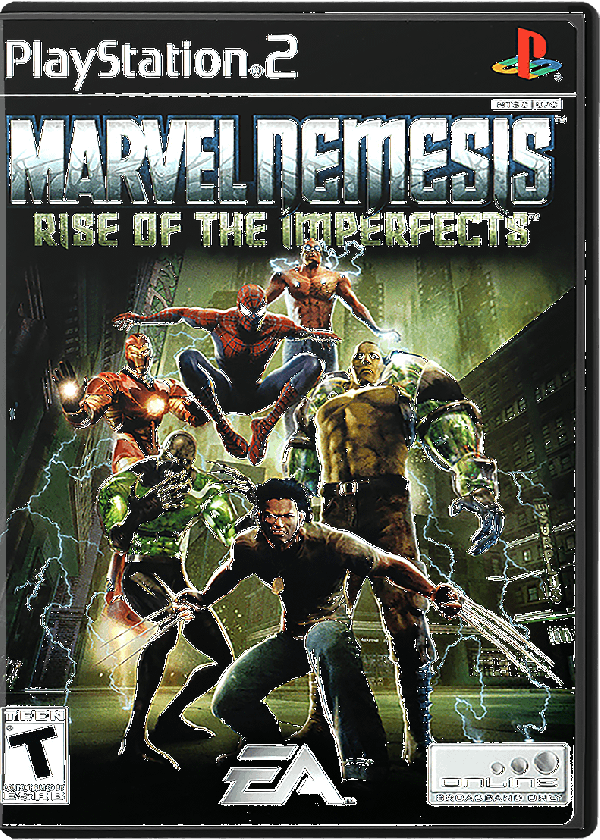
Place the Marvel Nemesis™: Rise of the Imperfects™ disc on the disc tray with the label side facing up. Press the OPEN button again to close the disc tray.
Attach game controllers and other peripherals as appropriate. Follow on-screen instructions and refer to this manual for information on using the software.
COMMAND REFERENCE
DUALSHOCK®2 ANALOG CONTROLLER CONFIGURATIONS
•
directional buttons (D-buttons)
•
left analog stick (L3 button when pushed down)
•
right analog stick (R3 button when pushed down)
PLAYING THE GAME
Engage in the ultimate clash of Super Heroes in one of two gameplay modes. In Story mode, unravel the mystery of the newest family of Super Heroes: The Imperfects. In Versus mode, pick your character and locations and then jump into an all-out brawl for Super Hero supremacy.
GAME SCREEN
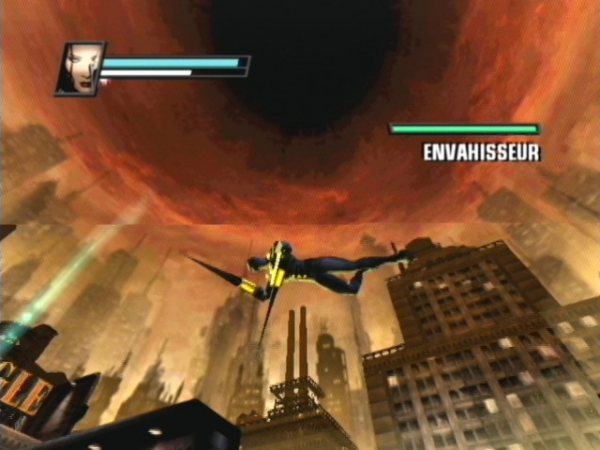
Stamina meter
Measures your stamina in the short-term. Stamina does regenerate over time.
Super Energy meter
Super attacks and mobility moves drain your Super Energy meter. Your meter replenishes over time, but recharges quickly if you successfully block an attack (Square button), or power-stand (the R1 button, while standing still).
Rage meter
String together impressive moves to fill your Rage meter. When it is full, press the R1 button. You get unlimited super energy for a short period of time.
Health meter
Measures the amount of damage you have received. When your Health meter is empty, you are defeated. Health does not regenerate (except for Wolverine).
ADVANCED MOVES
SUPER ATTACKS
Hold the R1 button while attacking to launch a super attack—a more powerful version of your normal attack that dispenses more damage.
MOBILITY MOVES
Each character has a variety of spectacular mobility moves, from climbing walls to flying, which can be launched with the press of a button. Most commonly the L1 button is used to perform a mobility move. These moves deplete your super power energy, so use them wisely.
Not every character can perform each of the mobility moves.
SPRINT
Hold the L1 button + the left analog stick to run.
WALL RUN
Hold the L1 button + the left analog stick while running against a wall to run up it or across it.
WALL CLIMB
Hold the L1 button or the R1 button (depends on the character) while touching a wall to climb it.
SWINGING
Press the X button to jump then press the L1 button to swing.
WEB ZIPPING
Hold the L1 button while standing to zip forward.
FLYING
Hold the L1 button to hover then press the X button (jump) to rise.
TELEPORT
Hold the L1 button while standing or jumping to teleport a short distance.
Experiment with performing attacks during mobility moves. You might discover that your character has a unique attack ability you never knew about.
RAGE
Each successful attack adds to your Rage meter. When it is completely filled, press the R1 button while standing to trigger Rage mode. This allows you to have unlimited super energy for a short time.
RECOVERY
You can recover quickly from big hits by pressing the L1 button + the R1 button. This may save you from damaging impacts or fatal ring-outs.
FINISHING MOVES
When an opponent's stamina is very low, a super throw (the R1 button + the Circle button) may trigger a finishing move, regardless of your opponent's health level.
USING YOUR SURROUNDINGS TO YOUR ADVANTAGE
In Marvel Nemesis: Rise of the Imperfects, you don't just fight with your fists. Each fighting arena has dozens of items you can interact with. Smash boxes, throw crates at your enemies, or toss your foe into an exploding fuel canister.
Some Super Heroes can even pick up and hurl a car at their opponent. Experiment with the character you are playing; not all are strong enough to lift the heaviest objects.
To pick up an item, press the Circle button. To throw it, press the Circle button again. Be sure to take aim before you throw; a careless hurl of a car or fuel canister can sometimes have results you hadn't intended.
Throwing items at your enemies is a powerful attack, but it does not drain the Super Energy meter.
PAUSE MENU
From the Pause menu you can read your mission objectives, toggle controller vibration, or exit to the Main menu. To access the Pause menu, press the START button during gameplay.
SAVING AND LOADING
A memory card (8MB) (for PlayStation®2) in MEMORY CARD slot 1 is required to save progress.
To manually save your game, select OPTIONS in the Main menu, then select SAVE.
To load a