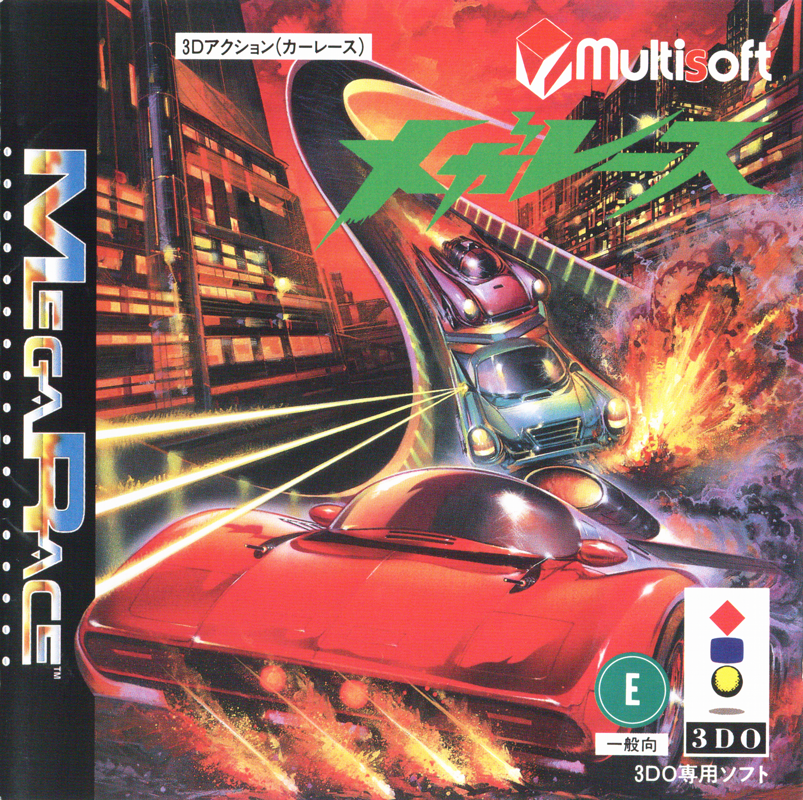
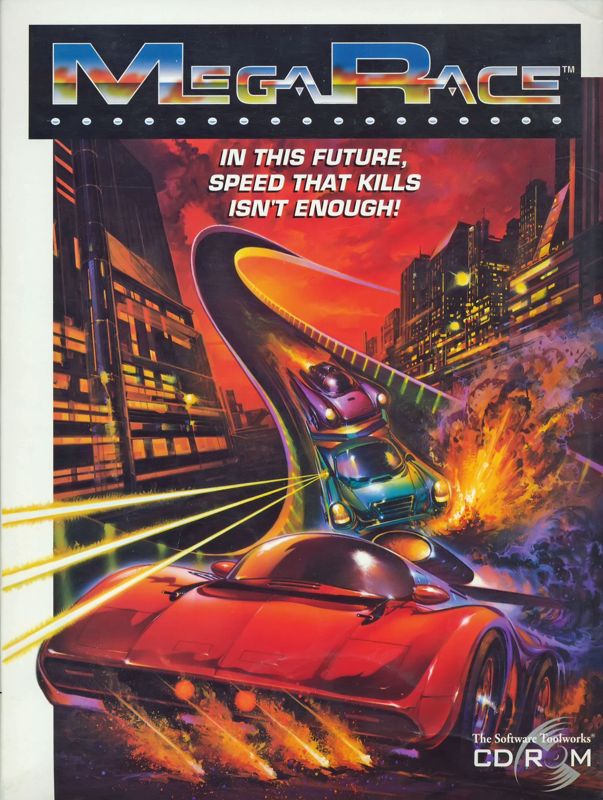
Welcome to MegaRace
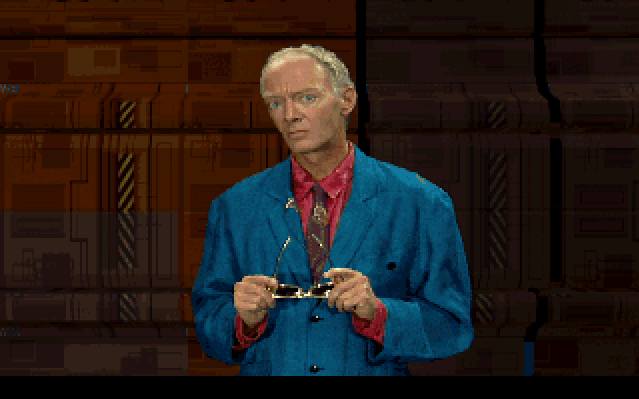
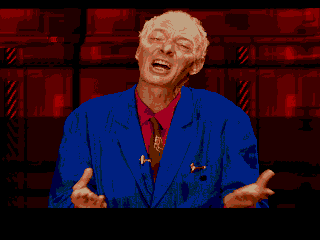
Welcome to MegaRace! The Virtual World Broadcast Television experience that puts you in the driver's seat. And I'm your VWBT MegaHost, Lance Boyle. Thanks to the magic of VWBT, you have been chosen as the next Enforcer. Today, you'll MegaRace against a nasty crew of speed punks with bad manners and worse haircuts. Your challenge is to thrill the viewers and keep the ratings climbing. You know the score: race to win and rub your challengers off the track-the harder the hit, the higher the point total. You're going to need more than speed to beat this bunch. On behalf of the billions of viewers out there in TV land, good luck and keep a firm grip on the wheel! It's a whole lot better than real, baby; it's Virtual Television, reality's worst nightmare.
Getting Started
To start the game:
1. Turn on your 3DO™ Interactive Multiplayer™ System. 2. Press OPEN/CLOSE to extend the disc tray.
3. Put the disc in the tray with the label side up.
4. Press OPEN/CLOSE to retract the disc tray.
5. Wait for the logo screens to go by, then use your Directional Pad up and down arrows to select a language for subtitles or No Subtitles, then press A.
Sub-titles options include: English, Français, Deutsch, Italiano, Español, and No sub-titles.
6. You can watch the opening animations and listen to Lance Boyle's instructions, or take one of these options: •
Press P to skip all animations and open the Car Selection screen.
•
Press A to skip one animation at a time.
Car Selection Screen
To choose your MegaRace Enforcement Vehicle, press the Directional Pad to point to a car. Press P to take off or press A to see the car morph into view with its rad specs. See Car Specs for details. To set game options, press the Directional Pad to point to a colored button, then press A.
Green Button
Set the difficulty to Novice or Hardened. Beware, once a show starts, you can't wimp and change this.
Yellow Button
•
Load: Load in a previous show.
•
Save: Save this show to continue at a later date. You must complete the race to use this. You can save up to three games.
•
Delete: Point to a previously saved game, then press A to erase it. You can also press C for help.
Sounds
Point to this feature and press A to change it. You can toggle through Sounds (sound effects only), Music (music and some sound), or Off.
Game Controls
Customize your game controls. Point to Joypad and press A to open a screen showing alternate game controls. See Custom Controls. Note: Extended Joystick is for a future hardware development. Quit MegaRace
End game play.
OK
Return to the Car Selection screen without selecting an option.
Blue Button
Hall of Fame - Where previously successful Enforcers left their mark. (Apart from on the track!) After you lose a race with a high enough score, you can enter your name here. Press right and left Directional Pad arrows to select a letter, then press A. Press B as a backspace key to erase characters in the current name. Press C to exit.
Red Button
Take a sneak peek at the track you're about to race. Press B to slow the video action. Press A to exit.
In-Car Display
Hold on! You can't just drive any car you want. You've gotta prove yourself on the road, before you get to drive the hot stuff. For starters, you can choose from three cars. But chill out - when you beat each gang leader, you win his car and add that to your selection. See Car Specs for the juicy details.
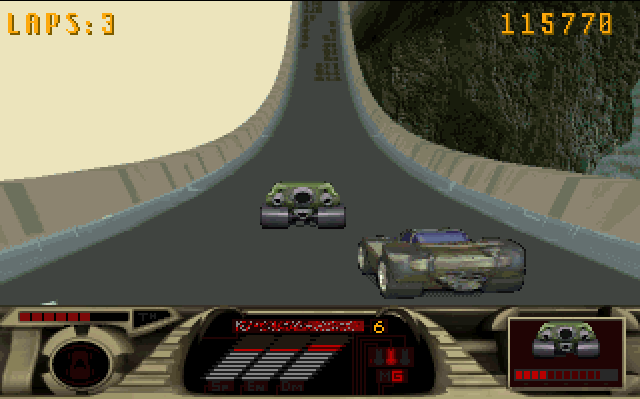
This is how the inside of your MegaRace enforcement vehicle may look. Take note of the following displays: 1. Enemy Damage: This defaults to a shot of the current enemy car with a damage bar to let you track your enemy's condition. If you run over a warning symbol, this shows what lies ahead on the track.
2. SP: Your speed readout.
3. EN: The amount of energy you have. (Remember - No Energy, No Firing! Note that Missile Launching needs lots of energy).
4. DM: Damage Meter that shows how much damage your MegaRace enforcement vehicle can take. 5. Current Weapon: Guns (G) or Missiles (M). This weapon depends on your car's capabilities and whether or not you pick up any missiles while you drive.
6. TH: The Thrill-O-Meter. Measures your rating with the WWBT audience.
7. You can see your car on the track.
Track Symbols
In virtual TV, things may not be what they seem, I'm happy to say. The track features a terrifying selection of symbols, which signify things like speeding up and slowing up. And maybe even blowing up! Who knows? Who cares?
Hint: Each car's cockpit includes a Warning monitor that shows what zones lie ahead (after you drive over the Warning Symbol). Watch out for the following symbols on the monitor and the racetracks. Run over them to use them. Or swerve to avoid them!
Fractalian Space Tracks
Race through time and space against The Master Class. Lead by King Cool driving OMEGAs, these space freaks are bad news. Hang tough and show them you've .png)

.png)

_1.png)


.png)

.png)
.png)


 (Disc 3).png)





 (En,Fr,De,Es).png)

 (Disc 2).png)