Introduction: Getting Started
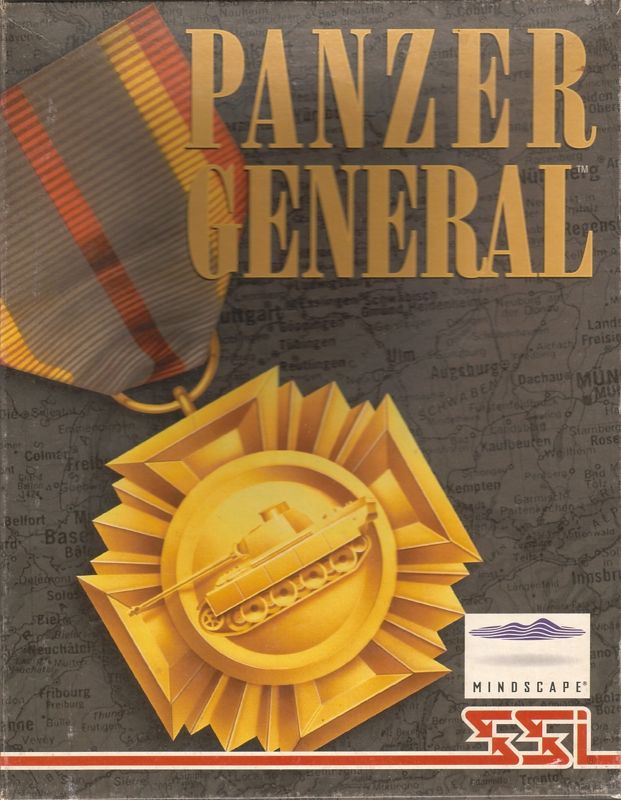
Imagine that you are the Panzer General. You are the brightest and best of the new Axis generals during the Second World War. Your tactical skills will be tested in armored assaults, amphibious invasions, paradrops, naval engagements, and fierce aerial combat for control of the skies. Go from triumph to triumph, invading and seizing the capitals of Great Britain, the Soviet Union, and ultimately the United States of America on your way to conquering the whole world! Can you achieve a place in history?
Getting Started
If you want to get a quick start, refer to the “Tutorial/Quick Start” section of the manual. It provides a step-by-step battle plan to familiarize you with the menus and aspects of a Panzer General scenario, and should help you win the first battle of the 1939 Blitzkrieg. If you prefer to familiarize yourself with the game as a whole, turn to the “Menus” and “Game Play” sections on pages 14, and 22, respectively.
What Comes with This Game?
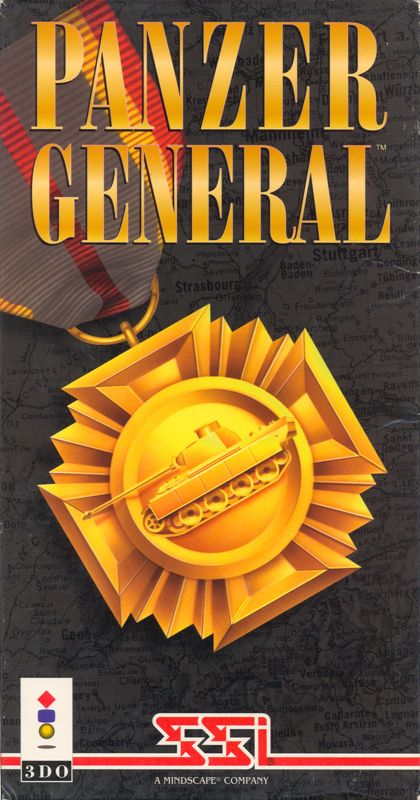
Your game box should contain this rule book and a CD-ROM. The rule book explains how to play and contains important information on menus, scenarios, unit classes, and equipment. To play, place your CD into the 3DO machine and close the drawer. Game Controls
This manual uses the word “button” to refer to two different things. One reference is to the A, B, and C buttons on the game controller.
•
The A button takes you from the Tactical Map to a menu where you can set preferences and issue commands.
•
The B button controls units. Use the B button to move, shoot, and inspect your own and any enemy units that are visible.
•
The C button returns to play from any menu without performing any actions. Holding down the C button while pressing the Previous button zooms in; the C button and Next buttons zoom out.
When a button description has both a word and a letter, such as Exit C, this indicates that you can either press the Exit C button or the C button.
Buttons also refer to the rectangular icons found on menus which control many of the game's preferences. They are operated by using the directional pad to highlight them and pressing the B button.
Saving Your Game
The CD icon on the Options Menu is called the Load/Save button and is used for loading or saving games. Pressing the Save button presents the Save Menu.
•
There are four save positions.
•
The game will be saved using the name of the current scenario and the turn number.
•
Once you have selected a save position, press the B button.
•
Pressing the C button returns to the Options Menu without saving.
Tutorial/Quick Start
This tutorial provides step-by-step suggestions to familiarize you quickly and easily with the basic menus, options, and units in the first PANZER GENERAL battle scenario of the 1939 Blitzkrieg.
Starting the Game
After the cinematic opening screen appears, press any button to start. If you wish to skip the cinematics in future games, press any button before the cinematics start.
From the Start Game Menu, your choices are: Scenario, Campaign, or Load. Use the directional pad to highlight the Scenario button, and press the B button to activate it.
Setting Preferences
The Set Scenario and Set Control menus appear when you press the Scenario button. The Set Control menu has a human control and a computer control button for each side.
The Set Scenario menu has buttons for changing the difficulty level, the scenario, Start A to start playing, and Exit C to quit without making any changes.
•
The difficulty level starts out on the EASY setting.
•
Pressing the button next to this setting opens the Set Difficulty and Settings menus.
•
The Set Difficulty menu can be set to EASY, MEDIUM, HARD, or CUSTOM.
•
The CUSTOM setting gives you the chance to adjust the computer's "Artificial Intelligence" (AI) by choosing how much experience and prestige the computer is given during play.
Press Exit C to return to the Set Scenario menu. Once there, press the button next to Poland. The Scenario menu appears offering the choice of six scenarios.
•
The currently selected scenario is listed in the panel centered at the top of the menu.
•
The scenario description is in the large box and the six other scenario choices are listed at the bottom of the menu.
•
The ? button in the lower right corner of the scenario description box opens a window with the scenario briefing.
From the Scenario menu press Exit C to return to the Set Scenario menu. With the settings on EASY for difficulty and Poland for the scenario, press the Start A button to begin play.
Game Interface
Once chosen, the title screen of the scenario appears and displays the turn number, the date, the current weather, and the number of turns remaining. Press any button to proceed beyond the title screen of the scenario and start your first turn.
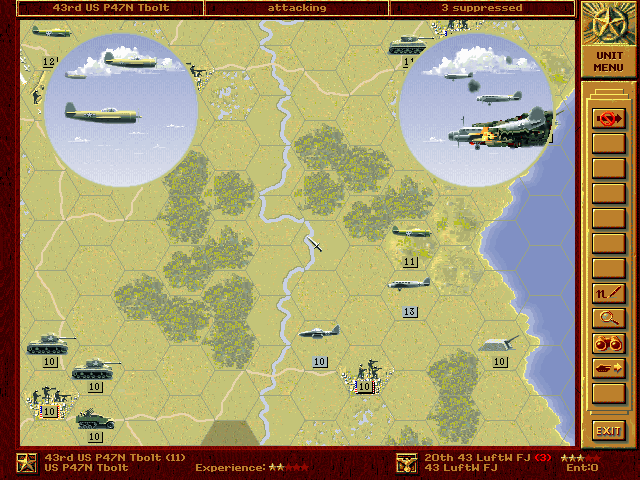
The Tactical Map, which represents the battlefield, appears in the main view. The game begins with the Unit Information preference turned on. As each unit is highlighted, important information is displayed in the corners of the screen.
•
The lighter colored hexes are those visible to your troops.
•
Your panzer units are gray and ready for battle.
Game Turns
Each scenario in PANZER GENERAL is made up of a number of "turns." In each turn you and your opponent are given a chance to perform many activities such as moving units, attacking enemy units, and resupplying units.
When

.png)