Getting Started
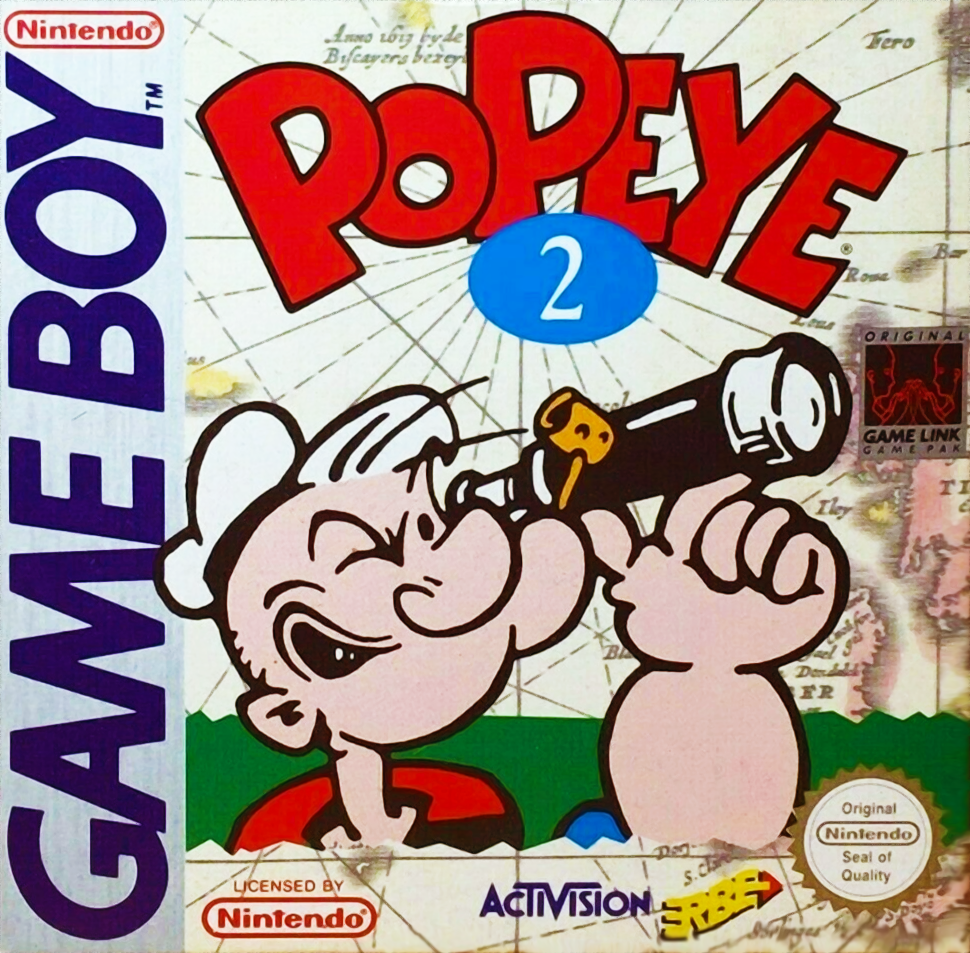
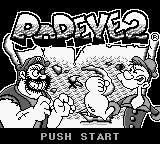
Insert the GAME BOY Game Pak correctly into the GAME BOY and turn the power ON. First "Nintendo®" will be displayed, followed by the Popeye2 license screen and then the title screen.
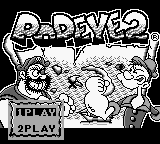
When the title screen has appeared, select a 1-player or 2-player game using the Control Pad and then press the START button.
You can only select a 2-player game when the exclusive Game Link™ cable is connected to another GAME BOY with Popeye2.
1 Player Game
Bring the cursor to 1-PLAYER and press the START Button.
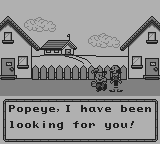
In this game you are always Popeye and the object is to make it through each board while racking up as many points as possible in the process. Find items and hidden doors along the way to help you out in your quest.
You'd better hurry though, or time will run out and you'll lose a player. Fight the big bosses at the end of each level to save your friends and move on to the next stage.
2 Player Game
You need 2 GAME BOY units, 2 Popeye2 Game Paks, and 1 Game Link™ cable to play a 2-player game.
•
Connect the Game Link™ cable to both of the GAME BOY units, and check that the Game Paks have been inserted correctly in place. Then, turn the power switches ON.
•
First check that the title screens are displayed on both GAME BOY units. Then select 2-PLAYER on both of the GAME BOY units.
You and a friend can connect your GAME BOY units together and play head-to-head as Popeye and Bluto. The player finishing each board first wins that level, gains a bonus item, and gets first shot at opening treasure chests for bonus points. Whichever one of you has the highest score after 4 rounds wins the game.
.png)

.png)
.png)
