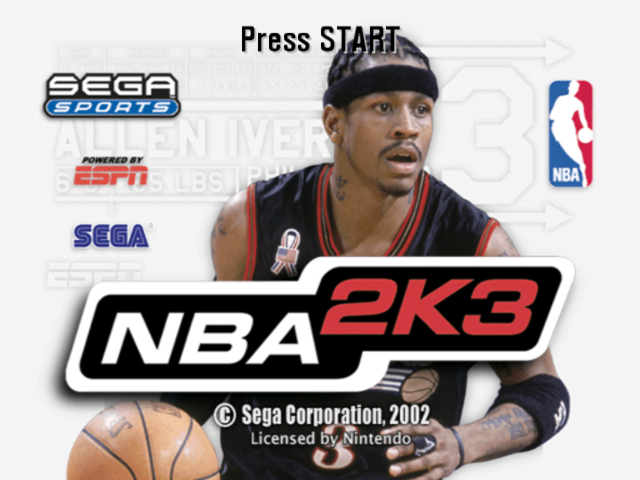
Game Demo
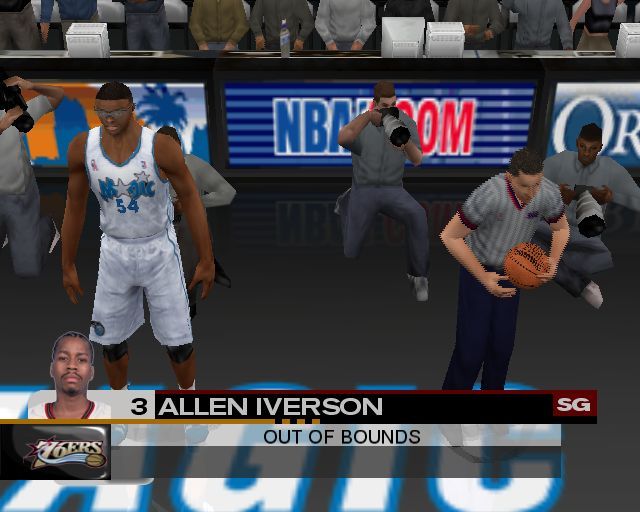
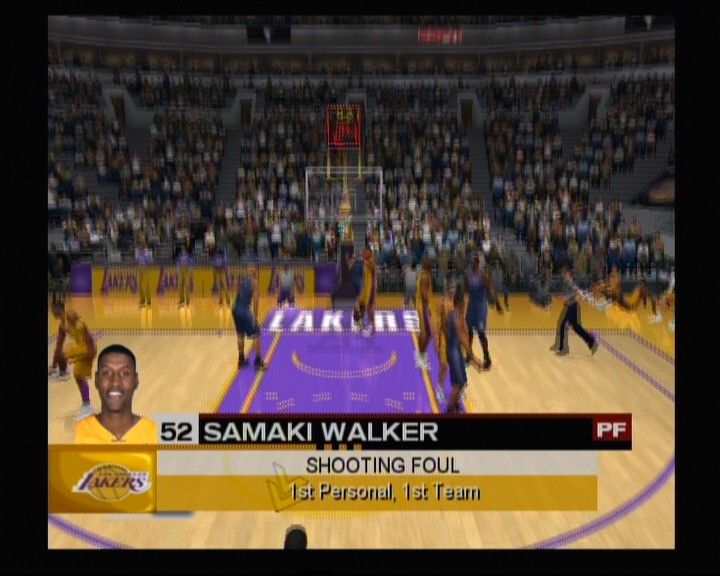
If no action is taken, a game demo will begin. This demo features two computer-controlled teams in a randomly generated matchup.
To exit a game demo and return to the Title screen, press any button.
Main Menu
NBA 2K3 offers a complete pro basketball experience. You can own and operate an NBA franchise, helping your team win from the court, the clipboard, and the GM's desk.
NBA 2K3 also includes a stripped-down Street mode for a different style of play.
To access menu controls from any game menu, press the X Button.
•
To select a Main menu item, press the Control Pad to highlight it, then press the A Button to select. The appropriate next screen appears.
Quick Game
Play a quick exhibition game between any two teams. This is the fastest way to get onto the court.
•
To begin a Quick game, from the Main menu, choose QUICK GAME. The Team Select screen appears.
Game Modes
Choose one of six play modes:
Options
Multiple categories of options allow you to customize your game at all levels, from broadcast settings to rule adjustments.
Loading and Saving
All customizations in NBA 2K3 can be saved and accessed later if you have a Nintendo GameCube Memory Card inserted into your Nintendo GameCube system. Roster Manager
Use the Roster Manager to make team personnel decisions such as releasing free agents, initiating trades, and editing ratings.
Sega Sports Challenge
Prove your skills by posting your NBA 2K3 statistics to the Sega Sports Challenge online ranking board.
Playing a Quick Game
This one-game format is a perfect introduction to NBA 2K3 and great for playing against friends.
Selecting Teams
Choose from over 35 teams, including all 29 NBA franchises, the 2002 NBA all-star teams, and fantasy squads of legends. Any new NBA 2K3 teams you created will also be available.
To select teams:
1. Press the Control Pad to move your icon to the side you wish to control during the game. The Away team is on the left; the Home team is on the right.
2. Press the L/R Buttons to cycle through the teams until you see the one you want.
•
If you assign your name to your controller, you can save your personal stats.
•
To assign an existing user name to your controller, press the Z Button to scroll through names.
•
If you want to customize the game, you can bring up the Team Options screen and select uniform types, load any team's playbook, or choose to play in any NBA 2K3 arena.
•
To access the Team Options screen, press the Y Button. To change an option, press the Control Pad to highlight it, then press the A/Y Buttons to cycle forward/back through choices.
3. Press START to continue. ESPN's Bob Steele and Rod West break down the matchup, while the teams step onto the court for player introductions.
Note: If you leave all Controller icons in the center of the screen, the game is played in Simulation mode, meaning all players are computer controlled.
On the Court
When both teams are on the court, the arena announcer introduces the starting five for each team. Following player intros, the teams line up for the opening jump.
•
To bypass player intros and go directly to the opening jump, press the A Button.
Note: The controls described in this section are defaults.
The Opening Jump
To start the game, both teams send their big men to center court for the opening jump. The referee tosses the ball up, and each player jumps to tip the ball to a teammate.
•
To go for the tip, press the Control Stick in the direction of the goal you're defending, then wait for the referee to throw up the ball, and press the B Button. The game is on.
•
If you gain possession, get ready to set up your offense. If you lose the jump, hustle back on defense.
Offense
Dribbling
To dribble the ball, press the Control Stick in any direction. The ball handler maintains his dribble as he moves in the chosen direction.
•
To turbo run while dribbling, press and hold the R Button.
•
To perform a crossover move and try to get by a defender, press the X Button.
•
To fake a defender and go back the other way, press the X Button to start a crossover move, then press the X Button mid-move to quickly reverse back the opposite way.
•
To spin past a defender, hold the R Button to run toward the defender, then press the X Button.
Sega Sports Tip: Be careful with your dribbling. The fancier you get, the more likely the defense will pick the ball.
•
To call for a pick, press Up on the Control Pad. When your teammate comes out and stands still near you, dribble past him, using his body to block your defender.
•
To call a set play, press Down on the Control Pad to access the Offensive Play menu, then press the button that corresponds to the play you want to call.
Post Mode
•
To enter Post mode, press and hold the L Button. The ball handler turns his back to the defender to protect the ball.
•
While in Post mode, press the Control Stick into the paint to backdown the defender.
Pivot Mode
•
To enter Pivot mode, press and hold the Z
.png)